Current Minecraft 26.3 SDL3 Keybind Rules for Vanilla and Mods

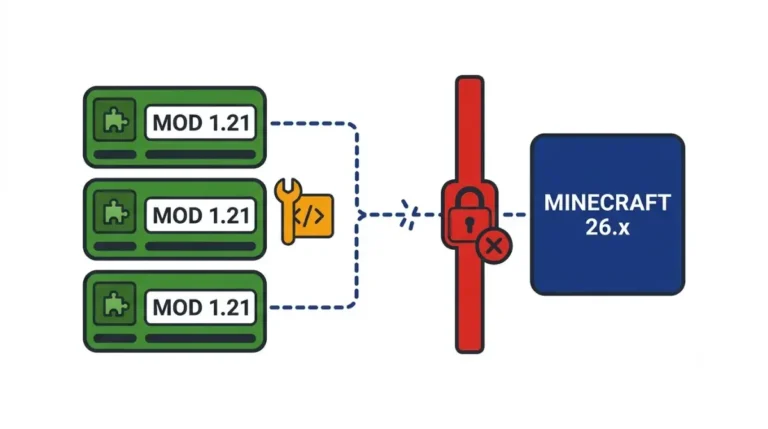
Minecraft’s SDL3 switch fixed old layout keybind bugs like MC-133407, but mods built on GLFW key codes still need 26.3 builds. Here’s how to check yours.
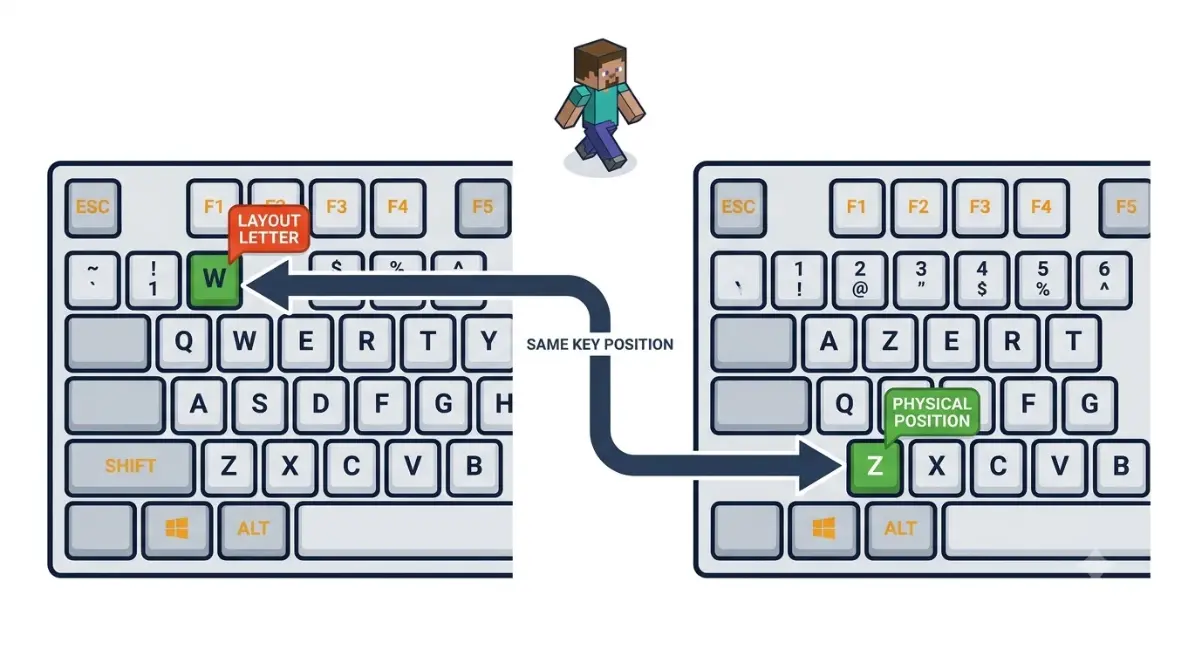
Table of Contents
📌 Quick answer: Minecraft 26.3 replaced GLFW with SDL3, so key bindings now follow physical key positions, not your keyboard layout. Mod keybinds only work in a 26.3 build of the mod, and settings saved as raw key numbers can point at the wrong key. Update each mod, then check Options › Controls › Key Binds.
🕒 Verified against: Minecraft Java Edition 26.3 “Wilderness Bound”, checked 21 Oct 2026 · Stability: Semi-stable (keybind mod table: Volatile).
How this page was checked
We read Mojang’s release notes, Fabric’s developer post and each mod developer’s own 26.3 notes. Claims are tiered Confirmed or Reported. Nothing here was played or tested.
Which 26.3 keybind problem do you have?
Pick the symptom that matches yours. This page covers Minecraft: Java Edition on PC (Windows, macOS and Linux) after the 26.3 update.
A mod key does nothing or the wrong thing
Read why some mod keybinds point at the wrong key, then follow the fix steps.
The mod won’t load at all
Go straight to the five fix checks.
Vanilla keys feel moved on a non-QWERTY keyboard
See the layout bugs 26.3 fixed.
Can’t type in a mod’s text box, or mouse side buttons stopped working
The text-box cause is in the mod section below. Mouse buttons are covered under input surprises.
What SDL3 changed about Minecraft key binds
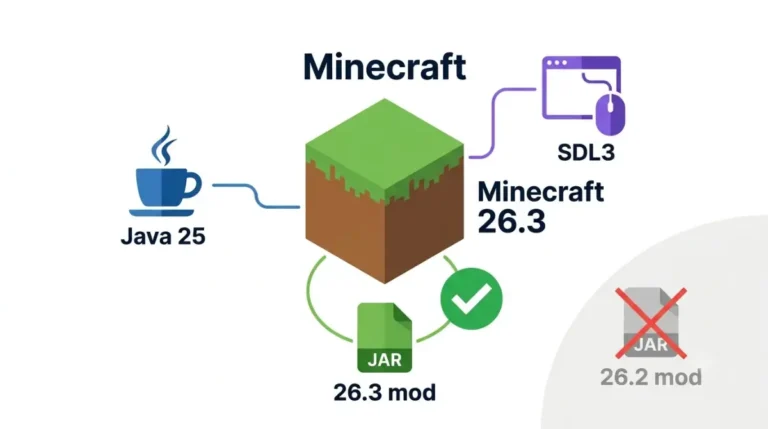
Since Minecraft 26.3, released 15 Sep 2026, the game uses SDL3 instead of GLFW for windows and input. Key bindings now record which physical key you press, not the letter your layout prints on it. Text shortcuts such as Ctrl+A still follow your layout.
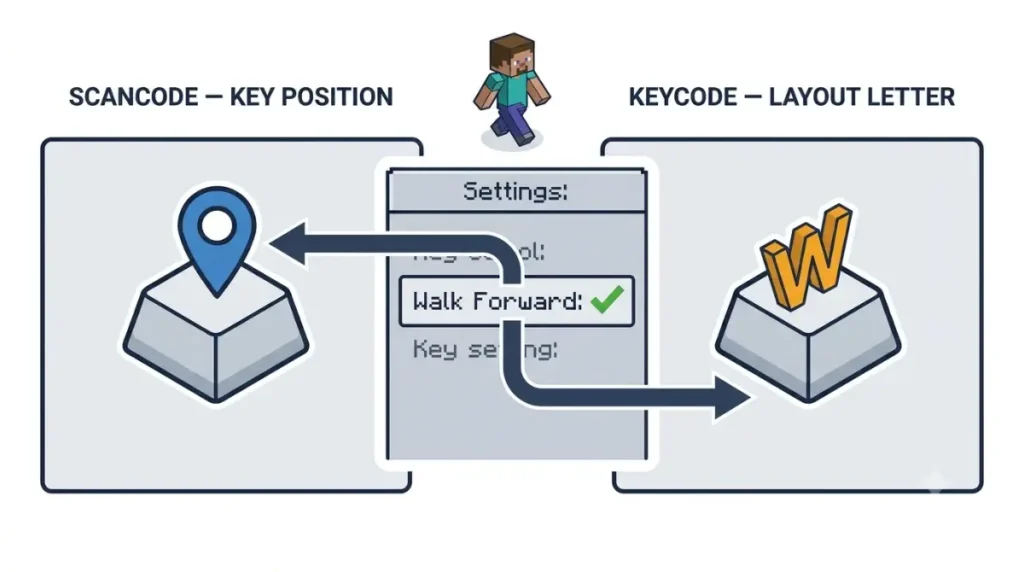
✅ Confirmed: Mojang’s 26.3 release notes (15 Sep 2026) say key bindings use SDL scancodes for physical key positions and SDL keycodes for layout-dependent text-editing shortcuts. The switch first shipped in Mojang’s 26.3 Snapshot 4 on 16 July 2026.
Physical key positions, not letters
| Input type | What it follows | Example | Key detail |
|---|---|---|---|
| Game controls | Key position | The key in the W spot walks forward | Same spot on any layout |
| Text shortcuts | Your layout’s letters | Ctrl+A selects all on your layout’s A | Typing behaves as before |
Applies from 26.3 onward.
🔍 Why it happens: A scancode names the key’s place on the board; a keycode names the character your layout gives it. Minecraft now binds controls by place.
Text shortcuts still follow your layout
Editing shortcuts in chat, signs and books use keycodes, so they match the letters you see. SDL3 changed more than input, and the main mods guide keeps the full list of what SDL3 changed in 26.3.
AZERTY and other layouts: the keybind bugs 26.3 fixed
If you play on a non-QWERTY keyboard, the input switch closed several long-open bugs.
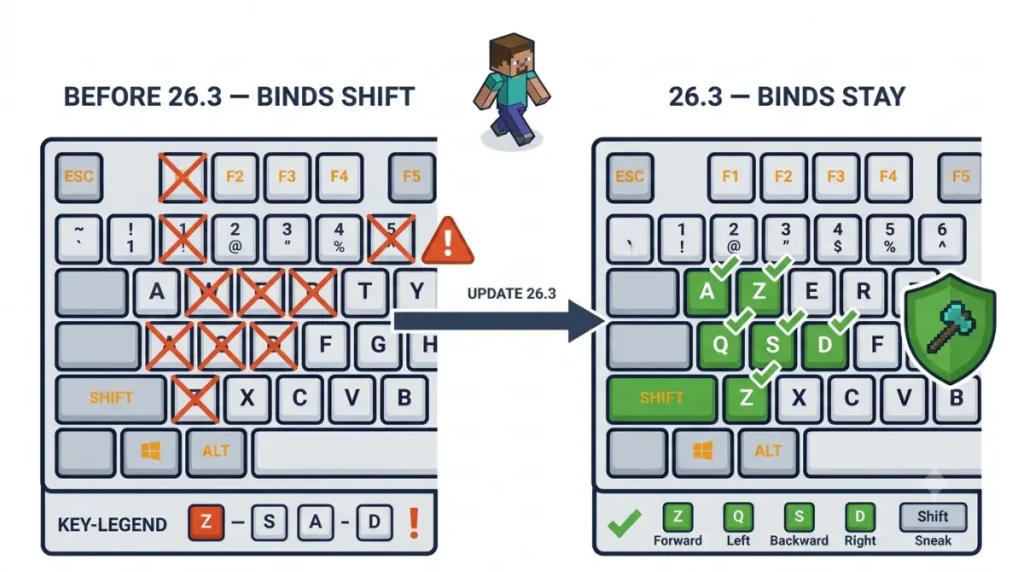
The fixed issues, by bug number
✅ Confirmed: All five are listed as fixed in Mojang’s Snapshot 4 changelog, published 16 July 2026, and shipped in 26.3.
| Issue | What players saw | Who it hit |
|---|---|---|
| MC-133407 | Binds shifted after the 1.13 update | Non-QWERTY players |
| MC-121278 | Ctrl+A-style shortcuts mapped to the US layout | Non-US layouts |
| MC-263708 | Keypad keys looked like normal keys in Key Binds | Numpad users |
| MC-306619 | Couldn’t jump while sneaking | Chinese input method users |
| MC-308127 | Friends Screen key overrode debug hotkeys | Anyone sharing that key |
Fix status as of 26.3.
Switching layouts no longer rewrites your binds
🔎 Unconfirmed — Reported: Playnews (Sept 2026) reports that players who swap between AZERTY and QWERTY keep their binds when they switch back. That matches Mojang’s physical-key change. If Mojang’s notes ever say otherwise, theirs win.
Playnews frames this as a guarantee. It holds for vanilla binds; mod binds depend on how each mod was built.
Why some mod keybinds point at the wrong key
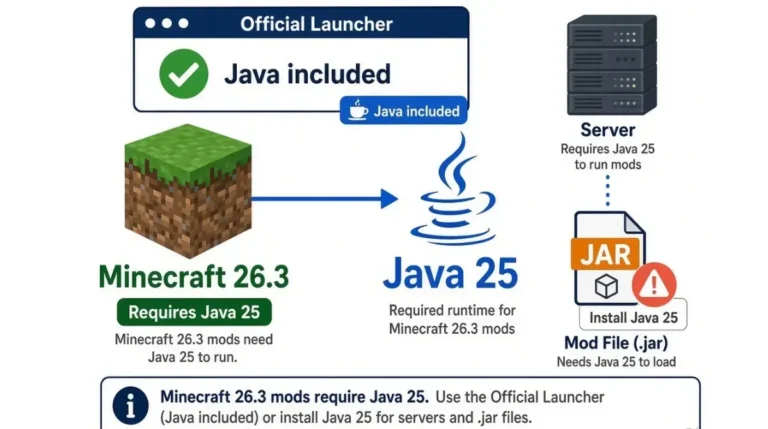
A mod keybind misfires on 26.3 for one of three reasons. The mod read keys outside Minecraft’s own input list, its settings stored keys as numbers, or its text box never told the game it was active.
Mods that skipped Minecraft’s own key list
✅ Confirmed: Fabric’s 26.3 developer post (15 Sep 2026) says mods that used GLFW’s constants instead of vanilla
InputConstantsare affected. Some constants changed, including every mouse button.
Settings saved as numbers versus key names
🔎 Unconfirmed — Reported: One mod developer’s migration note (CMD_Delete, 21 July 2026) explains why. Keys saved as numbers are read as GLFW codes before Snapshot 4 and as SDL3 scancodes after it. Keys saved by name work across both.
Mod text boxes you can’t type in
Fabric’s post also warns that a custom text box which doesn’t notify TextInputManager (the game’s tracker for active text fields) can lose character input entirely. Only the mod’s author can fix that.
| Symptom | Likely cause | What fixes it |
|---|---|---|
| Key fires the wrong action | Key saved as a number | Rebind it in-game |
| Mouse-button bind dead | Old mouse constant | A 26.3 build of the mod |
| Can’t type in mod search | Text box not ported | Mod update only |
How to fix mod keybinds after updating to 26.3
Do these in order; most problems clear by step 3.
Five checks, in order
🔧 Try this:
- Back up
options.txtand theconfigfolder in your.minecraftdirectory.- Confirm each mod lists 26.3 for your loader, and check your loader against the dated loader status table.
- Open Options › Controls › Key Binds and look for blank or conflicting entries.
- Rebind any wrong key by clicking it and pressing the key you want.
- Re-enter keys by name in any mod config that stores numbers, per that mod’s documentation.
Steps 1, 4 and 5 are our advice. Fabric’s 26.3 post asks players to back up worlds before updating.
If the mod has no 26.3 build
Remove it or stay on 26.2 until it updates; see what to do when a mod won’t load on your version. Download updates only from the vetted hosts in the main guide’s safe-sources section.
🔎 Unconfirmed — Reported: Saved Commands’ 26.3 beta note (CurseForge, 15 Sep 2026) says some binds may need reconfiguring after the switch, even though its config migrates automatically.
Keybind mods on 26.3: dated status
This table tracks keybind mods and mods with keybind notes for 26.3.
Status table, checked 21 Oct 2026
🔎 Unconfirmed — Reported: Each row comes from the mod’s own download page or changelog, read 21 Oct 2026. These are developer statements, not tests by us.
| Mod | 26.3 build? | What the developer says | Checked |
|---|---|---|---|
| Controlling | Yes: Fabric, NeoForge | Builds listed from 21 Sep 2026 | 21 Oct 2026 |
| Keybindery | Yes: Fabric | Modrinth lists a 26.3 build | 21 Oct 2026 |
| Molten Veins 0.8.1 | Yes: Fabric, NeoForge | Keys rewired for SDL; existing binds carry over | 21 Oct 2026 |
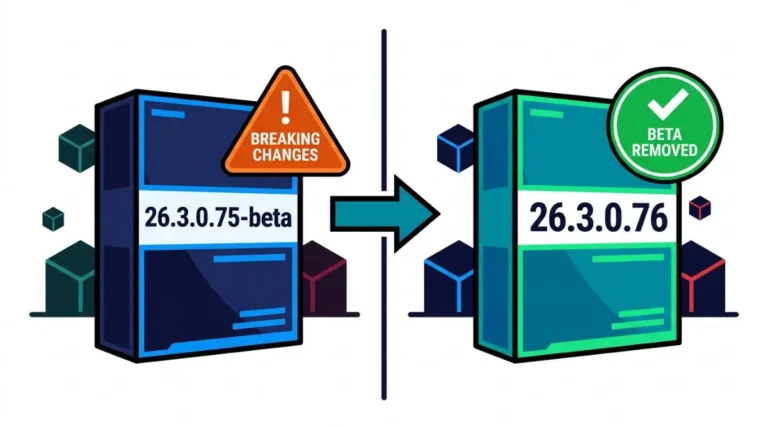
| Saved Commands 1.3.3-beta | Yes: Fabric (beta) | Some binds may need reconfiguring | 21 Oct 2026 |
| Simpler Keybinds | No | 26.3 and later unsupported because of SDL3 | 21 Oct 2026 |
| Amecs | None found | Pages list no 26.3 version | 21 Oct 2026 |
How to read a mod’s own 26.3 note
A mod’s own changelog beats this table. Want an alert when a row changes? Join The Checkpoint Codex newsletter.
Mouse buttons, Alt+F4 and other input surprises
Some control changes in 26.3 affect players with no mods at all.
Extra mouse buttons by platform
🔎 Unconfirmed — Reported: The Minecraft Wiki’s Snapshot 4 entry says buttons 8–48 became bindable on Linux and 8–32 on macOS, but not on Windows. Mojang’s own notes don’t list this.
Settings that moved or appeared
✅ Confirmed: Per Mojang’s 26.3 notes, Raw Input is gone and in-game mouse movement is always relative. A Quit Shortcuts option, on by default, controls whether Alt+F4 or Cmd+Q/W close the game. macOS gains Right Click Emulation (Control + left-click), off by default.
On Linux, see Wayland fixes that relied on GLFW.
What isn’t confirmed
🔎 Unconfirmed — Rumour: GamingOnLinux (July 2026) speculated SDL3 could open the door to controller support. Mojang has announced nothing.
No official source credits SDL3 with better performance, so ignore claims that it makes shaders smoother. For the next update, see what the 26.4 snapshots change.
Minecraft 26.3 keybind questions, answered
1. Did Minecraft 26.3 change keybinds?
Yes. Minecraft 26.3 keybinds now follow physical key positions through SDL3, not your keyboard layout’s letters, per Mojang’s release notes.
2. What is SDL3 in Minecraft?
SDL3 is the library Minecraft 26.3 uses for windows, keyboard and mouse input, replacing GLFW from 15 Sep 2026.
3. Why are my mod keybinds wrong after updating to 26.3?
The mod may read old GLFW codes or store keys as numbers. A 26.3 build, then rebinding in-game, usually fixes it.
4. Do I have to rebind keys after 26.3?
Only where a bind looks wrong. Check Options › Controls › Key Binds after updating each mod to its 26.3 build.
5. Does Minecraft 26.3 fix AZERTY keybinds?
Yes. Mojang fixed MC-133407 and MC-121278, the long-standing non-QWERTY keybind bugs, in 26.3 Snapshot 4, which shipped in 26.3.
6. Why can’t I type in a mod’s search box in 26.3?
Fabric says custom text boxes must notify TextInputManager under SDL3. Otherwise typing breaks until the mod’s author updates it.
7. Where did the Raw Input setting go in Minecraft 26.3?
Mojang removed Raw Input in 26.3. In-game mouse movement now always uses relative mode, so there is nothing to toggle.
8. Can I bind extra mouse buttons in Minecraft 26.3?
Reportedly yes on Linux and macOS, not Windows, per the Minecraft Wiki. Mojang’s own 26.3 notes don’t mention it.
9. How do I stop Alt+F4 closing Minecraft?
Turn off Quit Shortcuts in Controls settings. Minecraft 26.3 added it, on by default, covering Alt+F4 and Cmd+Q/W.
10. Does SDL3 add controller support to Minecraft Java?
Not confirmed. Mojang has announced no controller support for Minecraft Java with SDL3; some outlets have only speculated about it.
What to do next with your keybinds
Update every mod that uses keys to its 26.3 build, then open Key Binds and fix anything blank or doubled. If a mod has no 26.3 build yet, check its own changelog before you update your game. Want to know when a keybind mod catches up? Join The Checkpoint Codex newsletter.