NeoForge 26.3 Is Out of Beta by Label, Per Its Official List

NeoForge 26.3 now has a build without the -beta suffix. What the label meant, and what NeoForged has not confirmed, is laid out below.
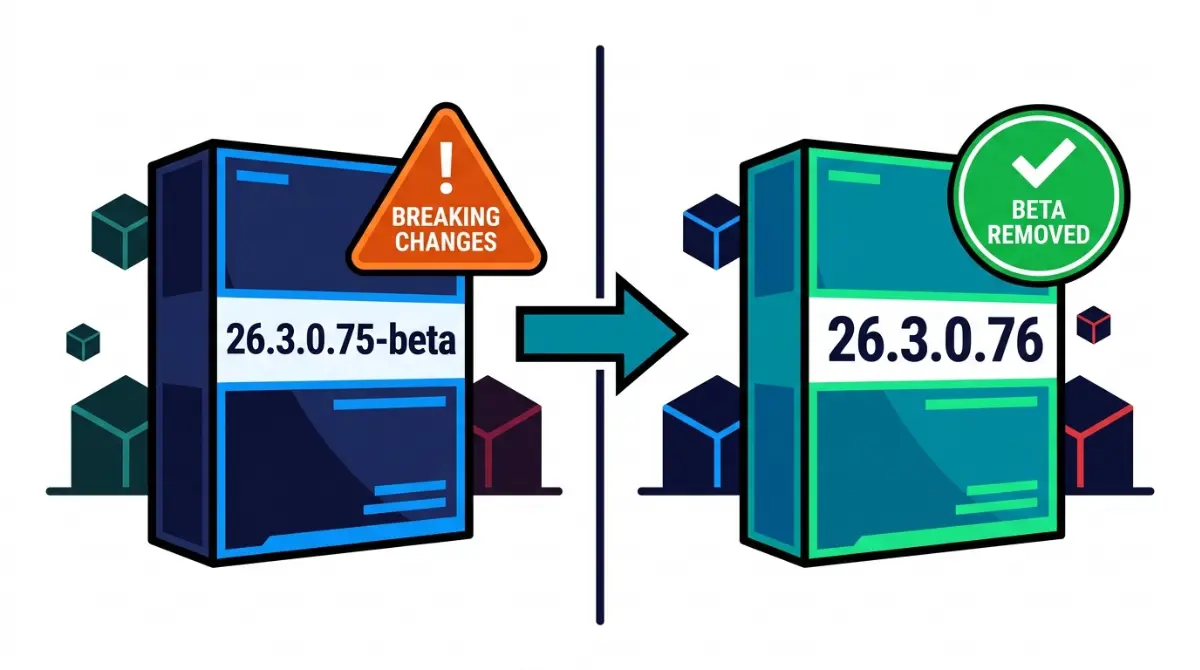
Table of Contents
📌 Quick answer: Not by label. NeoForged’s official Maven lists 26.3.0.76 as the first 26.3 build without the -beta suffix; every listed build from 26.3.0.0 through 26.3.0.75 carried it. We found no separate NeoForged announcement. Check each mod’s stated minimum NeoForge build before updating.
🕒 Verified against: NeoForge 26.3.0.76 (newest on NeoForged’s Maven) for the Minecraft Java 26.3 line, checked 13 Oct 2026 · Stability: Volatile.
Which NeoForge 26.3 situation are you in?
NeoForge 26.3 readers are usually in one of two spots.
Already on a 26.3 beta build
You’re on a -beta build and deciding whether to move. Go to the evidence table, then the four checks.
Starting fresh or setting up a server
Read what the label means, then install the newest build. For the other loaders, see NeoForge, Fabric, Forge and Quilt status in the loader table.
ℹ️ Before you continue: Fake or re-hosted installers and mod files can carry malware. Use NeoForged’s own site for the installer, and CurseForge or Modrinth for mods.
Is NeoForge 26.3 still in beta? What the official list shows
No, not by label. 26.3.0.76 is the first NeoForge 26.3 build without the -beta suffix on NeoForged’s official version list, a raw file you can search for “26.3”.
What the version list shows
| Build range | Suffix | Key detail |
|---|---|---|
| 26.3.0.0 to 26.3.0.75 | -beta on every listed build | Breaking changes allowed, by NeoForged’s convention |
| 26.3.0.76 | None | First unsuffixed 26.3 build; newest when checked |
| Any later build | Not yet seen | Recheck line, updated each review |
Version note: NeoForged’s list read 13 Oct 2026.
What the list’s date does and doesn’t tell you
The list’s own update time is 11 Oct 2026, 19:46 UTC. That is when the file changed, not an announcement date.
What the -beta label on a NeoForge build means
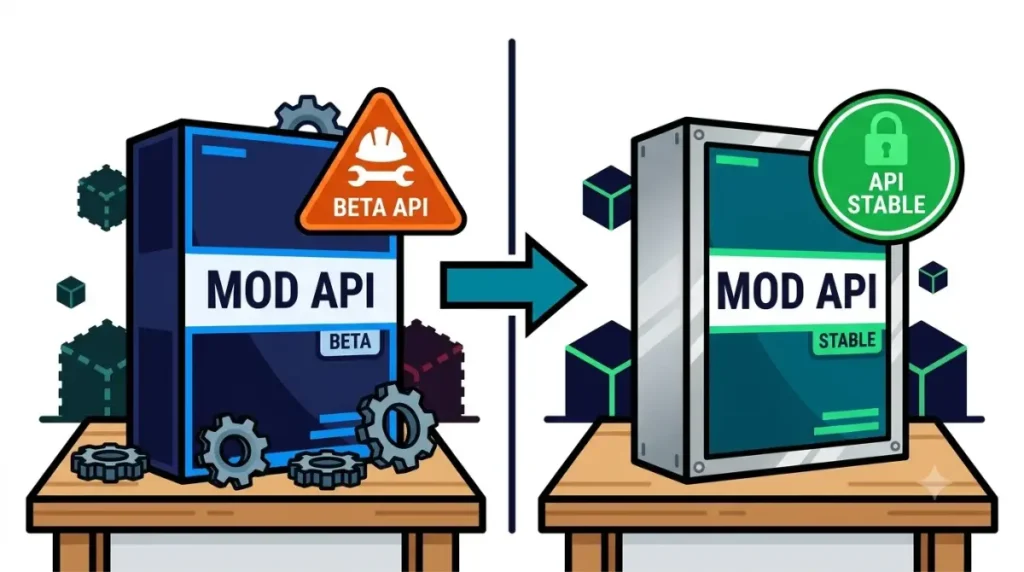
The -beta label on a NeoForge build means breaking changes are still allowed; NeoForged drops it later to stabilize the release.
What NeoForged says the suffix means
That wording comes from NeoForged’s explanation of the -beta suffix, a 24 March 2026 post about 26.1. We found no 26.3 repeat of it, so it applies here by NeoForged’s stated convention.
How the 26.3 numbers read
🔍 Why it happens: The last number is NeoForge’s own release number, per the same post. So 26.3.0.75-beta is release 75, still open to breaking changes, and 26.3.0.76 is release 76 with the label dropped.
No suffix is a label, not a promise of no further changes.
Why the beta label mattered: breaking changes in 26.3
The 26.3 beta run carried named breaking changes, listed in the 26.3.0.76 changelog.
What the changelog shows
Quoted by build number:
- 26.3.0.0-beta: “Port to
26.3“ - 26.3.0.37-beta: “Rename COMMON and SERVER config types to LOCAL and SYNCED”
- 26.3.0.65-beta: “[26.3] Patch cleanup – breaking changes”
- 26.3.0.76: “Change changelog base tag to 26.3.0”, its only entry

What mod developers reported
🔎 Unconfirmed — Reported: EnergizedPower’s 3.0.2 release note (26 Sep) says it updated for a breaking change introduced in NeoForge 26.3.0.20-beta. Pipster’s wiki says that on 1 Oct, with 26.3.0.37-beta, current CC: Tweaked and Open Parties and Claims builds did not start; it blames errors in those mods, so we link it to no NeoForge change.
Before you update NeoForge 26.3: four checks
Back up your world, then update once your mods’ minimums and your Java version check out, per NeoForged’s update and backup steps. We found no NeoForged requirement to leave a beta build.
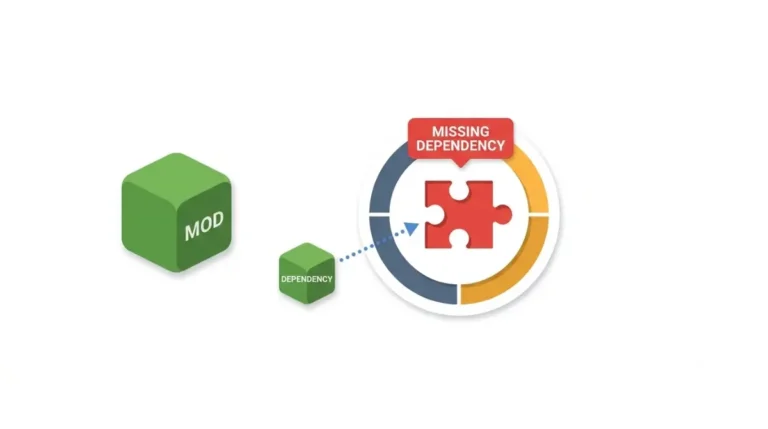
Check your mods’ minimum NeoForge build
🔧 Try this:
- Read each mod’s stated minimum NeoForge build on its CurseForge or Modrinth page. Read the floor, not the label.
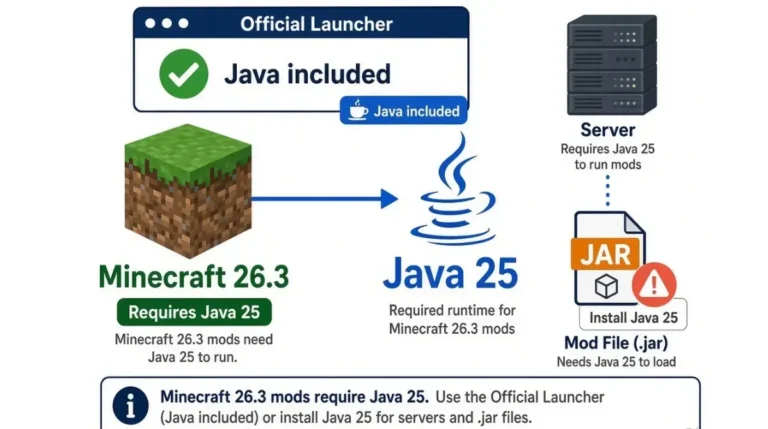
- Confirm Java against the Java requirement on the loader page.
🔎 Unconfirmed — Reported: Slabbed’s Modrinth notes (read 13 Oct 2026) say its 26.3 jar needs NeoForge 26.3.0.48-beta or newer. 26.3.0.76 is newer on paper; we have not tested it.
Back up, then update the profile
🔧 Try this: 3. Copy your world’s folder from
savesto a safe location. 4. Download the installer from NeoForged’s own website, run it for the new version, then change the version in your NeoForge launcher profile.
We did not run these steps; they follow NeoForged’s guide. If a mod stops loading afterwards, see if a mod stops loading after you update.
Why some pages still call NeoForge 26.3 beta
Mod notes written against early builds and download pages that haven’t refreshed still say beta.
Mod notes written against early betas
CrowBar’s 1.0.2 release note says “NeoForge for 26.3 is still in beta” and names 26.3.0.3-beta as its build. That matched the list then; it is out of date now.
Download pages that haven’t refreshed
| Page (read 13 Oct 2026) | What it says | Official list shows |
|---|---|---|
| DoomHosting NeoForge 26.3 server page | “Stable” channel beside build 26.3.0.9-beta, installer linked to it; text also names 26.3.0.76 as newest | 26.3.0.9-beta is suffixed; 26.3.0.76 is newest |
What is still unconfirmed about NeoForge 26.3
Announcement and mod compatibility
🔎 Unconfirmed:
- Announcement: We found no NeoForged post calling 26.3 stable. The first page of its news list, read 13 Oct 2026, has nothing newer than 11 May 2026.
- Mod compatibility: We found no source testing whether mods built against betas run on 26.3.0.76.
- Further changes: We found no source on whether breaking changes follow 26.3.0.76.
What isn’t a signal
That news list also shows no 26.2 post, so a missing 26.3 post says nothing either way.
NeoForge 26.3 beta questions, answered
1. Is NeoForge 26.3 still in beta?
No, not by label: NeoForge 26.3 build 26.3.0.76 is the first without the -beta suffix on NeoForged’s official version list.
2. What does the -beta suffix on NeoForge mean?
NeoForged says the -beta suffix marks releases where breaking changes are still allowed, and that it is dropped later to stabilize the release.
3. Which NeoForge 26.3 build dropped the beta label?
Build 26.3.0.76 is the one. Every NeoForge 26.3 build listed from 26.3.0.0 through 26.3.0.75 carried the -beta suffix.
4. Do I need to update NeoForge 26.3 from a beta build?
We found no NeoForged requirement to update a NeoForge 26.3 beta build. Check each mod’s minimum build and back up your world first.
5. Has NeoForged announced NeoForge 26.3 as stable?
We found no announcement. The first page of NeoForged’s news list shows no NeoForge 26.3 post, so the official version list is the confirmation.
6. Do mods built for a NeoForge 26.3 beta work on 26.3.0.76?
Unconfirmed. We found no source testing mods built for a NeoForge 26.3 beta on 26.3.0.76, so read each mod’s stated minimum build.
7. How do I update NeoForge 26.3?
Run NeoForged’s installer for the new NeoForge 26.3 version, then change the version in your NeoForge launcher profile, per NeoForged’s guide.
8. Why do some pages still call NeoForge 26.3 beta?
Some describe older NeoForge 26.3 builds, such as mod notes written against early betas, or download pages that were not refreshed. Check each page’s date.
9. Should I back up my world before updating NeoForge 26.3?
Yes. NeoForged’s guide says to always back up your world before updating NeoForge or mods, including a NeoForge 26.3 update.
10. Where do I get the NeoForge 26.3 installer safely?
Download the NeoForge 26.3 installer from NeoForged’s own website; its install guide recommends CurseForge or Modrinth for mods.
Your next step on NeoForge 26.3
Match every mod’s stated minimum to your NeoForge build before you update. To see how the two loaders compare, read our Fabric and NeoForge guide.