Current Forge 26.3 Support, Checked on Forge’s Own Files Page

Forge 26.3 is out, but JEI’s Modrinth page still lists no Forge 26.3 build. Here’s how to check every mod on your list before you update.
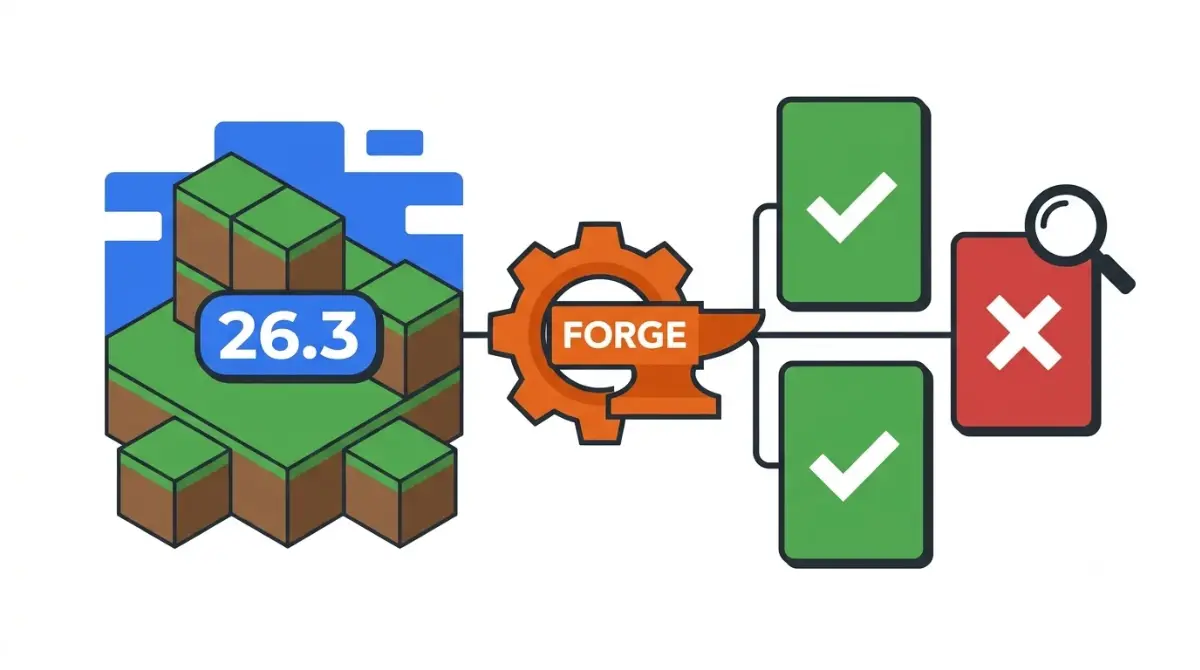
Table of Contents
📌 Quick answer: Yes. Forge has published builds for Minecraft Java Edition 26.3 since 19 September 2026, on its official files page. That makes Forge usable on 26.3, but each of your mods still needs its own Forge 26.3 build. Whether Forge has marked a 26.3 build Recommended yet is tracked, with the date checked, in our 26.3 loader status table.
🕒 Verified against: Minecraft Java Edition 26.3 “Wilderness Bound”, checked 16 Oct 2026 · Stability: Volatile.
Is Forge out for Minecraft 26.3?
Yes. Minecraft Forge‘s first build for Java Edition 26.3, 66.0.0, is dated 19 September 2026 on Forge’s 26.3 downloads page. That’s four days after Mojang released 26.3.
Some guides still say Forge stops at 26.2, including TroubleChute’s 26.3 server hub, last checked 18 September.
✅ Confirmed: Forge’s official files page lists 26.3 builds starting with 66.0.0 on 19 Sep 2026. Checked 16 Oct 2026.
If you’re updating a Forge modpack
Check each mod for a Forge 26.3 build first; the mods section shows how.
If you run a Forge server
The install section covers the server option and Java.
If you’re thinking of switching loaders
The NeoForge section explains why a Forge mod file won’t load there.
ℹ️ Before you continue: Sites offering Forge downloads outside Forge’s own files page can carry malware, which Forge’s own forums have warned about for years. Download the installer only from Forge’s official files page.
What Forge’s 26.3 builds have fixed so far
Forge has kept patching its 26.3 line. Forge’s 26.3 changelog, read 16 October 2026, records these fixes after the 66.0.0 “initial update”.
Gameplay fixes in the changelog
- 66.0.1: players not drowning properly
- 66.0.2: players dropping items
- 66.0.4: placing cushions, a block new in 26.3
- 66.0.5: entities not being pushed by fluids
- 66.0.10: a block overlay showing in Spectator Mode inside blocks
Rendering and tooling changes
Build 66.0.6 matched Forge’s render types to vanilla 26.3’s new order-independent transparency. Builds 66.0.3, 66.0.7, 66.0.8, 66.0.9 and 66.0.11 changed internal code or developer tooling such as the MDK.
A fix list shows active patching, not a bug-free build.
Latest vs Recommended: what Forge’s labels mean on 26.3
Latest is the newest build Forge has published for a Minecraft version. Recommended is a build Forge has promoted for that version.
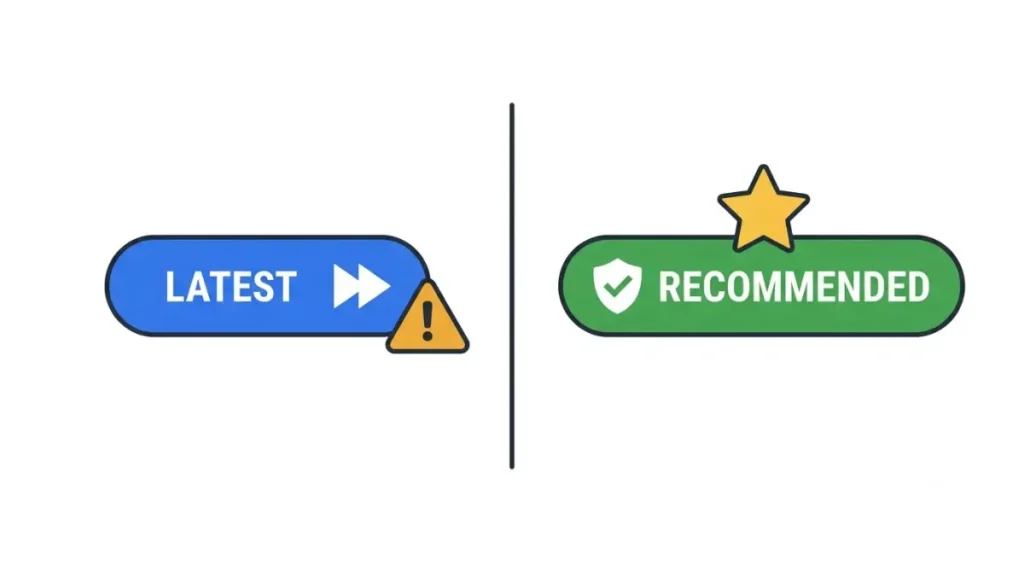
What the two download buttons mean
🔎 Unconfirmed — Reported: G-Portal’s Minecraft wiki (read 16 Oct 2026) calls Recommended builds very stable and says Latest builds may have problems. Forge publishes no fuller definition, so this is a host’s reading.
How long Recommended took for 26.1 and 26.2
| Minecraft version | Recommended build | Key detail |
|---|---|---|
| 26.1 | None set | Never promoted, as of 16 Oct 2026 |
| 26.1.1 | None set | Never promoted, as of 16 Oct 2026 |
| 26.1.2 | 64.1.0 | Promoted at a .1.0 build |
| 26.2 | 65.1.0 | Promoted at a .1.0 build |
| 26.3 | See the loader table above | Live status kept there |
Source: Forge’s official promotions list, read 16 Oct 2026.
When 26.3 might get one
🔎 Unconfirmed — our inference: On 26.1.2 and 26.2, Recommended landed on a .1.0 build. If 26.3 follows suit, that means 66.1.0. Forge has announced nothing; this is a pattern, not a promise.
Want an alert when it happens? Join our newsletter.
Will your Forge mods work on 26.3?
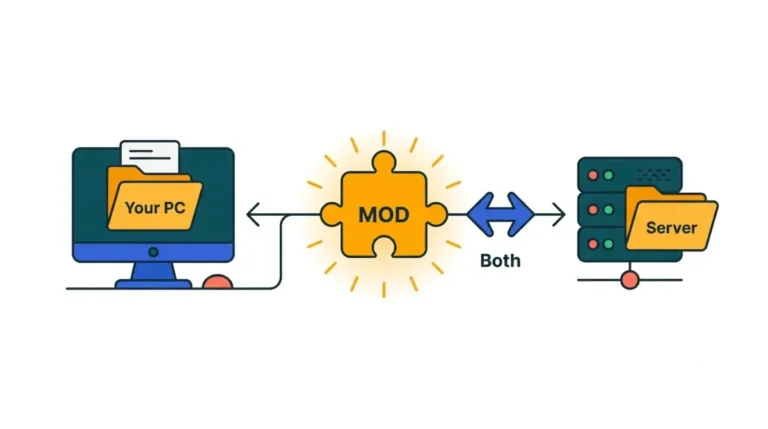
Only if each mod has a build made for Forge and Minecraft 26.3.
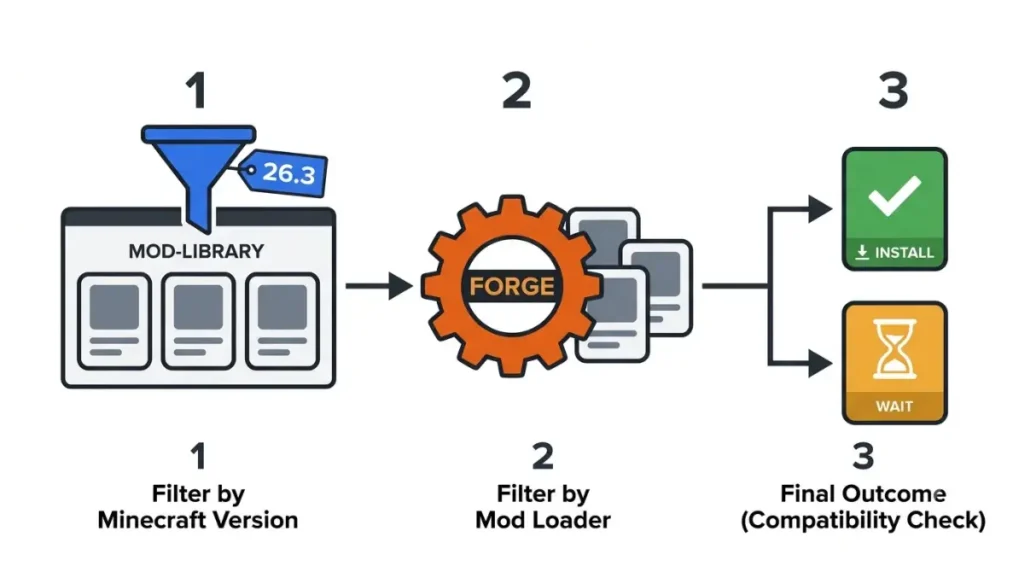
26.2 Forge mods won’t carry over
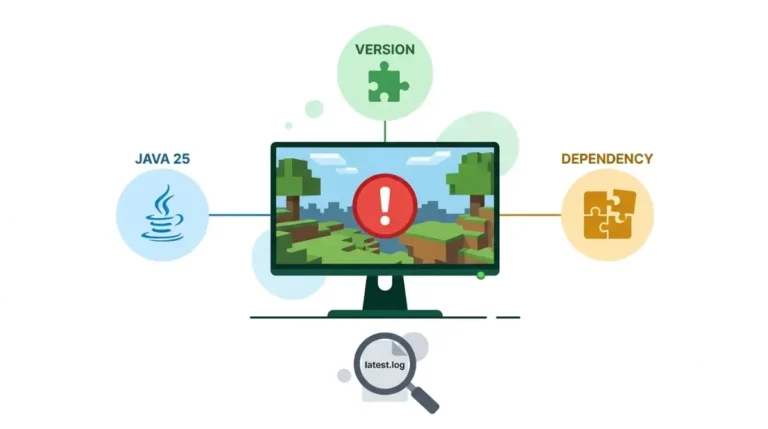
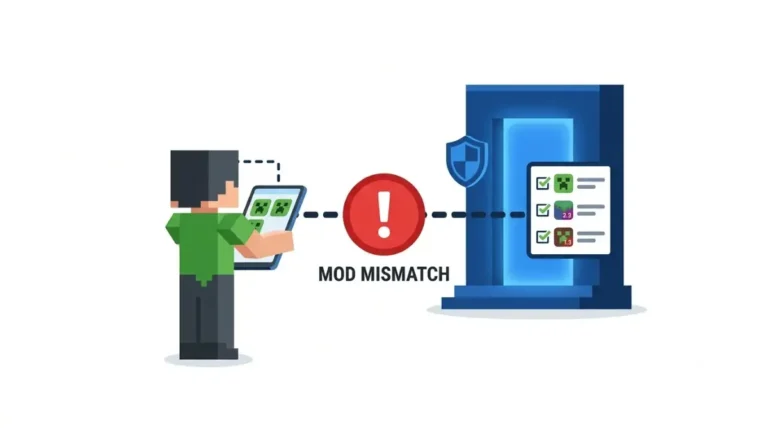
Mods are built for one Minecraft version and one loader. Mojang’s 26.3 notes confirm SDL3 replaced GLFW for input and windows, so many 26.2 builds can’t load. If yours won’t start, here’s what a version-mismatch error means.
Big mods without a Forge 26.3 build
✅ Confirmed: JEI’s Modrinth file list shows 26.3 builds for Fabric and NeoForge only (newest 31.8.0.49, 30 Sep 2026), with no Forge build. Checked 16 Oct 2026; CurseForge not checked.
🔎 Unconfirmed — Reported (developer release notes, read 16 Oct 2026): StepUp’s Forge 26.3 build targets Forge 66.0.3 after moving its key handling to SDL input. FPS Tune’s author calls its Forge 26.3 build a one-off, with future Forge versions not guaranteed.
How to check a mod in 30 seconds
- Open the mod’s page on Modrinth or CurseForge.
- Filter by game version 26.3 and loader Forge.
- No file? Wait, or stay on 26.2.
Installing Forge 26.3 on your PC or server
Back up, then install from Forge’s own page. These steps follow Forge’s download page and installer source code; we didn’t run them.
Four steps for the client
🔧 Try this:
- Copy your worlds’ save folders somewhere safe.
- Download the 26.3 installer from Forge’s files page.
- Run it and pick Install client, which adds a Forge profile to the Minecraft Launcher.
- Select that profile, then add your Forge 26.3 mods to the mods folder.
🔍 Why it happens: The Installer button opens an ad page first; Forge says ads are its main income. Each listed build also has a “Direct Download” link.
What changes for a server
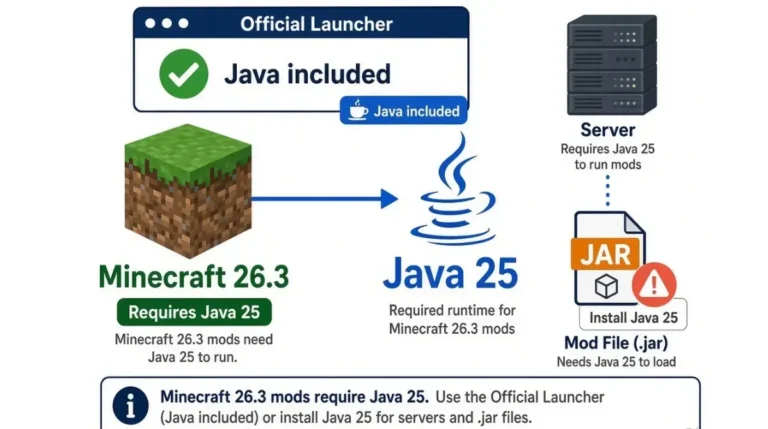
Pick Install server instead. The server needs Java, so check which Java version 26.3 needs and who installs it. Mojang’s 26.3 notes also turned the whitelist on by default, so add players first.
Forge or NeoForge for 26.3: what’s actually different
NeoForge is a separate loader, not a newer Forge version. Per NeoForged’s own account of the fork, it split from Forge in a fork announced on 12 July 2023.
NeoForge is a separate fork
Each loader has its own 26.3 builds and labels; here’s where NeoForge’s 26.3 label stands.
A Forge JAR is not a NeoForge JAR
Mods publish separate files per loader. JEI’s 26.3 list has a NeoForge file and a Fabric file, each built for that loader.
A mirror of the FTB wiki still says NeoForge can run all Forge mods. That isn’t how 26.3 mods ship, so pick the loader your must-have mods support.
When the Forge 26.3 answer doesn’t apply
Three situations sit outside everything above.
Bedrock players
Forge is a Java Edition mod loader, and its files page lists Java Edition versions only. Bedrock uses add-ons instead.
Mod authors reading Forge’s docs
Forge’s documentation site still lists versions 1.21.x and earlier and names Java 21 as a prerequisite, checked 16 Oct 2026. For 26.3, use the game’s own Java requirement from the Java guide above. Input code also needs porting to SDL3.
Snapshots and 26.4
Forge’s files page lists no 26.4 version as of 16 October 2026. Stay on 26.3 builds until Forge and your mods list 26.4.
Forge 26.3 questions, answered
1. Is Forge out for Minecraft 26.3?
Yes. Forge’s first 26.3 build, 66.0.0, is dated 19 September 2026 on its official files page.
2. Is there a Recommended Forge 26.3 build yet?
Our loader status table tracks whether Forge has promoted a 26.3 build, with the date it was last checked.
3. What does Recommended mean on Forge?
It’s a build Forge has promoted for a Minecraft version. Forge gives no fuller definition on its download page.
4. Do Forge 26.2 mods work on Minecraft 26.3?
Usually not. Mods are built per version, and 26.3 replaced GLFW with SDL3, so you need Forge 26.3 builds.
5. Is JEI available on Forge for 26.3?
Not on Modrinth as of 16 October 2026. JEI lists 26.3 builds for Fabric and NeoForge only.
6. What Java version does Forge 26.3 need?
The same Java as Minecraft 26.3 itself. Our Java version guide covers the number and who must install it.
7. How do I install Forge 26.3 on a server?
Run Forge’s 26.3 installer, choose Install server, set up Java, and add players, since the whitelist is on by default.
8. Can NeoForge load Forge 26.3 mods?
No. Mods ship separate Forge and NeoForge files for 26.3, so use the file built for your loader.
9. Should I switch from Forge to NeoForge for 26.3?
Only if a must-have mod has a NeoForge 26.3 build but no Forge one. Otherwise, mod availability gives no reason to switch.
10. Does Forge work on Minecraft Bedrock?
No. Forge is a Java Edition mod loader, and its files page lists Java Edition versions only.
What to do with your Forge setup today
If every mod you use has a Forge 26.3 build, back up your worlds and install from Forge’s own page. If a must-have mod has no Forge 26.3 file yet, stay on 26.2. Waiting for a Recommended build? Check the loader table linked at the top.