Why Minecraft 1.21 Mods Can’t Run on 26.x and What to Do

Minecraft 1.21 mods and 26.1: Mojang’s notes (24 March 2026) say game executables are no longer obfuscated. See what that changes for your modpack.
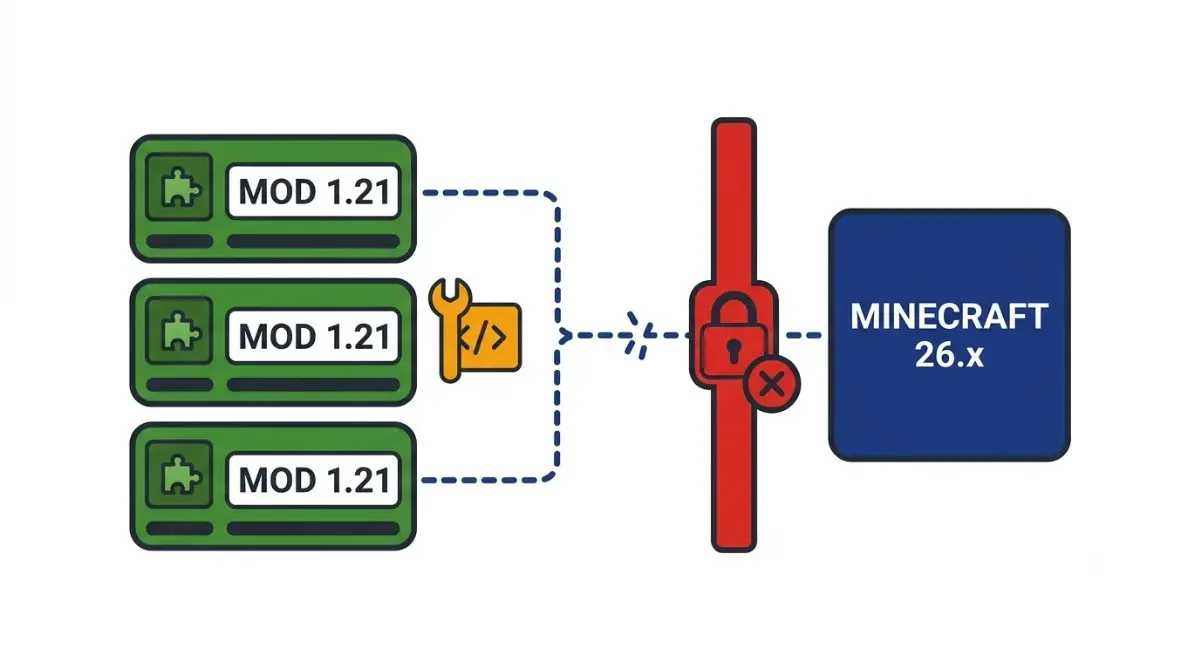
Table of Contents
📌 Quick answer: No. Since 26.1 (24 March 2026), Minecraft Java is unobfuscated, and the Fabric project says no mod built for 1.21.11 or earlier works without at least recompilation. Each 26.x drop can break mods again. Keep 1.21 mods on 1.21, or install each mod’s 26.x build from its author’s page.
🕒 Verified against: Minecraft Java Edition version 26.3, checked 15 October 2026 · Stability: Stable.
Are you stuck on 1.21 or trying to reach 26.x?
This guide covers Minecraft: Java Edition on PC and explains why the jump broke mods. It does not track which mods have 26.x builds today; the mod loader and Java status for 26.3 does.
Your 1.21 modpack won’t start on 26.x
See why old mods fail, then whether forcing works.
You’re choosing between 1.21 and 26.x
Use the decision table in the stay-or-move section.
You just want to know what 26.x means
Read the next section.
ℹ️ Before you continue: Mod files are programs that run on your PC, and “updated” or re-hosted files from unfamiliar sites can carry malware. Get mods from the author’s own page or the sources in Fabric’s guide to finding mods safely, and have an adult review a younger player’s sources.
What 26.x means after 1.21.11
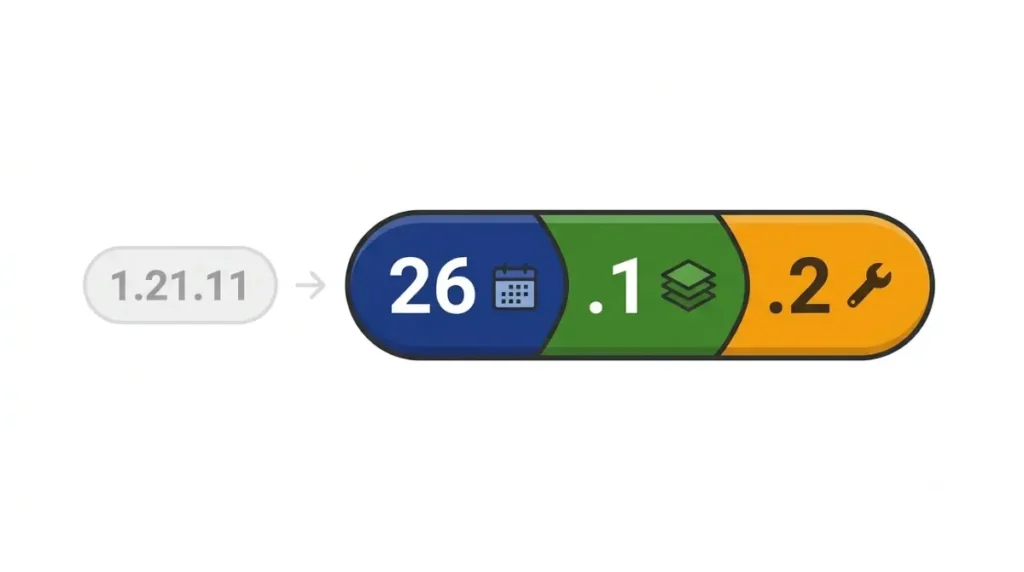
Minecraft 26.x versions follow year, drop, hotfix: 26 is the release year (2026), the next digit is the game drop, and a third digit marks a hotfix, as in 26.1.2.
How year.drop.hotfix works
✅ Confirmed: Mojang’s version numbering announcement (2 December 2025): 2026 versions begin with 26, then the release number, then the hotfix number.
1.21.11 to 26.1: the numbers side by side
26.1 followed 1.21.11 on 24 March 2026, per Mojang’s Java Edition 26.1 release notes; December 2025 brought only its first snapshot. Mojang’s version manifest lists no 1.22.
| Version | Released | Key detail |
|---|---|---|
| 1.21.11 | 9 Dec 2025 | Last 1.x release |
| 26.1 | 24 Mar 2026 | First 26.x release |
| 26.2 | 16 Jun 2026 | Superseded by 26.3 |
| 26.3 | n/a | Current; status in the pillar |
Dates: Mojang version manifest, 15 October 2026.
Java and Bedrock don’t share every digit
Both editions share the year prefix; Mojang says later digits differ.
Why a 1.21 mod can’t load on 26.1 or later
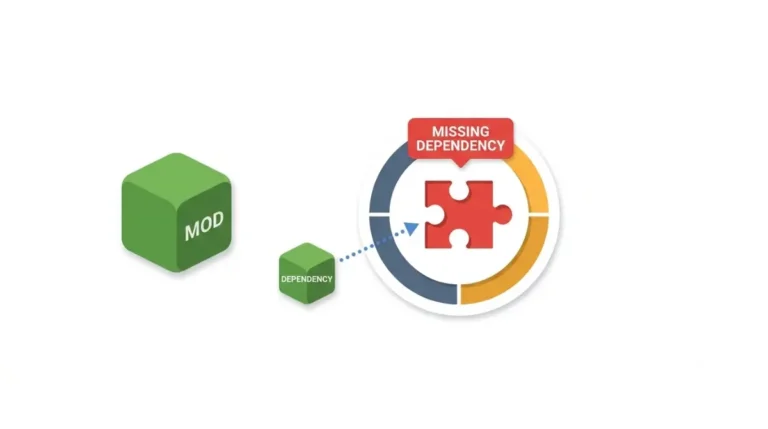
1.21 mods don’t work on Minecraft 26.1 because Mojang stopped scrambling the game’s code names; the Fabric project says nothing built for 1.21.11 or earlier works without at least recompiling.

Mojang stopped scrambling the game’s code names
🔍 Why it happens: Obfuscation replaced the game’s internal names with meaningless labels, which Fabric translated through a layer called Intermediary. Mojang’s 26.1 notes (24 March 2026) say game executables are no longer obfuscated, and Fabric’s note on Mojang removing obfuscation (31 October 2025) says Intermediary ends.
What Fabric says that means for mods
✅ Confirmed: Fabric’s 26.1 announcement (14 March 2026) says no mod from 1.21.11 or earlier works without, at minimum, recompilation. It also ends official Yarn support and renames Fabric API to match Mojang’s: ItemGroupEvents became CreativeModeTabEvents.
NeoForged’s 26.1 announcement (24 March 2026) encourages modders to port to 26.1; we found no NeoForge-wide equivalent of Fabric’s statement.
Three layers changed at once
| Layer | What changed | Who fixes it | Tier |
|---|---|---|---|
| Game code names | Mojang ships real names | Mojang | Confirmed |
| Mod toolchain | Intermediary ended; Yarn unsupported | Mod authors | Confirmed |
| Fabric API names | Renamed, not backward compatible | Mod authors | Confirmed |
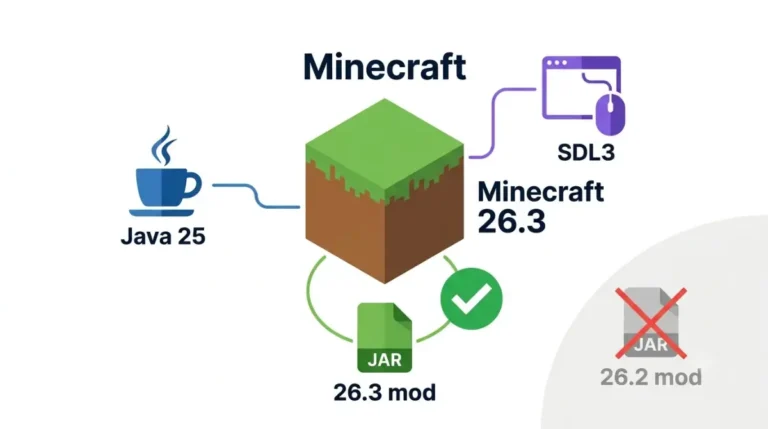
| Java runtime | Required version moved too | Launcher or you | Confirmed |
As of 26.1. Java moved too; Java version by Minecraft version for mods holds the table.
Can anything make a 1.21 mod run on 26.x?
Not by any step we can verify, and this page gives none.
What Fabric says
✅ Confirmed: Fabric’s documentation (dependency-overrides page, modified 15 September 2026) says version overrides are for modpack developers, not regular players. See what Fabric says about forcing a mod to load.
What we could not verify
🔎 Unconfirmed — Reported: One third-party project’s release notes (read 15 October 2026) claim a compatibility layer loads pre-26 mods on 26.x, while listing changes it does not bridge. Untested by us and not endorsed. If the claim is wrong, Fabric’s minimum stands.
How to spot a risky “updated” file
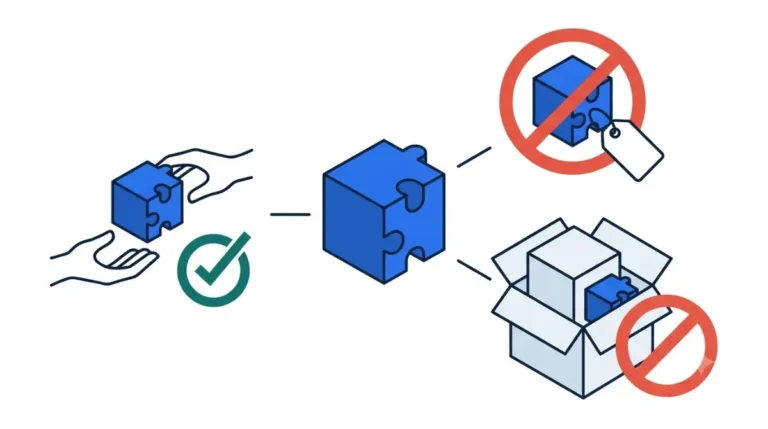
A site offering a “26.x-ready” version of a mod whose author never published one is the warning sign. Use the author’s own page.
Stay on 1.21 or move to 26.x: how to decide
Mods are built for one game version and loader, so your mod list decides.
Check your mod list first
| If your mod list… | Then |
|---|---|
| Every mod lists 26.x for your loader | Moving is possible |
| Any mod doesn’t | Stay on 1.21, or replace that mod |
| You’re unsure | Check each page |
Use the five-step check for a 26.3 build per mod.
Back up before any version change
✅ Confirmed: Mojang’s 26.1 notes (24 March 2026) say world file structure changed and worlds needing an upgrade show “Upgrade and Play.” Fabric’s 26.1 post advises backing up worlds.
🔎 Unconfirmed — Reported: The Minecraft Wiki (read 15 October 2026) warns that worlds opened in a newer version may become unloadable after you go back. Treat an upgrade as one-way.
Keep 1.21 and 26.x side by side
🔎 Unconfirmed — Reported: The Minecraft Wiki says the launcher can run older releases through separate installations. Separate installations per version are our suggestion, not Mojang’s.
How to read a mod page’s Minecraft version label
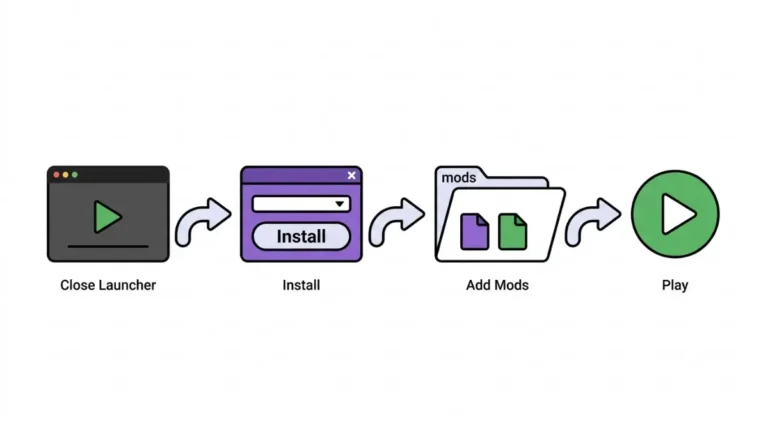
Open the mod’s own page, set the game-version filter to your exact 26.x version and your loader, and download only a file listed for both.
Version label decoder
| Label shown | What it means | Works on 26.x? | Tier |
|---|---|---|---|
| 1.21.1 | Built for 1.21.1 | No | Confirmed |
| 1.21.x | Built for the 1.21 line | No | Confirmed |
| Range ending below 1.22 | Stops before 26.x | No | Reported |
| 26.1, 26.1.1, 26.1.2 | One build, hotfix group | Those only, not 26.2 | Reported |
| 26.3 | Built for 26.3 | 26.3 only | Reported |
🔎 Unconfirmed — Reported: Modrinth and CurseForge listings (15 October 2026) show 1.21.x and 26.x as separate version groups with loader filters, and some mods group hotfix versions.
Check three things on every mod page
🔧 Try this:
- Open the mod’s own page, not a re-host.
- Filter by your exact 26.x version.
- Add your loader; download only a file listed for both.
Edge cases: 26.1 mods on later 26.x versions
26.1 mods on 26.3 aren’t guaranteed, because 26.x isn’t one target.
A 26.1 build on 26.2 or 26.3
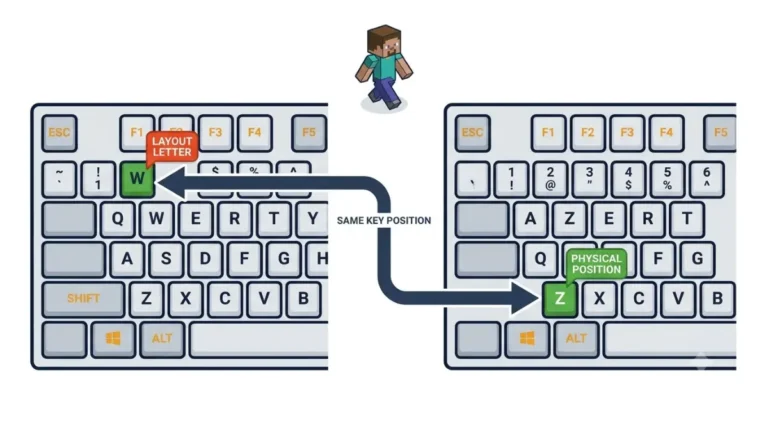
26.3 changed how the game handles input, which broke some 26.2 builds. The pillar covers why 26.2 builds can fail on 26.3.
Hotfix versions inside one drop
26.1.1 and 26.1.2 are hotfixes of 26.1. This article does not track current 26.3 mod availability; the pillar does.
1.21 mods on Minecraft 26.x: questions answered
1. Do Minecraft 1.21 mods work on 26.x?
No. Fabric says no mod built for 1.21.11 or earlier works on 26.1 without at least recompilation, so use a 26.x build.
2. Why don’t 1.21 mods work on 26.x?
Mojang stopped obfuscating the game’s code in 26.1, and Fabric’s toolchain and API changed, so mods must be rebuilt for 26.x.
3. What does 26.x mean in Minecraft?
26 is the release year (2026), the next digit is the game drop, and a third marks a hotfix, as in 26.1.2.
4. Is there a Minecraft 1.22?
No. Mojang’s version manifest lists no 1.22 as of 15 October 2026; 26.1, from 24 March 2026, followed 1.21.11.
5. Can I convert or force a 1.21 mod to run on 26.x?
Not by any step we can verify. A 1.21 mod needs recompilation, per Fabric, and unofficial “updated” files can carry malware; use the author’s page.
6. Can I keep playing 1.21.1 with my mods?
Generally yes: mods are built for one game version and loader, so a 1.21.1 pack can stay put. Back up first.
7. Will updating to 26.x break my world or modpack?
Updating to 26.x means rebuilt mods, per Fabric, and an Upgrade and Play step for worlds that need one. Back up first.
8. How can I check if a mod supports 26.x?
Open the mod’s own page and filter by your exact 26.x version and loader; download only a file listed for both.
9. Do 26.1 mods work on 26.3?
Not reliably. 26.3 changed input handling and broke some 26.2 builds, so 26.1 mods need a build listing your exact version.
10. Are Java and Bedrock version numbers the same?
Java and Bedrock version numbers share the year prefix, such as 26, but Mojang says later digits differ.
What to do next with your 1.21 mod list
1.21 mods are built for 1.21, and Fabric says 26.x needs rebuilt mods. Check each mod’s own page for your exact 26.x version and loader. If any mod is missing, keep your 1.21 setup. For loader changes, use our newsletter alert.