Can You Put Mods on Minecraft Realms? The Real Rules by Edition

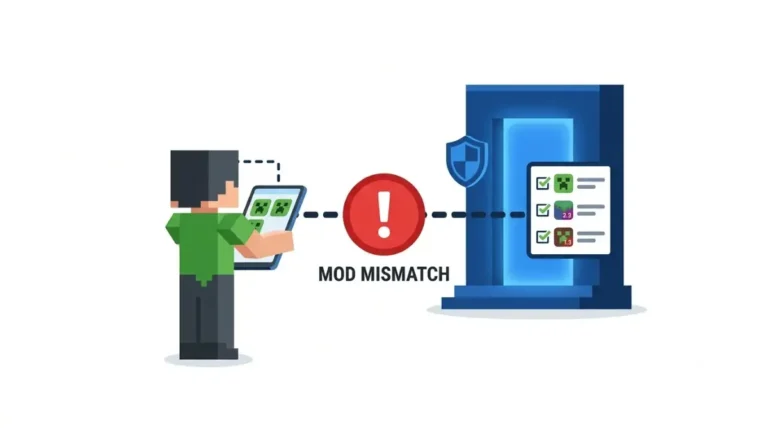
Minecraft Realms mods depend on edition: Mojang’s plan page lists Marketplace support as No for Java Realms and Yes for Bedrock. Here’s what each takes.
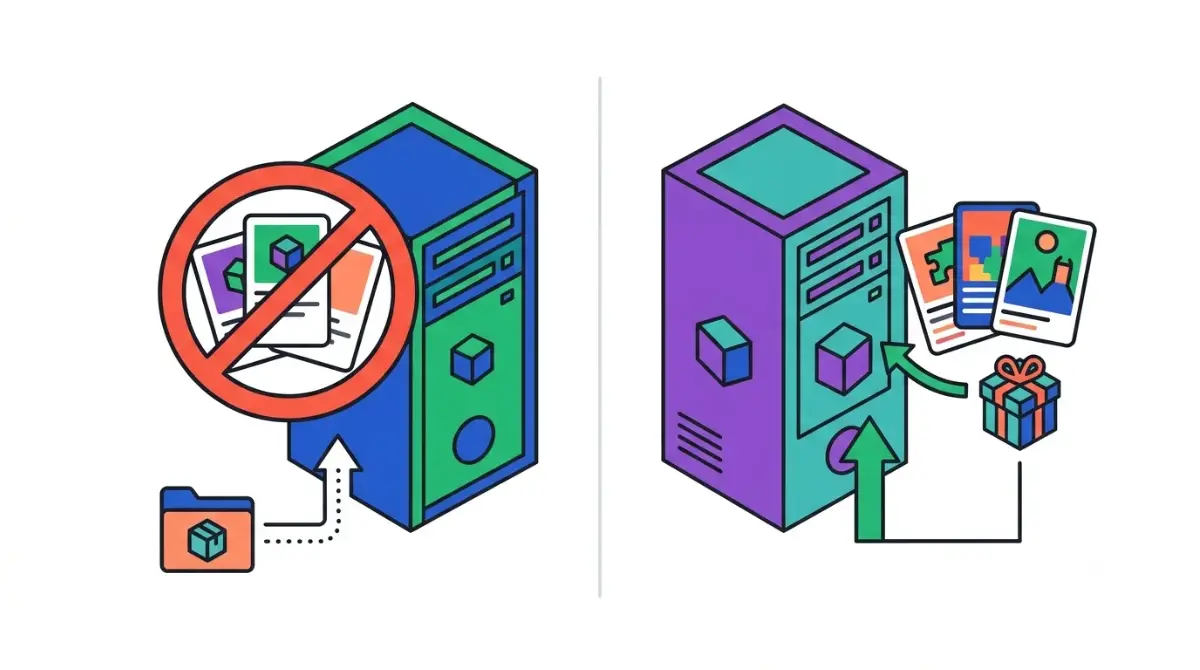
Table of Contents
📌 Quick answer: Not on Java Realms. The Minecraft Wiki says Java Realms run Mojang’s vanilla server, so Fabric, Forge and NeoForge mods and plugins can’t be installed. Data packs inside an uploaded world do work. Bedrock Realms accept add-ons and Marketplace content, which Mojang’s Realms page confirms. For full mods, run your own server.
🕒 Verified against: Minecraft Java Edition 26.3 and Bedrock Edition 26.52, the versions Realms runs per the Minecraft Wiki, checked October 16, 2026 · Stability: Semi-stable.
How this page was checked
Plan features, prices and upload steps come from Mojang’s own pages and are marked Confirmed. Limits that only the Minecraft Wiki, mod authors or player threads describe are marked Reported. Nothing here was played, uploaded or tested by us.
Minecraft Realms mods: the answer by edition
Every Minecraft Realm belongs to one edition, and each edition takes different custom content. Java owners: read the next two sections. Bedrock and console owners: skip to add-ons; buyers, see the plan table.
What your Realm can run
| Content | Java Realm | Bedrock Realm | Tier and source |
|---|---|---|---|
| Fabric, Forge, NeoForge mods | No | No | Reported, wiki |
| Data packs | In an uploaded world | No | Reported, wiki |
| Marketplace content | No | Yes | Confirmed, Mojang |
| Add-ons | No | Yes | Confirmed, Mojang |
| Experimental settings | No | Uploaded world only | Reported, wiki |
Version note: Java 26.3 and Bedrock 26.52 Realms, checked October 16, 2026. Mojang’s Realms plan comparison confirms the Marketplace and add-on rows.
Not sure which edition your Realm is?
Mojang says Realms work within one edition only. Consoles and phones run Bedrock; on PC, Java shows “Java Edition” under the logo, per Mojang.
ℹ️ Before you continue: Packs and mods from fake download sites can carry malware, so use hosts that vet uploads and have an adult check what younger players install. Realms subscriptions renew automatically unless cancelled, per Mojang.
Why Java Realms won’t load Fabric or Forge mods
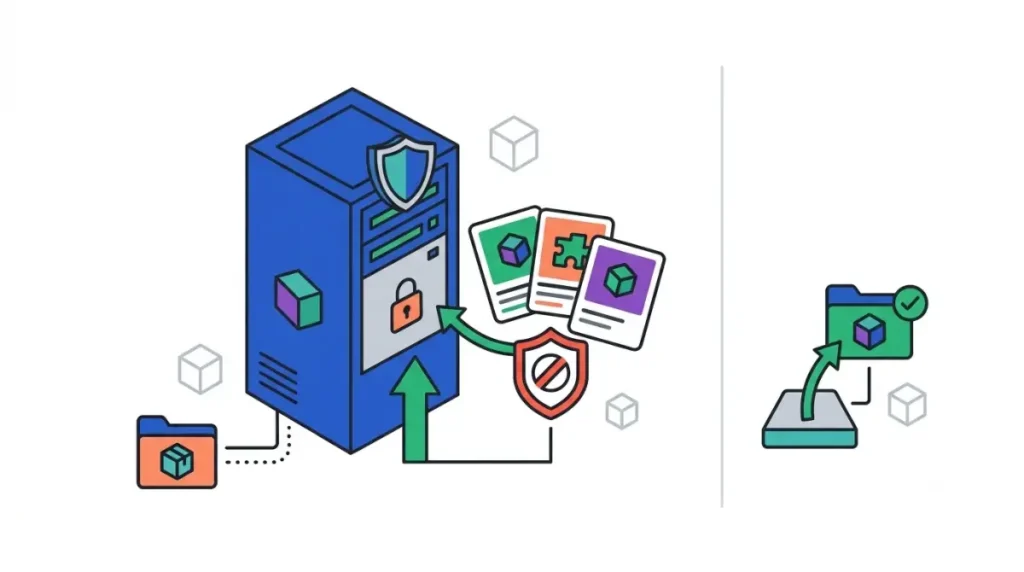
Java Realms run Mojang’s own server software, and owners can’t touch its files.
Java Realms runs Mojang’s vanilla server
🔎 Unconfirmed — Reported: The Minecraft Wiki’s list of Realms limitations, read October 16, 2026, says Java Realms run the official server.jar and can’t install mods or plugins. Mojang’s plan page is silent on mods.
🔍 Why it happens: A mod’s blocks and mobs exist only if the server loads it too. A Realm runs the unmodified server, so “Realms modpacks” can’t load.
Can you join a Realm with client-side mods like Sodium?
Possibly, but nothing official covers it. Client-side mods change only your own game, never what others see.
🔎 Unconfirmed — Reported: Client-only packs such as RogueTundra’s Client Mods (host listing, read October 16, 2026) claim Realms support. Mojang has no stated policy.
To try it, install Fabric the official way and match the Realm’s version. Skip anything that gives an in-game advantage.
Add data packs to a Java Realm with Replace World
Data packs are what a Java Realm takes, and they arrive inside a world you upload.

Four steps: pack into a local world, then Replace World
🔧 Try this, in order:
- Download the Realm’s world first; Mojang warns replacing can lose progress.
- Add the data pack to a singleplayer world and open it once.
- On the Realm’s slots screen, pick the slot, then Edit World and Replace World.
- Choose that world and wait for the upload.
Steps follow Mojang’s guide to changing a Realm world. Our seed guide shows how Replace World swaps a slot’s world.
What Java Realms won’t accept
🔎 Unconfirmed — Reported: The Minecraft Wiki says Java Realm worlds can’t use experimental settings; a player request on Mojang’s feedback site says Java Realms can’t share one resource pack. Read October 16, 2026.
Ignore guides pointing Java owners to a Behavior Packs menu: that’s Bedrock.
Bedrock Realms and add-ons: what works and on which device
Bedrock Realms officially take custom content.
✅ Confirmed: Mojang’s Realms plan page, checked October 16, 2026, lists Marketplace support and user-created content on both Bedrock plans.
Marketplace add-ons vs your own .mcaddon files
Marketplace add-ons come from Mojang’s store. Community .mcaddon files ride in an uploaded world.
🔎 Unconfirmed — Reported: The Minecraft Wiki explains how behavior packs behave on Realms (read October 16, 2026): custom ones can’t be applied on a Realm directly, but an uploaded world keeps them, and they permanently turn off achievements. Experiments also arrive only through an uploaded world.
Adding add-ons when you play on console
Consoles can’t import add-on files, so set the world up on Windows or a phone, upload it, then join from console.
🔎 Unconfirmed — Reported: Add-on author Charles Gantt’s GitHub setup guides (August–September 2026) give this route, not Mojang.
Realms vs Realms Plus vs Java Realms: custom content compared
All three Realms plans stay online 24/7; only Bedrock’s take Marketplace content.
Realms plan table
| Plan | Price (US, monthly) | Players at once | Marketplace | Key detail |
|---|---|---|---|---|
| Realms (Bedrock) | $3.99 | You + 2 | Yes | No Pass catalog |
| Realms Plus (Bedrock) | $7.99 | You + 10 | Yes | Marketplace Pass included |
| Realms for Java | $7.99 | You + 10 | No | Free community content |
Version note: Mojang’s Realms page, checked October 16, 2026. Each plan has three world slots and a 30-day trial that auto-renews; consoles need their own online subscription. Non-US prices unverified: check your store.
Marketplace Pass is Bedrock-only
✅ Confirmed: Mojang’s Marketplace Pass FAQ, checked October 16, 2026: $3.99 a month alone, included in Realms Plus, not supported on Java. Items leaving the catalog must be bought to keep.
Java owners don’t need Realms Plus; Realms for Java is separate.
Want Fabric or Forge mods with friends? Use your own server
A modded server you run or rent loads mods; a Realm can’t.
What changes when you leave Realms
You handle updates and backups. Every player needs the server’s loader and mod versions, since Fabric’s documentation says each mod targets one version and one loader.
What a modded server needs
The required Java version changes between releases, so it lives in our Minecraft mods Java version guide. The whitelist default is in the modded-server section of our 26.3 mods guide.
Choosing a loader? See how Fabric and NeoForge compare.
When Realm packs fail: uploads, missing packs, members
Most pack problems start in the upload, the members’ games, or an update.
Upload fails or packs vanish after upload
🔧 Try this: Remove packs one at a time and re-upload until it goes through. Keep your downloaded copy until the Realm works.
Members don’t see the textures
On Bedrock, members must accept the world’s resource pack, or custom items show without textures.
Your Realm updated and an add-on broke
Realms run the latest version, so older packs can break until updated.
🔎 Unconfirmed — Reported: Sources: r/realms threads (uploads failing), add-on authors’ guides (resource packs) and the Minecraft Wiki (latest version), read October 16, 2026.
Minecraft Realms mods questions, answered
1. Can you add mods to Java Realms?
No. The Minecraft Wiki says Java Realms run Mojang’s unmodified server, so Fabric, Forge and NeoForge mods can’t be installed.
2. Can Bedrock Realms use add-ons?
Yes. Mojang lists Marketplace and user-created content on both Bedrock Realms plans, and your own packs travel inside an uploaded world.
3. Do data packs work on Java Realms?
Yes. Add the data packs to a singleplayer world, then use Replace World to load that world onto your Java Realm.
4. Can I join a Realm with Sodium installed?
Some modpack listings call client-only mods Realms-compatible, but Mojang has no stated policy, and those mods change only your game.
5. Does Realms Plus include add-ons?
Yes. Realms Plus includes the Marketplace Pass catalog of add-ons and worlds, and it’s available for Bedrock Realms only.
6. Can Java Realms use the Marketplace?
No. Mojang’s Realms plan page lists Marketplace support as “No” for Realms for Java, which offers free community content instead.
7. How do I add add-ons to a Realm on console?
Add-on authors say to set the world up on Windows or a phone, upload it to the Realm, then join from console.
8. Can Realms use experimental features?
Per the Minecraft Wiki, Java Realms can’t. Bedrock Realms can’t switch them on, but a world uploaded with them keeps them.
9. What should I use instead of Realms for mods?
A server you run or rent, where every player uses the same loader and mod versions as the server.
10. Do Realm members need to download the packs?
On Bedrock Realms, members accept the world’s resource pack when joining, or custom items show without textures. Download packs only from hosts that vet uploads.
What to do next with your Realm
Java Realm: add data packs through Replace World, or move to your own server for mods. Bedrock Realm: apply add-ons to a world, then upload it. Either way, download a backup first. Want an alert when Realms rules change? Join The Checkpoint Codex newsletter.