Find or Choose Your Minecraft Realms Seed, Sorted by Source Tier

Minecraft Realms seed questions start with one Mojang warning: replacing a world can erase progress. Which route to the seed is safe?
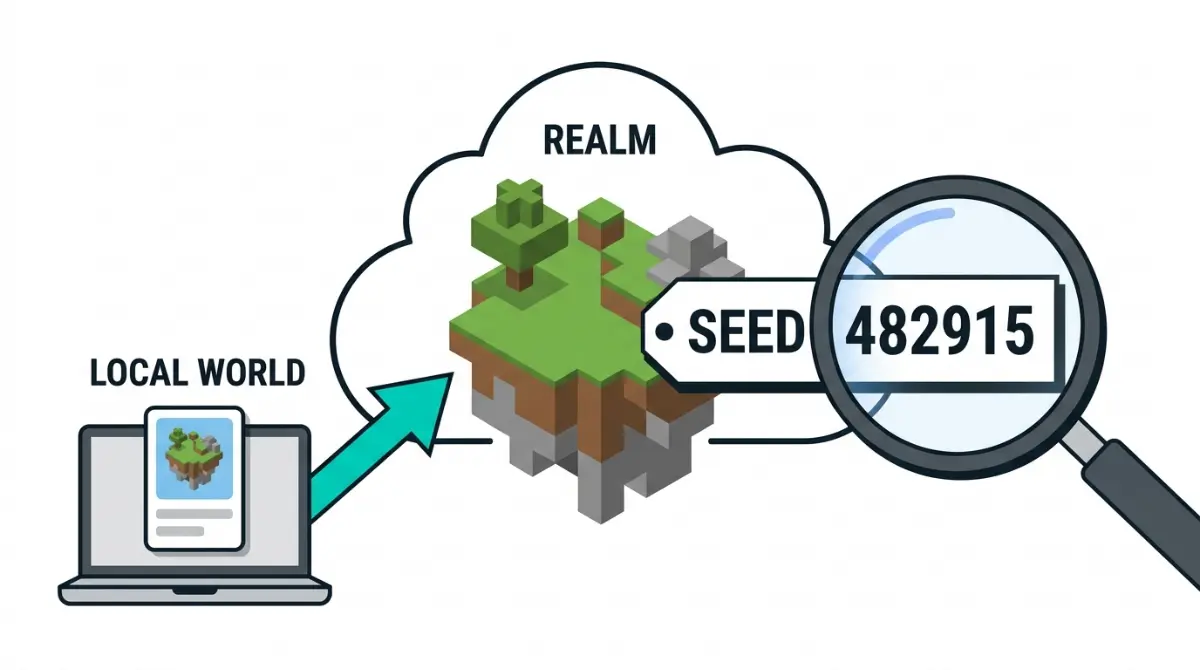
Table of Contents
📌 Quick answer: Pick a seed on your own device, then load that world into the Realm with Replace World. To see a seed, download a copy of the Realm world and read it there. Whether Bedrock’s Realm Edit World screen shows the seed is disputed, and Mojang’s notes don’t settle it.
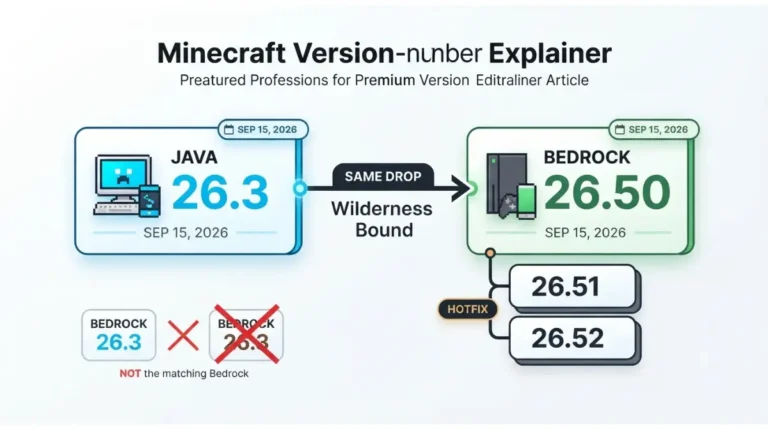
🕒 Verified against: Minecraft Java Edition 26.3 and Bedrock Edition 26.52, checked October 10, 2026 · Stability: Semi-stable.
Can you pick or see a Realm seed? Answers by edition
A Minecraft Realm runs your world on Mojang’s servers, so not every singleplayer seed menu carries over. Find your situation below.
If you own the Realm
Use the table below.
If you play on someone else’s Realm
Per the wiki, the owner replaces a slot’s world and Admins can download or reset worlds, so ask one of them.
| Goal | Java Realm | Bedrock Realm | Key detail |
|---|---|---|---|
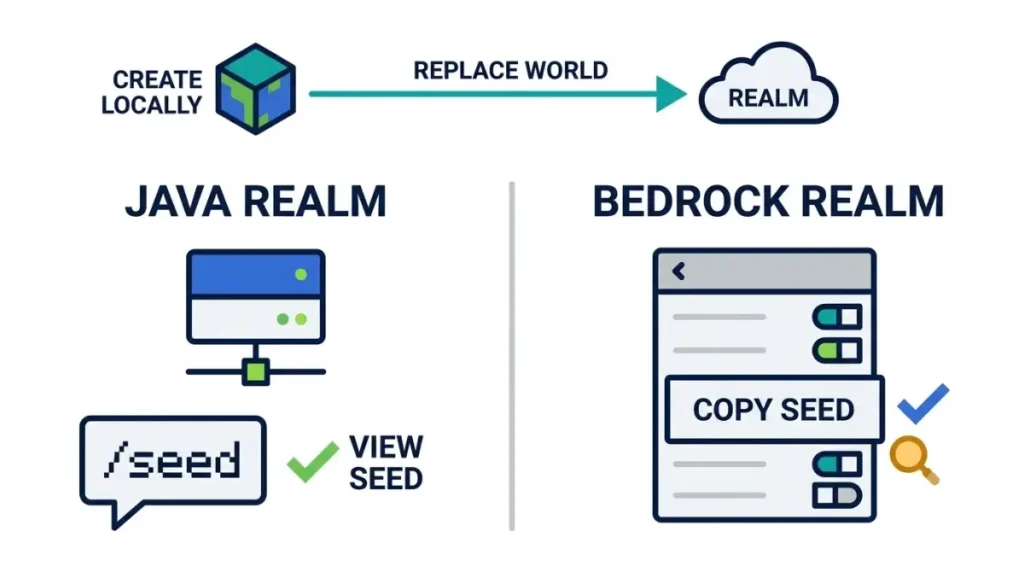
| Pick a seed | Create locally, Replace World | Same | Reported (wiki) |
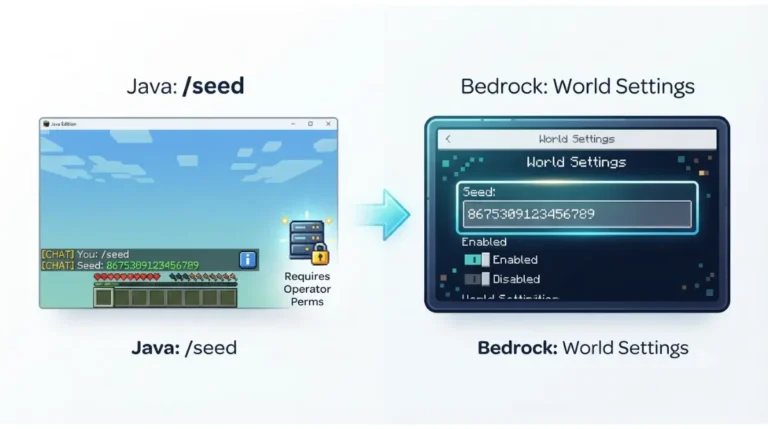
| See it in the Realm | /seed, Section 2 | Disputed, Section 4 | Unconfirmed |
| See it from a copy | Download, open, read | Download, open, Edit World | Reported (wiki, CurseForge) |
Version note: Java 26.3, Bedrock 26.52, October 10, 2026. Our old-seeds guide keeps the current Java and Bedrock version numbers.
Why a Realm seed is fixed when the world is made
A Realm keeps three worlds in slots, per the Minecraft Wiki, and each world has its own seed. Per the wiki, Java Realms run server.jar and Bedrock Realms run Bedrock Dedicated Server.
🔍 Why it happens: The wiki calls the seed “a random number which cannot be changed,” so a new seed means a new world.
What 24w38a changed
✅ Confirmed: Mojang’s Java snapshot 24w38a notes (September 18, 2024) say Realms use the normal, fully featured world creation screen. They don’t mention seeds.
Does /seed work on a Realm?
Sources disagree about Realms. Our guide to which edition supports /seed and who can run it tracks it.
How to pick a seed for a new Realm world
To pick a seed, create the world on your device, then swap it into a Realm slot.
Replace the slot’s world
- Create a new world on your device with your seed.
- Open the Realm’s world slots, select the slot, choose Edit World.
- Select Replace World, pick your world, confirm.
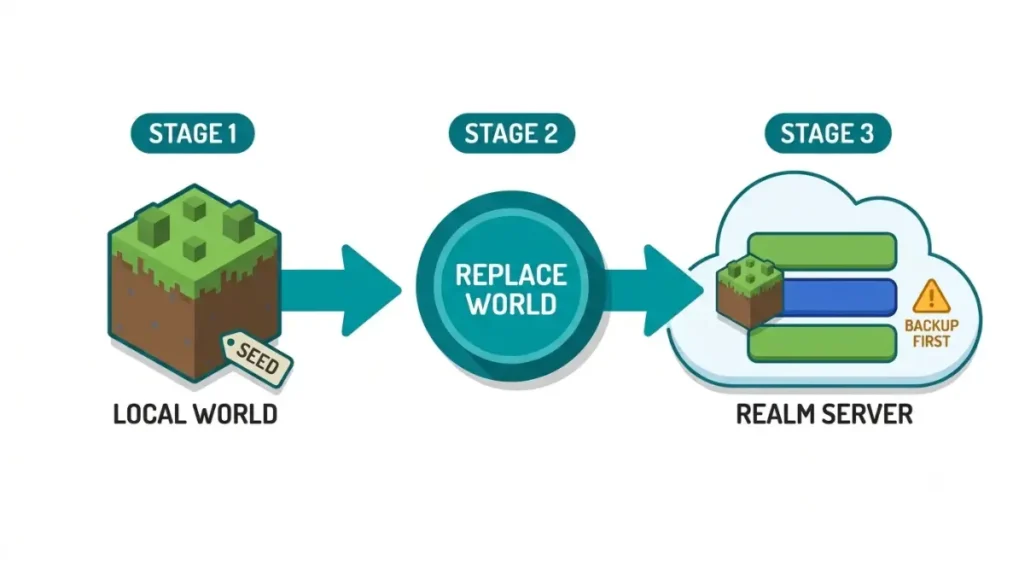
These steps follow Mojang’s guide to changing a Realm world, which doesn’t name an edition. Seed is a word? See our text-seed guide for Bedrock.
⚠️ Watch out: Replacing can erase that slot’s progress. Mojang advises downloading the world first.
Why not the Realm’s creation screen?
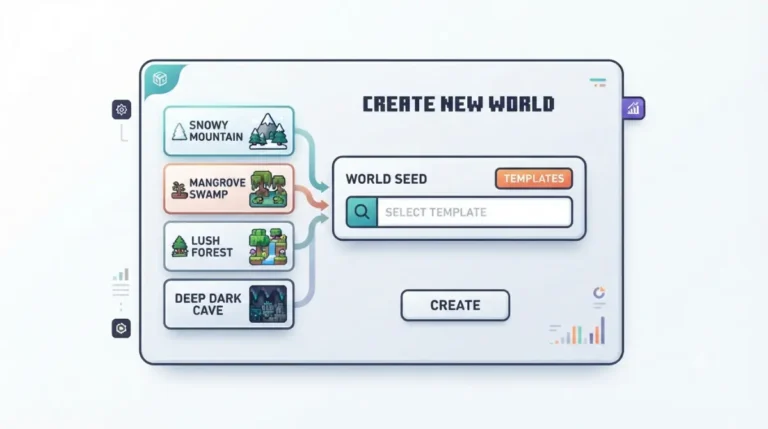
The wiki says Bedrock Realms can’t use creation options, including the seed, without an uploaded local world. Mojang’s 24w38a notes mention no seed option for Java.
Does Bedrock’s Realm Edit World show the seed?
Sources disagree, and Mojang’s notes are silent.
What the sources say
| Source | What it says | Tier | Key detail |
|---|---|---|---|
| Wiki, Realms page | Viewable since 26.20 | Reported | No Mojang note cited |
| Wiki, Edit World page | “In Realms, the value is not shown” | Reported | Same wiki |
| CurseForge, June 1, 2026 | “not visible anywhere” | Reported | Names Game and Advanced tabs |
| Mojang, Preview 26.20.22, March 25, 2026 | Realms Hub, Admin role; no seed | Confirmed | Silent |
🔎 Unconfirmed — Reported: These sources, read October 10, 2026, conflict. If the wiki’s history is right, Realm Edit World shows a seed from 26.20; if the others are right, it doesn’t.
How to settle it
Look for a World seed field on the slot’s Edit World screen; if it’s missing, use Section 5.
How to find your Realm’s seed with a copy
Download the Realm world, open the copy, read the seed. This works whichever source is right.
Bedrock
🔧 Try this:
- Open the slot’s Edit World screen, choose Download World.
- Find “[Realm name] – Copy” in your worlds list.
- Open its Edit World screen, read the World seed field.
Java
🔧 Try this:
- Download the world, or a backup, as a singleplayer world.
- Open it and run
/seed.- If that fails, try reading the seed from a world file.
Downloading doesn’t change the Realm: per the Minecraft Wiki’s Edit World page, only Replace World and Reset World do.
What Realm seed guides get wrong, by source tier
Some guides state as settled what sources leave open.
Claims Mojang confirms
Java Realms use the full creation screen (24w38a); Bedrock has a Realms Hub and Admin role (Preview 26.20.22).
Claims outlets report
The download-copy route works (wiki, CurseForge). Realm Edit World shows the seed (wiki history; disputed).
Claims nobody has sourced
“Edit a Realm’s seed in settings” has no source we found; the wiki says the seed cannot be changed.
When it doesn’t work: slots, roles, replaced worlds
Three wrong turns: slot, role, edition.
Which slot am I reading?
Each of the three slots holds its own world, so read the seed for the slot you’re using.
What an Admin can do
Mojang’s Preview 26.20.22 notes introduce a Realms Admin role. The wiki says Admins can download or reset a world; Mojang doesn’t say whether they can see a seed.
Java and Bedrock Realms differ
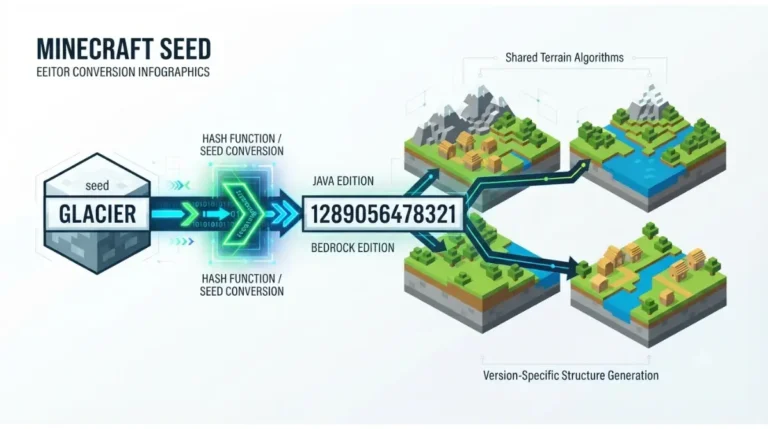
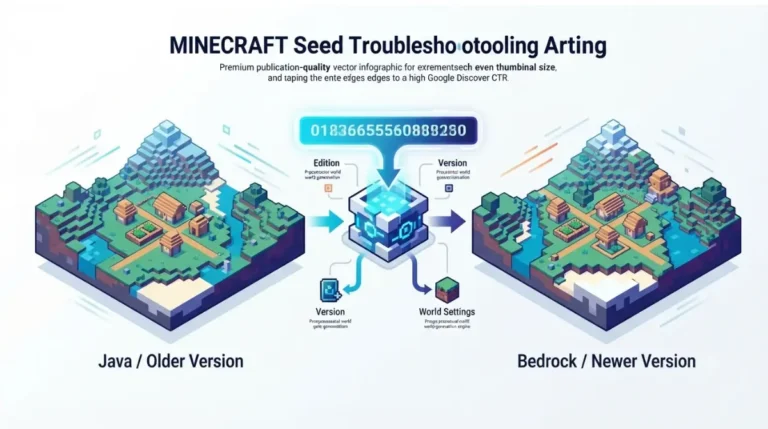
They run different server software, so use your edition’s steps. For cross-edition worlds, see whether Java and Bedrock worlds match.
Minecraft Realms seed questions, answered
1. Can I see my Realm seed?
Not reliably. Bedrock’s Realm Edit World is disputed, so download a copy and read the Realm seed there.
2. Can I pick a Realms seed?
Not in Bedrock’s Realm options, per the wiki. Create the world on your device, then use Replace World.
3. Can I change a Realm seed?
No. The wiki says a world’s seed cannot be changed; replace the slot’s world instead.
4. Find a Realm seed on Bedrock?
Download the world, open the copy, and read the World seed field on its Edit World screen.
5. Find a Realm seed on Java?
Download it as a singleplayer world and use /seed; our world-file guide covers the Realm seed.
6. Does /seed work on a Realm?
It depends on edition and permissions, and sources disagree. Read the Realm seed from a downloaded copy.
7. Does Edit World show the seed?
Sources disagree: the wiki’s Realms history says yes since 26.20; its Edit World page and CurseForge say no.
8. Do Java and Bedrock Realms work the same?
No. Java Realms run server.jar and Bedrock Realms run Bedrock Dedicated Server, per the wiki, so follow your edition’s steps for the Realm seed.
9. How many worlds can a Realm hold?
Three world slots, per the wiki. Each slot’s world has its own Realm seed, so read the active one.
10. Does downloading change my Realm?
No. Download World stores a copy; only Replace World and Reset World change what the slot holds.
What to do next with your Realm seed
Download a copy of the Realm world and read the seed there. Bedrock’s Edit World answer stays unconfirmed. Subscribe to our newsletter for a note when a drop changes seeds.