Minecraft Forge 26.3 and its first Recommended build

Forge’s 26.3 download page puts one file under both buttons: build 66.1.0. A mod’s own minimum Forge build decides when the two labels start to matter.
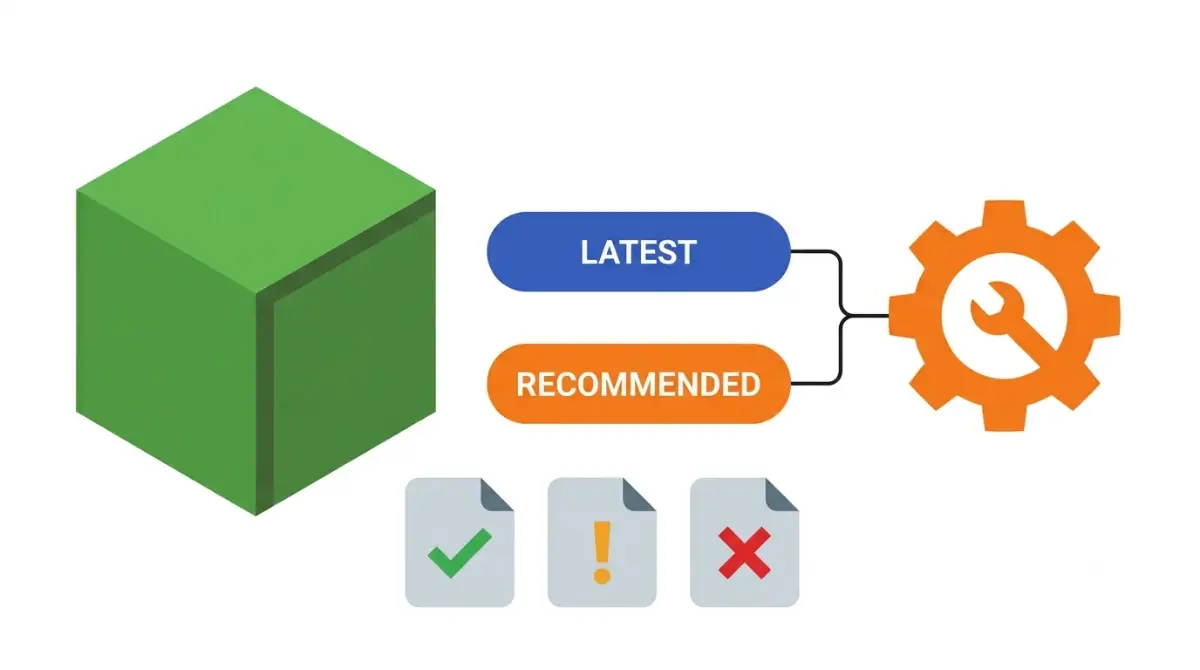
Table of Contents
Checked against Minecraft Java Edition 26.3 on October 28, 2026.
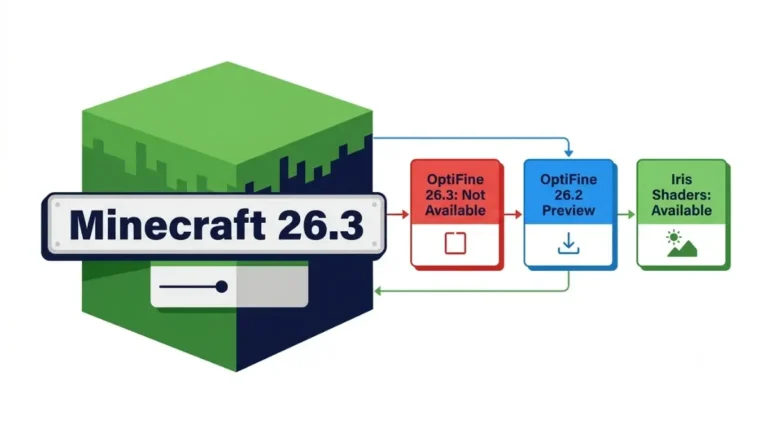
Forge has a Recommended build for Minecraft Java Edition 26.3: 66.1.0, dated October 21, 2026, which is also the newest build on Forge’s 26.3 download page. A ready loader still leaves your modpack to check, because each mod needs its own file made for Forge and 26.3.
The Recommended button on Forge’s 26.3 page
Two boxes sit at the top of that page, “Download Latest” and “Download Recommended”, and both buttons download 66.1.0.
The 26.3 changelog gives 66.1.0 a single line: “26.3 RB 1”. Forge’s README calls the label the Recommended Build, and no earlier 26.3 entry carries it, so 66.1.0 is the first 26.3 build Forge has promoted.
Forge’s first 26.3 build, 66.0.0, went up on September 19. Mojang had released Java Edition 26.3 four days earlier, on September 15.
Note: Recommended isn’t always the first build of a .1 line. The 26.2 line reached 65.1.0 on July 27, and Forge’s 26.2 page lists 65.1.5, dated October 14, under Recommended. The 26.1.2 page lists 64.1.5 there, not 64.1.0.
Latest or Recommended: which installer should you pick?
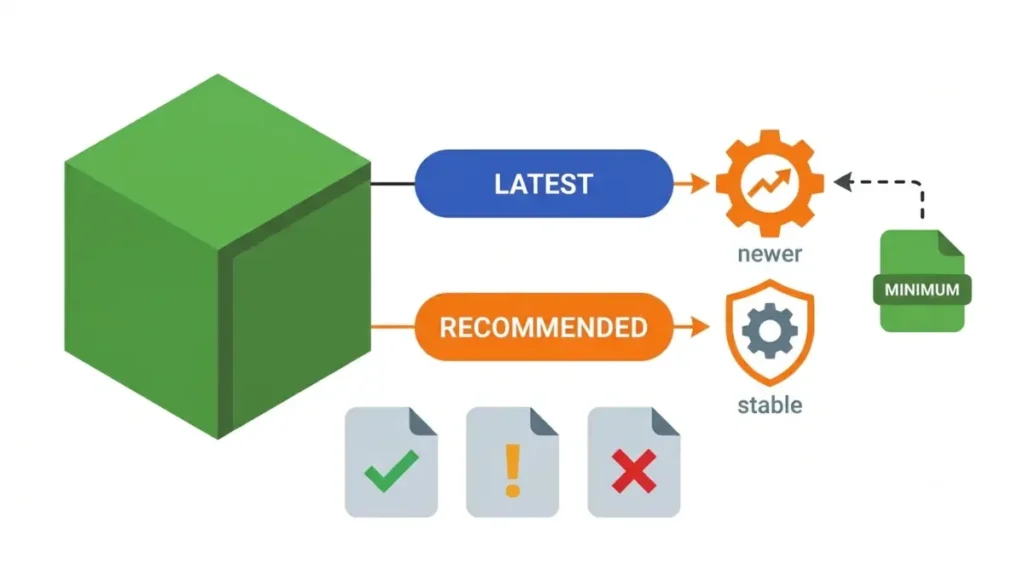
Forge’s README puts the difference in one line: “Latest builds may have newer features but may be more unstable as a result” (MinecraftForge on GitHub).
On 26.3 the two buttons lead to the same file, so the choice changes nothing yet. They split only when Forge publishes a newer 26.3 build.
When that happens, take Recommended unless a mod on your list names a newer Forge build as its minimum. That minimum, printed on the mod’s own page, outranks the label.
What changed between 66.0.0 and 66.1.0
Fifteen entries make up the 26.3 changelog, from “Initial update” at 66.0.0 to the RB line at 66.1.0.
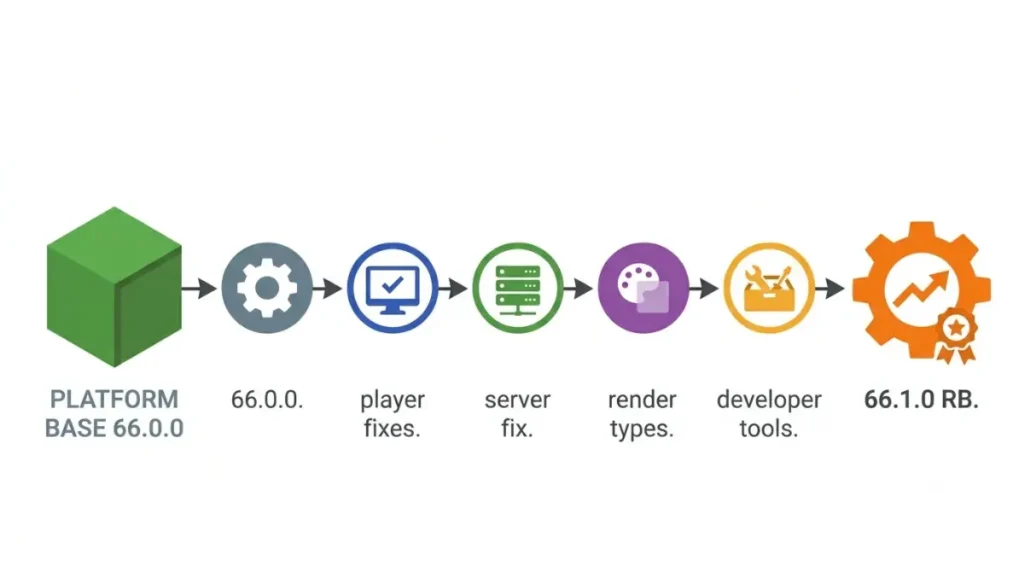
| Who notices | Builds (Forge 26.3 changelog, read October 28, 2026) | What changed |
|---|---|---|
| Players | 66.0.1, 66.0.2, 66.0.4, 66.0.5, 66.0.10, 66.0.13 | Drowning, item dropping, placing cushions, entities pushed by fluids, the block overlay in Spectator mode, and the item filter on bundles |
| Server owners | 66.0.12 | A guard against oversized lists of network channels |
| Mods that use Forge’s render types | 66.0.6 | Render types matched to vanilla’s order-independent transparency |
| Mod developers | 66.0.3, 66.0.7, 66.0.8, 66.0.9, 66.0.11 | Build tooling, the MDK, Forge’s test mods and how object holders are stored |
| Anyone picking a download | 66.1.0 | No change listed beyond the RB marker |
The changelog doesn’t sort its entries by who they affect; the first column is a reading of each line. A pack still on an early build such as 66.0.2 predates every fix listed after it.
A Recommended loader doesn’t mean your mods are ready
InventoryWizard needs Forge 66.0.13 or newer on Minecraft 26.3 (minimums table on its install page).
Mods that ask for a newer Forge
FPS Tune’s Forge 26.3 file needs 66.0.9 or newer, and its developer calls it a one-off Forge build with no promise for later Forge versions (FPS Tune release notes). Build 66.1.0 clears both floors.
Mods with no Forge build for 26.3
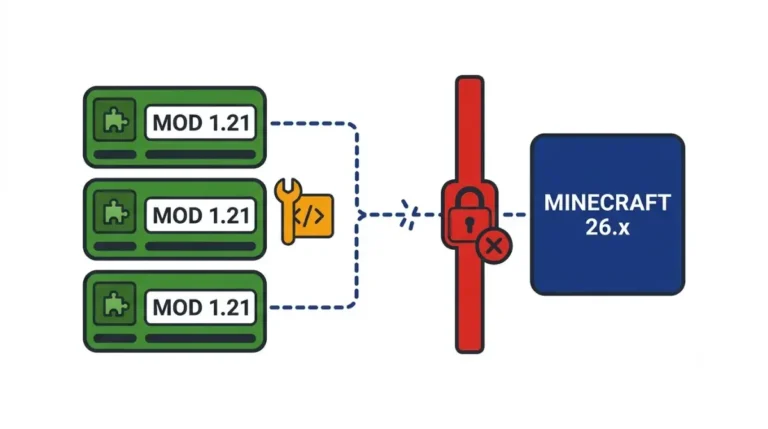
Advanced Loot Info has 26.3 builds for Fabric and NeoForge only (loader table on its wiki). A Forge file made for 26.2 won’t stand in for the missing one, since mod files are built per Minecraft version; see what a version-mismatch error means and how to fix it.
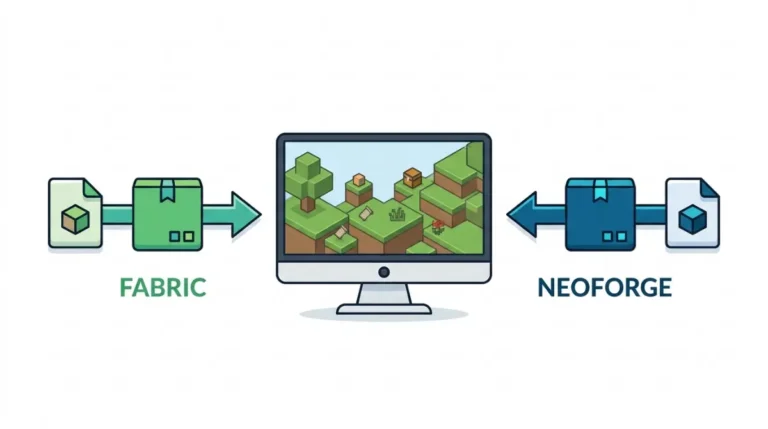
If a mod you can’t drop has nothing for Forge on 26.3, keep that pack on 26.2, or read how Fabric and NeoForge differ before moving it to a loader the mod does support.
Forge’s installer, the ad page and the direct link
Download the installer from files.minecraftforge.net and nowhere else.
The Installer link on that site opens an ad page before the file starts, and ads are Forge’s main source of income (the notice on its download page). Every build in the All Versions table also has a Direct Download link to Forge’s Maven server, with an MD5 and a SHA1 hash printed beside it to compare against the file you saved.
Back up first: copy each world folder out of your saves folder before you open it on a Forge profile for the first time. If you’re not sure where those folders live, find your world’s save folder before you start.
- Open Forge’s download site and select Minecraft 26.3.
- Download the installer for the Recommended or Latest build.
- Run it; it adds Forge to the vanilla Minecraft Launcher. Then create a launcher profile that uses that Forge version and start the game from it.
Forge needs the same Java version Minecraft needs: Java 25 for 26.1 and later (Forge’s Java table). Server download pages that still pair Forge 26.3 with Java 21 are out of date, and who has to install Java 25 themselves depends on how you launch the game.
Is there a Forge build for 26.4?
No. The version list on Forge’s download site goes no higher than 26.3, and the site gives no date for 26.4 support. The game’s own progress toward 26.4, snapshots included, is covered in where Minecraft 26.4 stands.
Check each mod for a Forge 26.3 file before you install
If every mod on your list has a 26.3 file for Forge and none asks for anything newer than 66.1.0, back up your worlds and install 66.1.0. If one is missing, hold that pack on 26.2. For Fabric, NeoForge and Quilt on this version, see the 26.3 status of every loader.