Are Your Minecraft Wayland Mods Still Current on Linux?

Minecraft Wayland mods such as Wayland Fix rely on GLFW, and Mojang says SDL3 replaced it. See what that means for the fixes you installed.
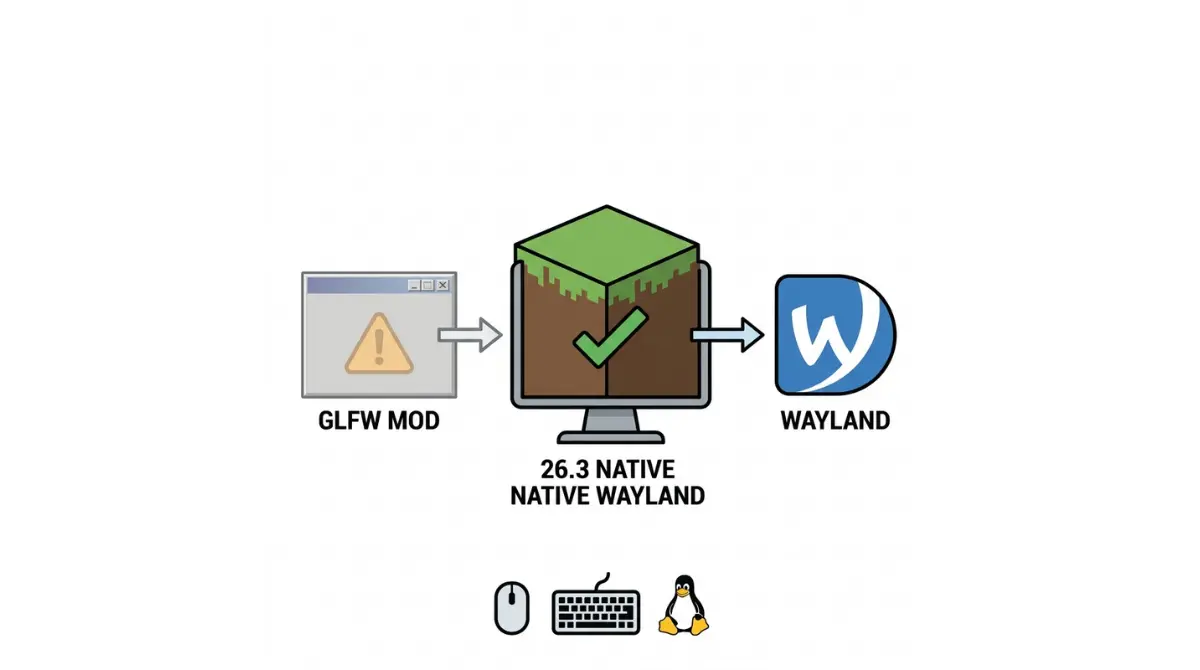
Table of Contents
📌 Quick answer: Minecraft Java 26.3 uses and prefers Wayland natively where available, per Mojang’s release notes, and SDL3 replaced GLFW. None of the Wayland-fix mods we checked list a 26.3 build, and the older ones were built around GLFW. Add one only if its own page lists 26.3 and your loader.
🕒 Verified against: Minecraft Java Edition version 26.3, checked 15 Oct 2026 · Stability: Volatile.
Which Wayland situation are you in?
Three kinds of Linux reader land here, and each needs a different section.
I have a Wayland mod from 26.2 or earlier
You installed Wayland Fix or BetterWayland, then updated. Start with the table below, then the fix steps.
I just want to know if 26.3 needs one
Read what Mojang changed on Linux.
I searched “Waylandcraft”
That is a different kind of mod, explained in its own section.
ℹ️ Before you continue: Mods run as code on your computer, and look-alike download sites can carry malware. Take mods only from each project’s own page, and read where to download mods safely first.
What Minecraft 26.3 changed for Wayland on Linux
Minecraft Java 26.3, released 15 Sep 2026, now prefers Wayland natively where it is available.
What Mojang’s 26.3 notes say about Linux
✅ Confirmed: Mojang’s Java Edition 26.3 release notes, 15 Sep 2026: “On Linux systems, the game will now use and prefer Wayland natively if available.”
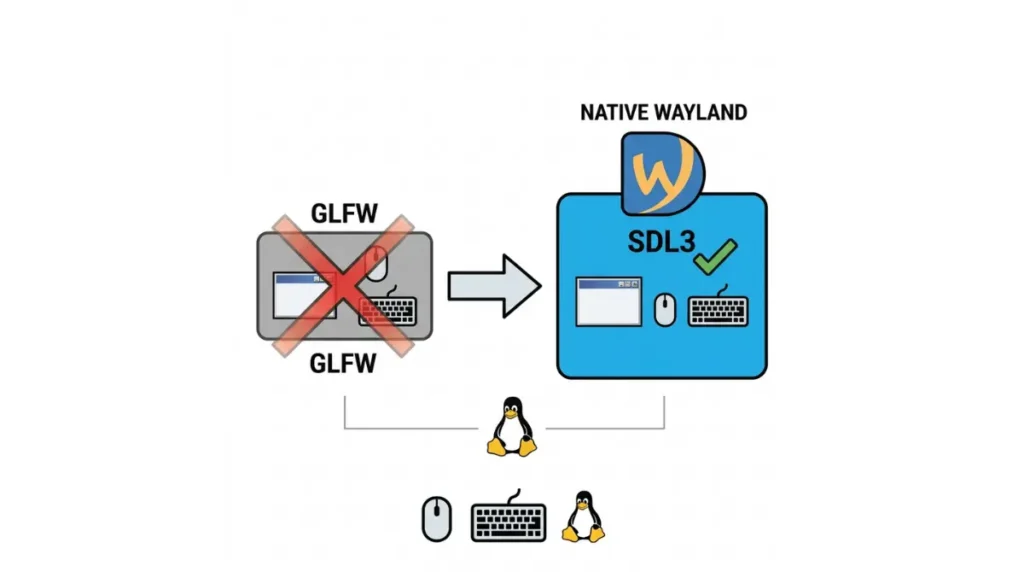
The same release moved window and input handling from GLFW to SDL3. The rest of that change is covered in the SDL3 section of our 26.3 mods guide.
What the notes do not say
The notes we read name no launcher option, environment variable, supported compositor or scaling behaviour. So “native” is Mojang’s stated direction, not a promise about HiDPI or fractional scaling.
Do older Wayland mods work on Minecraft 26.3?
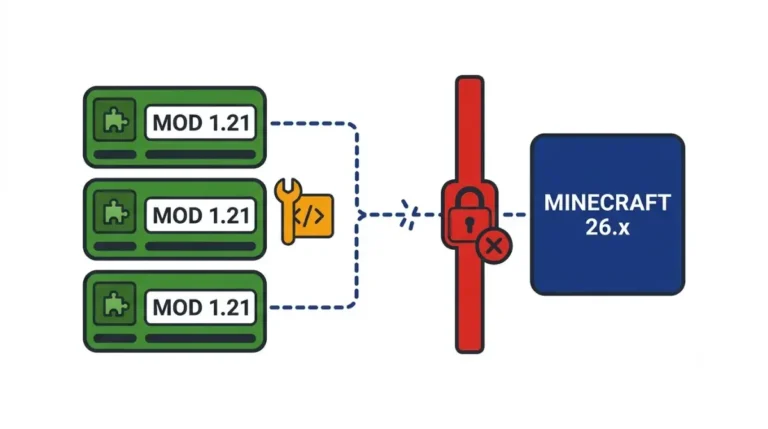
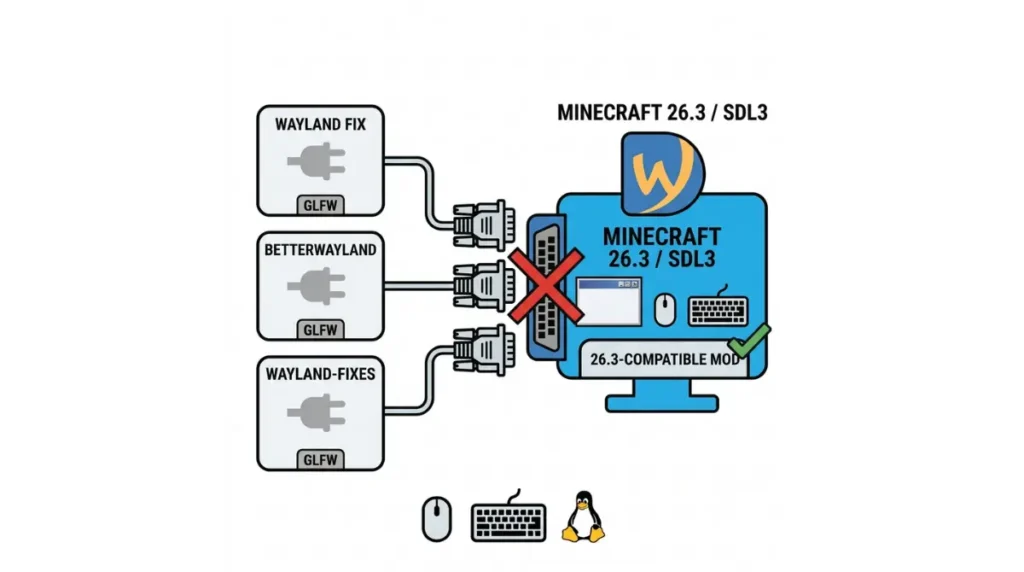
None of the Wayland mods we checked list a 26.3 build (checked 15 Oct 2026).
Mod-by-mod status as of 15 Oct 2026
| Mod | Last game version it lists | Key detail | 26.3 build listed? | Tier |
|---|---|---|---|---|
| Wayland Fix | 1.21 (Fabric) | Requires a system GLFW and a JVM flag | No | CONFIRMED |
| BetterWayland (beta) | Jars through 26.2 | Keeps GLFW; notes say “26.x”, never 26.3 | No | CONFIRMED |
| wayland-fixes | Archived (8 Feb 2024 update) | No further updates, per a mirror | No | REPORTED |
| Waylandcraft | 26.1.2 | A compositor, not a fix | No | CONFIRMED |
Version note: Minecraft Java 26.3, 15 Oct 2026. Current loader builds are in the loader status table.
Why GLFW-based fixes may not apply (our inference)
🔍 Why it happens: GLFW and SDL3 are both libraries that open the game window and read your mouse and keyboard. Wayland Fix and BetterWayland adjust how GLFW talks to Wayland.
🔎 Unconfirmed — our inference, no project statement: With SDL3 replacing GLFW, a mod aimed at GLFW may have nothing to attach to. No project has said so; trust any project that lists 26.3 over this reading.
Is Waylandcraft a Wayland fix for Minecraft?
No. Waylandcraft is a Wayland compositor that runs inside the game, not a fix for how the game runs on Wayland.
What Waylandcraft actually does
Per its README, it lets other Linux apps open as windows in your world. It is a Fabric, client-side mod, though servers may install it so players can hold window items.
Which versions it lists
Its Modrinth page and README list 26.1.2 only and say nothing about 26.3. The README also says not to use a Flatpak-packaged launcher.
Minecraft 26.3 blank or crashing on Wayland: what to try
Start here; we have not tested any step, and each carries its tier.
Remove what 26.3 can’t use
🔧 Try this: Launch with Wayland mods disabled and delete any
-Dorg.lwjgl.glfw.libnameJVM flag left from an old guide. If the game opens, re-enable mods one at a time, checking each page for a 26.3 listing. Our advice, not tested.
For a game-version error, see the version-mismatch error fix; for other failures, mods not loading.
If the window is blank on NVIDIA
🔎 Unconfirmed — Reported: One Arch Linux Forums user (17 Jul 2026), on 26.3 Snapshot 4 with an Intel-NVIDIA laptop, fixed a blank native-Wayland window by setting
__GL_THREADED_OPTIMIZATIONSto0. Single report, snapshot only.
Set it in your launcher’s environment-variable setting. Waylandcraft’s README lists the same variable for NVIDIA.
If you want X11 instead
SDL3’s documentation says the SDL_VIDEO_DRIVER hint can force a backend such as x11. Mojang does not document this for Minecraft, and the same forum user’s XWayland attempt failed to start OpenGL.
Exclusive fullscreen on Wayland: confirmed or not?
Mojang listed an exclusive-fullscreen crash as a known issue in Snapshot 4, and we found no statement that it is fixed.
What Mojang listed in Snapshot 4
✅ Confirmed: Mojang’s Snapshot 4 notes, 16 Jul 2026, list this known issue: “Entering Exclusive fullscreen mode crashes the game on Wayland.”
What we can and can’t say about 26.3
🔎 Unconfirmed — status in the release: The 26.3 release notes we read list no such issue and no fix. Absence is not proof of a fix. Check Mojang’s bug tracker first.
When this advice doesn’t apply: X11, Flatpak, servers
Three setups fall outside what we checked.
You’re on X11 or XWayland
Mojang’s note covers Linux systems where Wayland is available. It does not describe X11 or XWayland behaviour, so we make no claim there.
Sandboxed or Flatpak launchers
Waylandcraft’s README says not to use a Flatpak-packaged launcher. We make no wider Flatpak claim.
Servers and mod conflicts
Modrinth lists Wayland Fix as client-side only. BetterWayland’s notes list BorderlessFullscreen and FullscreenFix as incompatible and discourage IMBlocker.
Minecraft Wayland mod questions, answered
1. Does Minecraft 26.3 support Wayland natively?
Yes. Mojang’s 26.3 notes say Minecraft on Linux uses and prefers Wayland natively if available.
2. Do I need a Wayland mod for Minecraft 26.3?
None of the Wayland mods we checked list a 26.3 build, so add one only if its page lists 26.3.
3. Does Wayland Fix work on Minecraft 26.3?
Its Modrinth page lists game versions only up to 1.21 and requires a system GLFW, so it lists no 26.3 build.
4. Does BetterWayland support Minecraft 26.3?
Not as listed. Its jars run through 26.2, and its notes say it keeps GLFW as the backend.
5. Is Waylandcraft a Wayland fix?
No. Waylandcraft is a compositor inside Minecraft that opens Linux apps as windows, and it lists 26.1.2 only.
6. How do I force Minecraft to use X11 instead of Wayland?
SDL3 documents an SDL_VIDEO_DRIVER hint that can force x11, but Mojang does not document it for Minecraft; untested.
7. Why is Minecraft 26.3 blank on Wayland?
One NVIDIA laptop user reported a blank Snapshot 4 window fixed by setting __GL_THREADED_OPTIMIZATIONS to 0. Single, unconfirmed report.
8. Does exclusive fullscreen crash on Wayland in Minecraft 26.3?
Mojang listed the crash as a Snapshot 4 known issue. We found no statement that it is fixed in 26.3.
9. Do Wayland mods work in a Flatpak launcher?
Waylandcraft’s README says not to use a Flatpak-packaged launcher. We found no wider Flatpak statement.
10. Do Wayland mods need to be on the server?
Modrinth lists Wayland Fix as client-side only. Waylandcraft is client-side too, though servers may install it.
What to do next with your Wayland setup
Match every Wayland mod’s listed game version to 26.3, and drop leftover GLFW flags from old guides. Our newsletter flags it when a Wayland mod lists 26.3, and the main 26.3 mods guide holds the current loader builds.