Fix a Minecraft Server Mod Mismatch From the Exact Kick Message

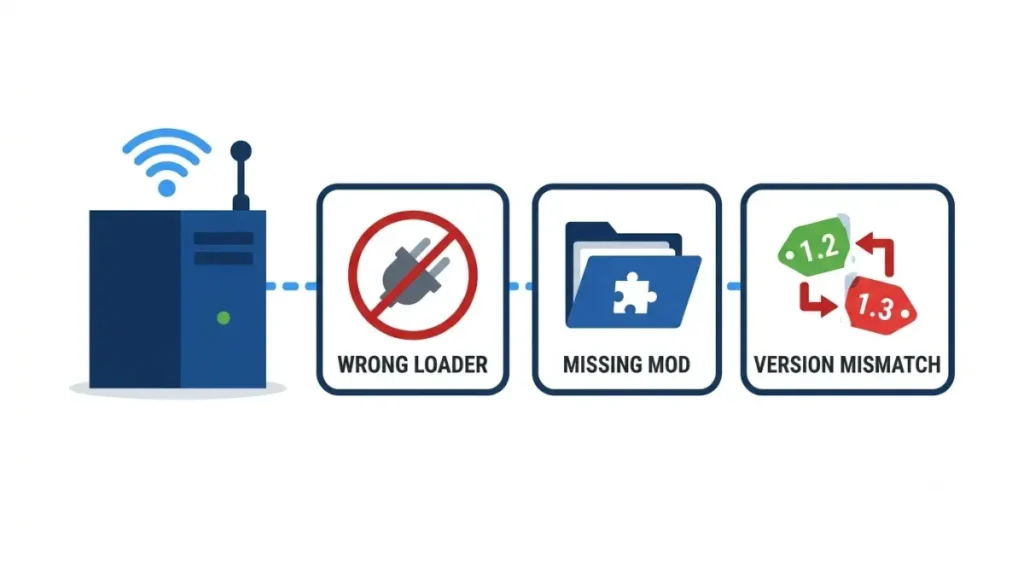
Mod mismatch kicks name the problem: a Fabric server says it requires Fabric API on your client, then lists up to four related mod IDs.
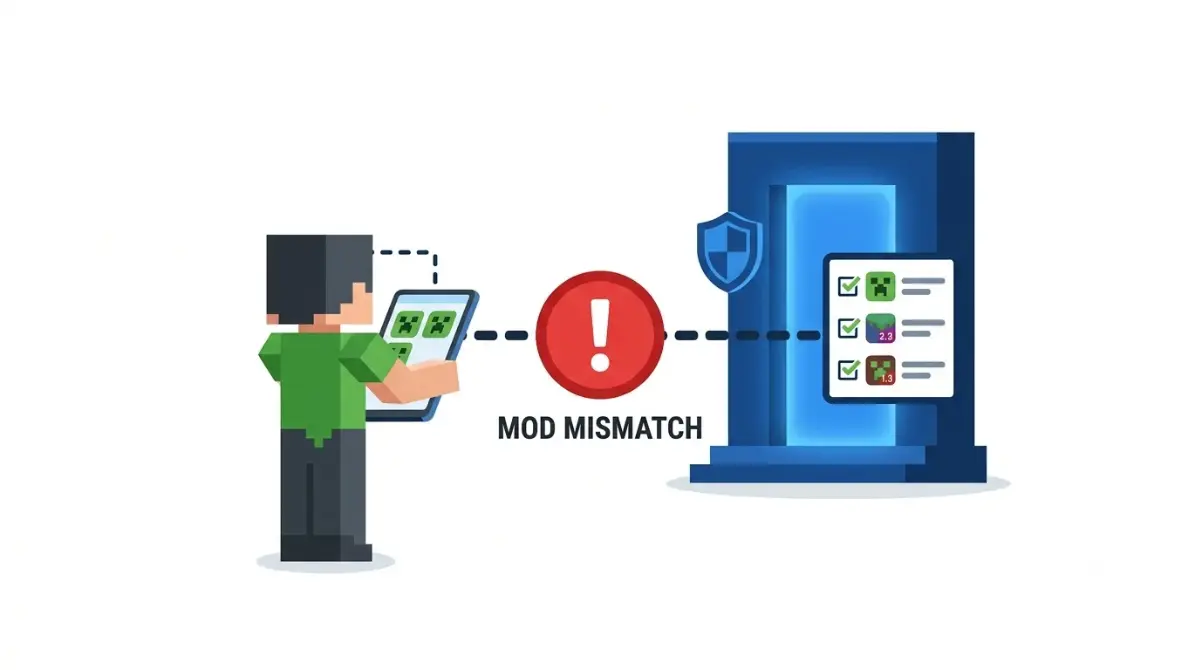
Table of Contents
📌 Quick answer: A mod mismatch kick means your client and the server run different content mods, mod versions or loaders. On 26.3, NeoForge’s screen lists each mod as You have vs Server has; Fabric names the mod IDs. Install exactly what the server runs, same versions, then rejoin; client-only mods like Sodium usually don’t need to match.
🕒 Verified against: Minecraft: Java Edition 26.3, checked 17 Oct 2026 · Stability: Semi-stable.
Which mod mismatch message did the server show you?
Copy the exact message first; each loader words its kick differently. This page covers Minecraft: Java Edition 26.3 multiplayer, when the server turns you away at the join.
I’m a player who got kicked
Find your message in the table below. If a mod fails before the title screen, that’s a mod that won’t load on your own PC, a different fix.
I run the server
Go to the fix steps; the table shows which side changes.
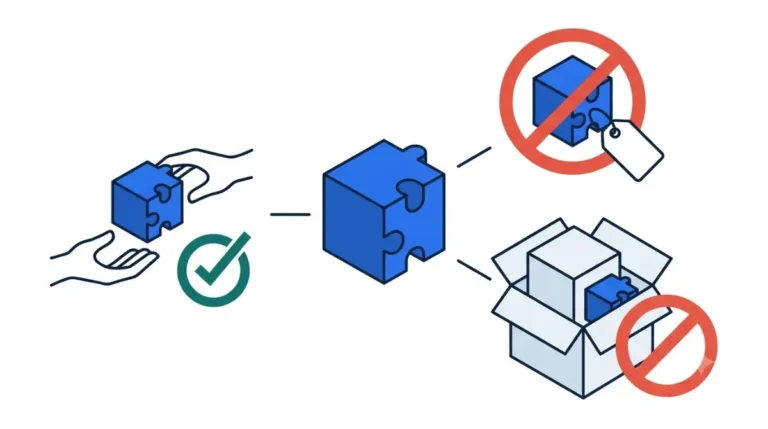
ℹ️ Before you continue: Mods run as programs on your PC, and “server mods” bundles from unknown sites can carry malware. Take each mod from the server’s pack or a host that vets uploads. An adult should check a young player’s downloads.
Every 26.3 mod mismatch message and what it means
Match your message to its row.
| Message you see | Loader | What to change | Key detail |
|---|---|---|---|
| “…running NeoForge, but you are not.” | NeoForge | Your loader | Names the version to install |
| “…not running NeoForge, but you have mods that require it.” | NeoForge | Your mods | Remove NeoForge mods |
| “Your client is missing the following mods…” | NeoForge | Your mods | Install them |
| “The server is missing the following mods…” | NeoForge | Your mods | Remove them |
| “The following mod versions do not match…” | NeoForge | Your mods | Match versions |
| “This server requires Fabric API installed on your client!” | Fabric | Loader and mods | Lists mod IDs |
| “Received a registry entry that is unknown to this client.” | Fabric | Your mods | Reported wording |
| “Incompatible client! Please use 26.3” | Vanilla | Game version | Not mods |
Checked 17 Oct 2026 against NeoForge and Fabric API source files. Forge’s 26.3 wording not checked.
🔎 Unconfirmed — Reported: The Fabric “registry entry” line comes from user logs on older Fabric API builds; the vanilla line from GameServerKings’ guide (updated 28 Sep 2026). If yours differs, trust your screen.
NeoForge kick screen: reading You have vs Server has
NeoForge checks both sides at the join and lists each disagreement above a You have / Server has table.

Client is missing mods
Install each listed mod at its Server has version.
Server is missing mods
Remove those mods from your client.
Mod versions don’t match
Swap to the server’s exact version. If the list is cut short, the screen points you to latest.log for the rest.
Joining without NeoForge
You can’t: a vanilla client is told to install NeoForge, with the version named.
✅ Confirmed: These messages, columns and the latest.log pointer are in NeoForge’s own message file (default 26.2.x branch, checked 17 Oct 2026).
Fabric servers: when a vanilla client can still join
Fabric doesn’t compare mod lists; it checks only whether the server adds synced content, such as modded blocks or items. A server running only server-side mods lets plain clients in.
“This server requires Fabric API installed on your client!”
The server sends this when it has modded content and your client can’t receive it. Per Fabric API’s 26.3 source, it lists up to four mod IDs; a client without Fabric is asked for Fabric Loader too.
“Received a registry entry that is unknown to this client”
You have Fabric API but lack a content mod the server runs. Install each named mod’s 26.3 build.
🔍 Why it happens: Fabric syncs modded blocks and items at the join. An entry your game doesn’t have can’t be matched, so the join stops.
Fix it: match the server’s loader, mods and versions
The kick screen already names what to change, so read it before touching any folder.
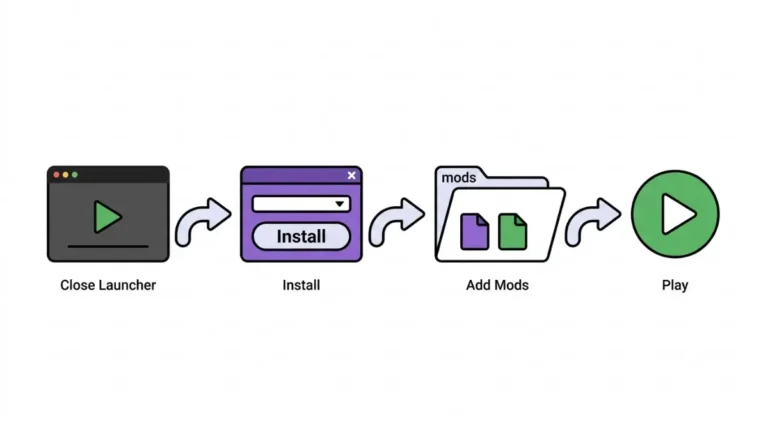
Player: five steps to rejoin
🔧 Try this:
- Copy the message and every mod it names.
- Set your launcher profile to the server’s Minecraft version.
- Install the server’s loader at its build; current 26.3 loader builds live on our main guide.
- Add, remove or swap mods to match the server’s versions.
- Rejoin; send any new message to the owner.
Admin: publish one exact pack
A modpack link gives every player the same loader and mod versions in one step. That’s our advice.
Should you delete your config folder?
Not first. Some host guides suggest it, but the kick screen names mods, not configs; back up before deleting. This is our advice, not loader documentation.
⚠️ Watch out: Get each mod from the server’s pack or the mod’s own page on a vetted host. A “server mods” bundle from an unknown site is an easy way to install malware.
Which mods must match the server, and which can differ
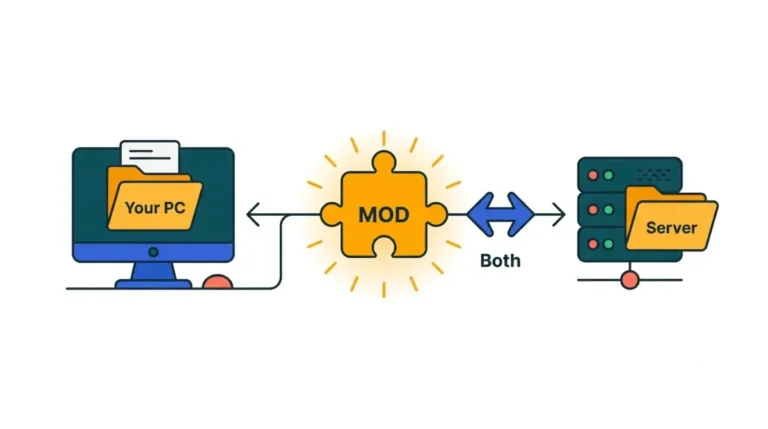
Mods that add content or talk to the server must match; mods that change only your screen usually don’t.
Client-only mods
Rendering and performance mods usually stay local. Sodium’s Modrinth listing marks it client-side only.
Server-only mods
On Fabric, players don’t need them unless they add synced content. On NeoForge, the kick screen names any mod you need too.
How to check a mod’s side
Check the mod’s environment label, then see whether a mod runs client-side or server-side.
🔍 Why it happens: Per NeoForge’s 1.20.4 API documentation, the join check covers network channels and drops optional ones the other side lacks.
Not a mod mismatch? Version, whitelist and bypass mods
Some join failures look like mod problems but aren’t.
“Incompatible client! Please use 26.3”
Your game version differs from the server’s. Switch your launcher profile to the version named.
“Outdated server”, “Mod rejections” or “Mismatched mod channel list”
The last two are older Forge wording, absent from NeoForge’s current message file.
🔎 Unconfirmed — Reported: GameServerKings (28 Sep 2026) reports that the version in “Incompatible client” is the server’s, and that “Outdated client/server” lines come from proxies. If wrong, the fix is still to match the server’s version.
Not white-listed, or on Realms
Check the 26.3 server changes, and what Java Realms accepts.
Mods that skip the check
Some mods hide these errors, but their own pages say incompatible mods still won’t work. Ask the owner for the pack; judge other sources with Fabric’s guide to safe mod sources.
Minecraft server mod mismatch: questions answered
1. Why can’t I join a modded Minecraft server?
A Minecraft server mod mismatch usually means your loader, content mods or mod versions differ from the server’s. The kick message names them.
2. Do all players need the same mods as the server?
Players need the server’s content mods at matching versions. Client-only mods like Sodium usually stay on your own PC.
3. What does “Incompatible client! Please use 26.3” mean?
Your Minecraft version differs from the server’s. Switch your launcher profile to the version named; it’s a version mismatch, not a mod mismatch.
4. Can a vanilla client join a Fabric server?
Yes, if the Fabric server runs only server-side mods without synced content. Modded blocks or items trigger a Fabric API kick.
5. Do client-side mods like Sodium need to be on the server?
No. Sodium’s Modrinth listing marks it client-side only, so it doesn’t cause a server mod mismatch on its own.
6. What does “Received a registry entry that is unknown to this client” mean?
This Fabric message means the server runs content mods your client lacks. Install the mods whose IDs the error lists.
7. How do I see which mods the server has?
On NeoForge, the kick screen’s Server has column lists them, with the rest in latest.log. Otherwise, ask the server owner.
8. What is “Mismatched mod channel list”?
It’s older Forge mismatch wording. On a 26.3 NeoForge server, the kick screen lists missing and mismatched mods by name instead.
9. Can I join a NeoForge server without NeoForge?
No. A vanilla client is turned away with a message naming the NeoForge version to install before you can join.
10. Should I delete my config folder to fix a mod mismatch?
Not first. Match the mods the kick screen names, and back up before deleting anything; that’s our advice, not loader documentation.
What to do next on your 26.3 server
Copy the message, find it in the table, then install the server’s exact loader, mods and versions. Ask the owner for their pack rather than hunting mods one by one.
Want a heads-up when a loader update changes these messages? Join The Checkpoint Codex newsletter loader alert.