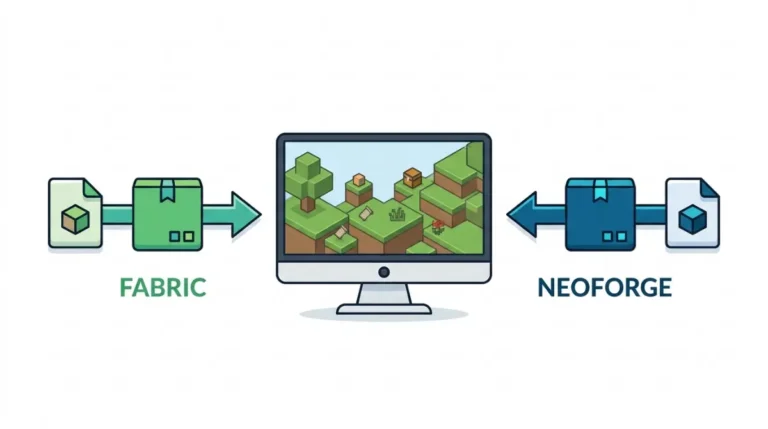
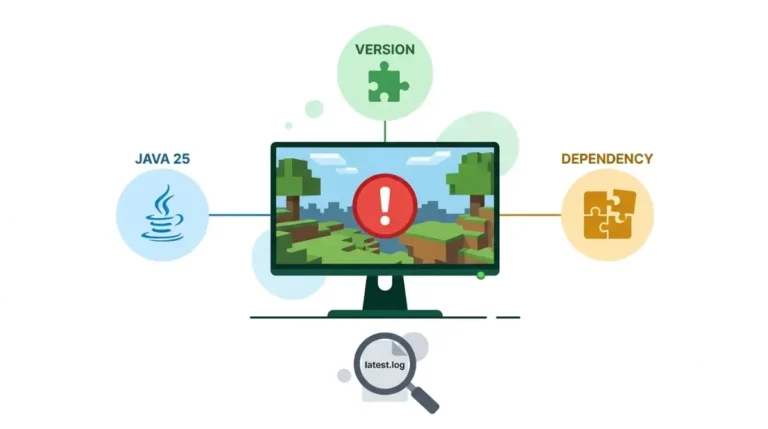
Java Mods vs Bedrock Add-Ons and the Official Console Route

Bedrock add-ons and Java mods never load in each other’s edition. On consoles, Microsoft documents one route for non-Marketplace packs: a Realm.
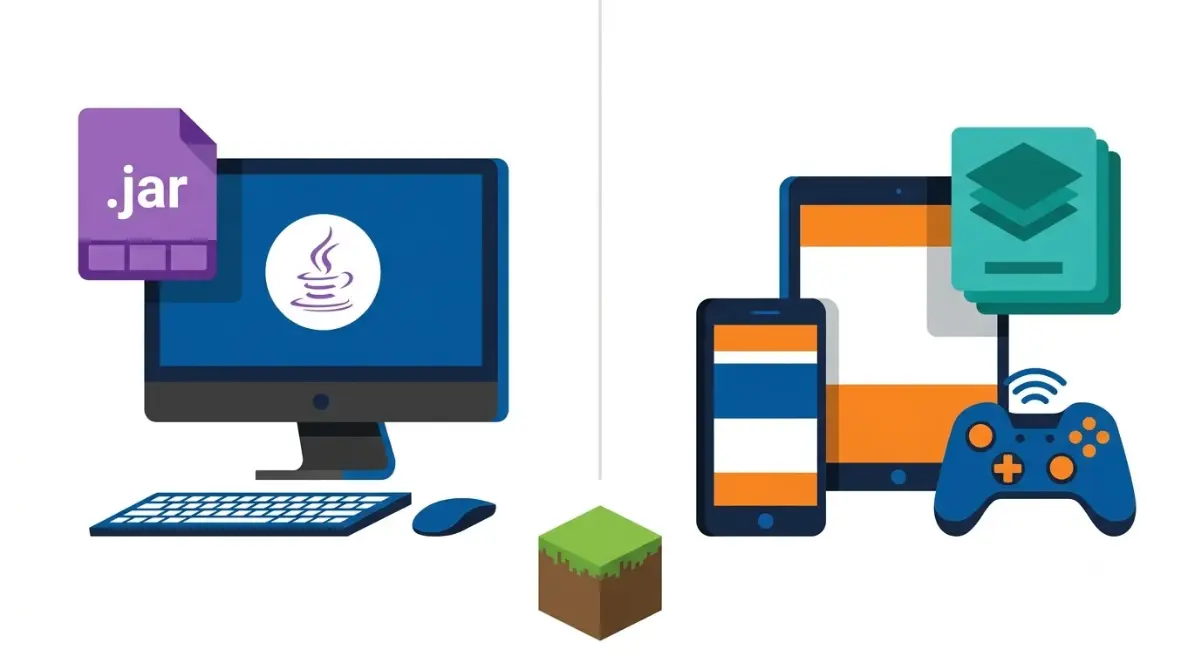
Table of Contents
📌 Quick answer: Java mods (.jar files run through Fabric, NeoForge or Forge) work only in Java Edition on Windows, Mac and Linux. Bedrock add-ons (.mcpack and .mcaddon files) work only in Bedrock. Neither runs in the other. Windows, Android and iOS import add-on files; consoles use Marketplace add-ons or a Realm. Only Marketplace add-ons keep achievements.
🕒 Verified against: Minecraft Java Edition 26.3 and Bedrock Edition 26.52 (a hotfix on 26.50), checked 17 October 2026 · Stability: Semi-stable.
Java mods or Bedrock add-ons: which one do you have?
Your edition decides which system you can use.
If you play on PC with the Java launcher
You’re on Minecraft: Java Edition (Windows, macOS, Linux). You use mods: .jar files loaded through a mod loader.
If you play on console, phone or Minecraft for Windows
You’re on Bedrock Edition, so you use add-ons. Unsure which number you’re on? Check how Java and Bedrock version numbers differ.
If your family uses both
Mojang’s store page says Minecraft: Java & Bedrock Edition for PC includes both editions. Consoles and phones run Bedrock only.
ℹ️ Before you continue: Mod and add-on files from outside the Marketplace run on your device and can carry malware. Marketplace add-ons cost Minecoins, bought with real money. Younger players: an adult should review sources and purchases first.
Why a Java mod can’t run in Bedrock, and the reverse
No. A Java mod is a .jar file built for Java Edition, and Bedrock loads only add-on packs.
Java mods: .jar files through a loader
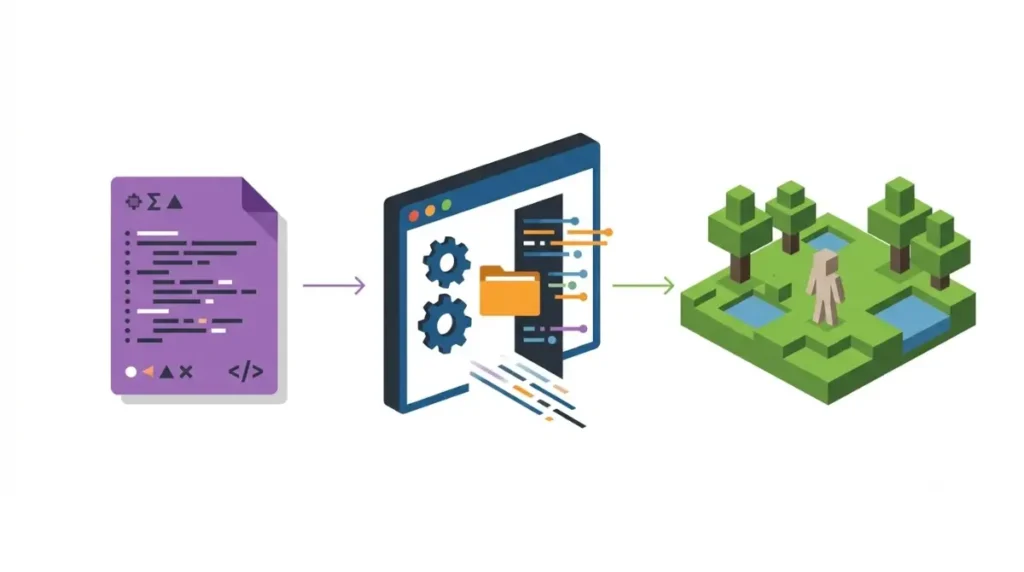
A Java mod sits in the mods folder and runs through Fabric, NeoForge or Forge. Each build targets one Minecraft version and one loader, so check which loaders have 26.3 builds right now first.
Bedrock add-ons: behavior and resource packs
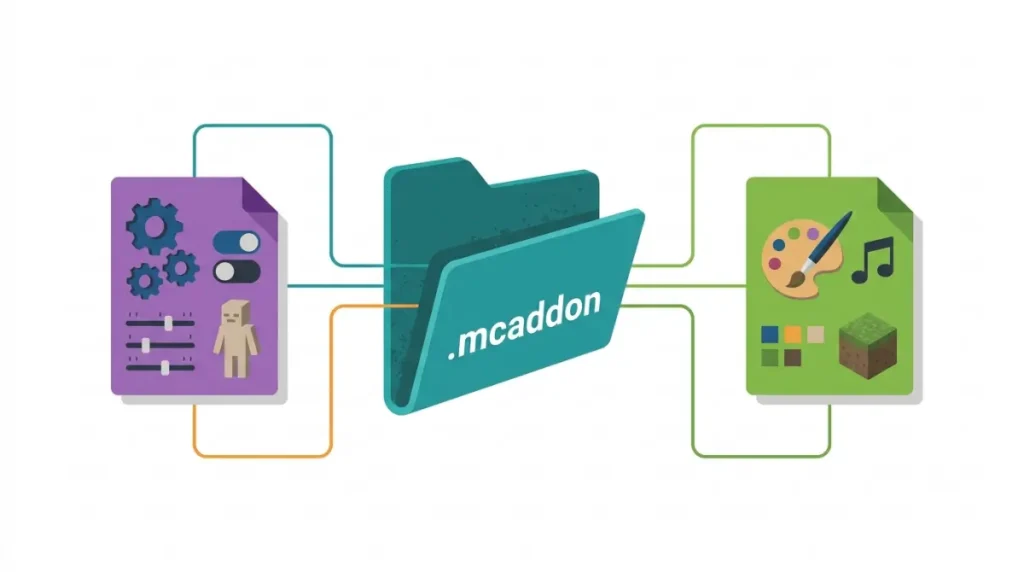
A Bedrock add-on combines behavior packs (how mobs, items and rules work) and resource packs (how things look and sound). Microsoft’s creator documentation says packs are written in JSON, and behavior packs can run JavaScript. It defines .mcpack as one zipped pack and .mcaddon as a bundle of packs.
🔍 Why it happens: Java and Bedrock are separate games. A mod or add-on is built for one edition’s system, so the other has nothing to load it into.
What works where: Java mods and add-ons by platform
Here’s what each platform runs, checked 17 October 2026 against Mojang’s edition comparison and Microsoft’s install guide.
The platform table
| Platform | Edition | Java mods | Bedrock add-ons | Key detail |
|---|---|---|---|---|
| Windows | Java | Yes | No | Needs a loader |
| macOS | Java | Yes | No | Java listing |
| Linux | Java | Yes | No | Java listing |
| Windows 10/11 | Bedrock | No | Marketplace or file | In the PC purchase |
| Android | Bedrock | No | Marketplace or file | Opens in Minecraft |
| iOS | Bedrock | No | Marketplace or file | Opens in Minecraft |
| Xbox | Bedrock | No | Marketplace or Realm | Realm needs a Windows PC |
| PlayStation 5 | Bedrock | No | Marketplace or Realm | Realm needs a Windows PC |
| Nintendo Switch | Bedrock | No | Marketplace or Realm | Realm needs a Windows PC |
Sources: Mojang’s store page, Microsoft’s Getting Started with Add-Ons, Mojang’s 15 July 2025 add-ons article. Checked against Java 26.3 and Bedrock 26.52.
How to read “Realm route”
On consoles, Microsoft documents one route for packs not from the Marketplace: build the world on Windows, upload it to a Realm, open it on the console. CurseForge’s June 2026 explainer says add-ons cross-play across consoles, but for non-Marketplace files the Realm is the documented route.
Do add-ons survive updates better than Java mods?
It depends on the API track: stable-track add-ons should survive minor updates; beta-track add-ons can break with any release.
Java: one build per game version
A Java mod is compiled for one version, so a big update means waiting for a new build. If one won’t load, see what to do when a mod says it’s incompatible.
Bedrock: stable APIs vs beta APIs
✅ Confirmed: Microsoft’s script versioning rules (updated 17 July 2025): stable APIs stay backwards compatible within a major version. Beta APIs promise no backwards compatibility and need the Beta APIs experiment on in the world.
CurseForge says add-ons “usually remain stable between updates.” That’s true for stable-track add-ons only. If an add-on asks for Beta APIs, expect it to need updates.
How Java mods and add-ons install, including on console
Each edition has its own install route, and consoles have the narrowest.
Java: loader, then the mods folder
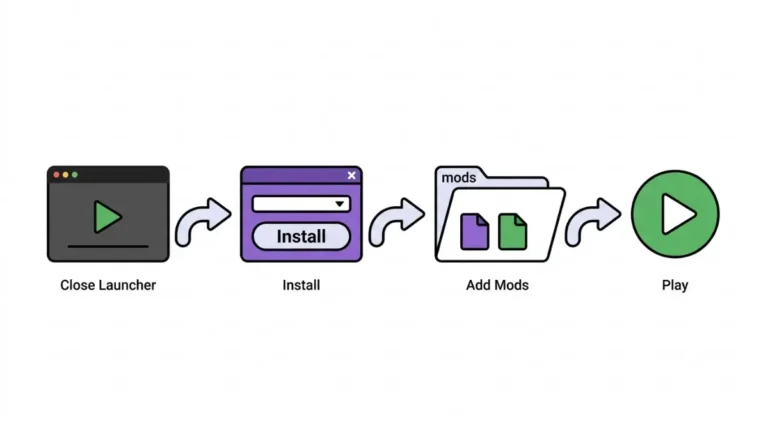
Install a mod loader, put each .jar in the mods folder, then launch the loader’s profile. Fabric’s steps are in our guide to installing Fabric Loader the official way.
Bedrock on Windows, Android and iOS
Open the .mcpack or .mcaddon file and Minecraft imports it. Then switch the pack on in the world’s Behavior Pack or Resource Pack tab, per Microsoft’s add-on install guide.
Bedrock on Xbox, PlayStation and Switch
Use the Marketplace, or upload a world from Windows to a Realm:
🔧 Try this:
- Get the add-on from the Marketplace on your console. Not listed there? Go to step 2.
- On a Windows 10/11 PC with Bedrock and a Realms subscription, upload a world with the add-on active to your Realm.
- On the console, open that world on the Realm.
🔎 Unconfirmed — Reported: GameSpot, covering Mojang’s add-on launch (February 2024), says only the world owner needs to own an add-on used in a multiplayer world or Realm. If that has changed, check the add-on’s Marketplace page.
Do add-ons disable achievements? Only non-Marketplace ones
Not Marketplace add-ons: Mojang says achievements stay on with them, on every platform.
What Mojang’s rule says
✅ Confirmed: Mojang’s achievements announcement (15 July 2025): achievements work with all Marketplace add-ons, on all platforms. Non-Marketplace add-ons don’t qualify, and nothing is awarded retroactively.
Guides that say add-ons always disable achievements are out of date.
The 26.50 bug that 26.52 fixed
✅ Confirmed: The Bedrock 26.52 hotfix changelog (25 September 2026) fixed older Marketplace add-on worlds wrongly disabling achievements on 26.50 and later (MCPE-242586).
Still seeing achievements off after updating? Report it on Mojang’s bug tracker.
Free and paid Marketplace add-ons
Add-ons are free or paid in Minecoins, bought with real money. Mojang lists official ports of Java mods, including Naturalist, Tinkers’ Construct and Decocraft. Prices change, so check the in-game listing.
Want a note when Mojang changes add-on rules? Join The Checkpoint Codex newsletter.
What never crosses over: worlds, servers and crossplay
Some limits sit between the editions, and no mod or add-on changes them.
Worlds and crossplay stay per edition
Mojang’s store page says Java Edition players play only with Java players. Microsoft’s Store listing for the PC edition says Java–Bedrock cross-play isn’t supported and Java worlds aren’t compatible with Minecraft for Windows.
Unofficial bridges and sideloaded files
🔎 Unconfirmed — Reported: GameSpot reported in February 2024 that Mojang still allows sideloaded add-ons that follow the Minecraft EULA. Tools like GeyserMC let Bedrock players join some Java servers, but they aren’t Mojang products. If the policy changes, the EULA decides.
⚠️ Watch out: Sideloaded files run as code on your device, and fake download sites exist. Check where to download mods without malware first.
Java mods vs Bedrock add-ons: questions, answered
1. Can you use Java mods on Bedrock?
No. Java mods are .jar files built for Java Edition, and Bedrock loads only add-on packs.
2. Are Bedrock add-ons the same as Java mods?
No. Bedrock add-ons are behavior and resource packs, while Java mods are .jar files that need a loader.
3. Can you get Bedrock add-ons on Xbox, PS5 or Switch?
Yes. Use the console’s Marketplace, or open a Realm world uploaded from a Windows PC with add-ons active.
4. Do Bedrock add-ons disable achievements?
Marketplace add-ons keep achievements on every platform, per Mojang. Bedrock add-ons from outside the Marketplace don’t qualify.
5. Are Marketplace add-ons free?
Some Bedrock add-ons are free; others cost Minecoins, bought with real money. Check with whoever manages the account before buying.
6. Do Bedrock add-ons break after updates?
Stable-track Bedrock add-ons should survive minor updates. Add-ons needing the Beta APIs experiment can break with any release.
7. Can Java and Bedrock players play together?
Not officially. Mojang and Microsoft say Java–Bedrock cross-play isn’t supported, with or without Java mods or add-ons.
8. Can I move a modded Java world to Bedrock?
No. Microsoft’s Store listing says Java Edition worlds aren’t compatible with Minecraft for Windows, so Java mods stay in Java.
9. Does everyone on a Realm need to own the add-on?
Reportedly not. GameSpot, covering Mojang’s 2024 add-on launch, says only the world owner needs it.
10. Does buying Minecraft on PC include both editions?
Yes. Mojang says Minecraft: Java & Bedrock Edition for PC includes both, so PC players can use Java mods and Bedrock add-ons.
Pick the system that matches your device
On PC with Java, match every .jar to your version and loader. On console or phone, use the Marketplace or the Realm route. If achievements matter, stick to Marketplace add-ons.