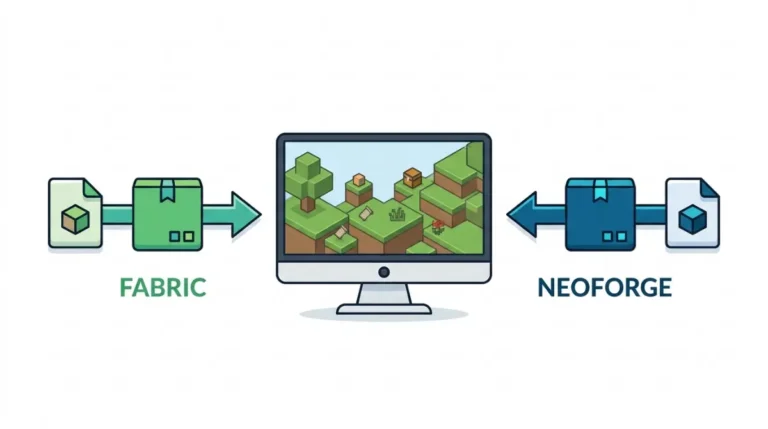
Mod Incompatible Minecraft Version? Find What’s Wrong and Fix It

Mod incompatible with your Minecraft version? Fabric asks you to back up worlds first, then match the error line to mod, loader or version.

Table of Contents
📌 Quick answer: A mod built for 26.2 is incompatible with Minecraft 26.3 when its file doesn’t list 26.3; some 26.2 builds also use code 26.3 removed. Fix: install that mod’s 26.3 build for your loader. None exists? Stay on 26.2 or drop the mod.
🕒 Verified against: Minecraft Java Edition version 26.3, checked 14 Oct 2026 · Stability: Semi-stable.
Which version error are you seeing?
Match the message on your screen to a fix.
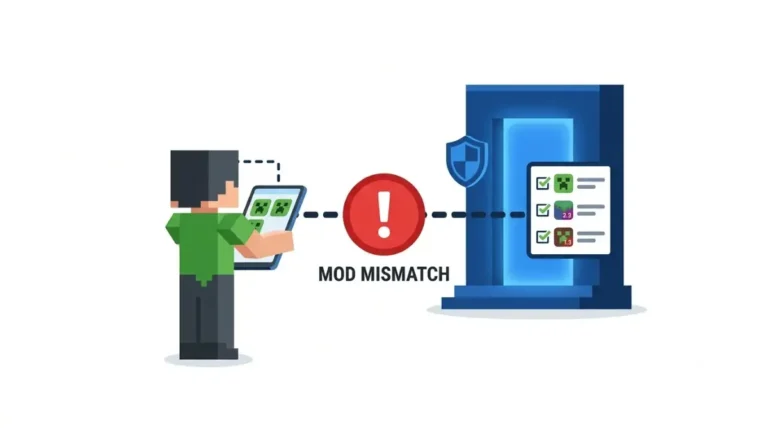
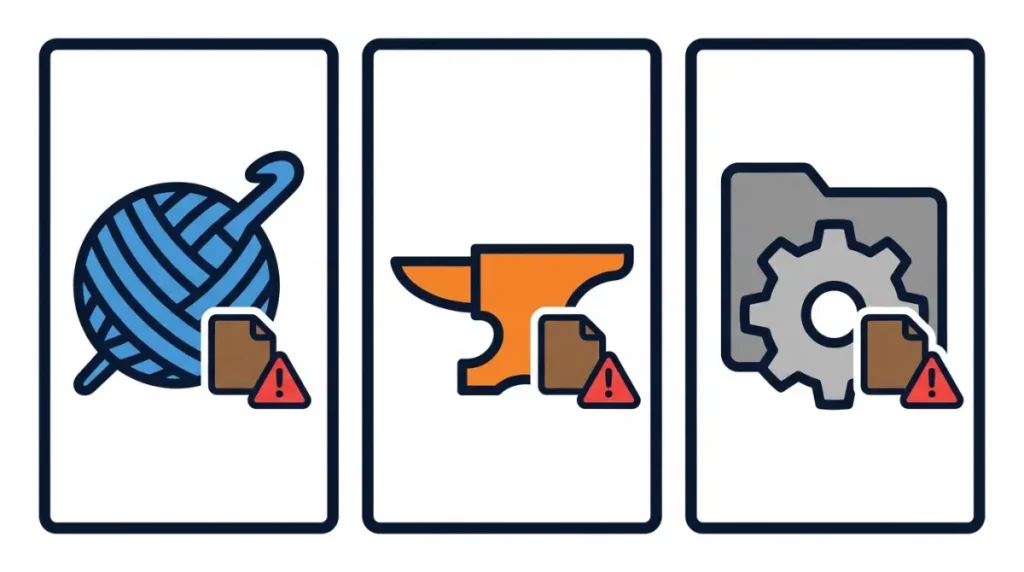
Fabric: “Incompatible mods found!”
Fabric Loader‘s check-failed screen; the lines under it name each mod and what it needs.
NeoForge: “Mod loading has failed”
NeoForge crash reports open with this header and a “Failure message:” line.
Forge, or no message at all
Open latest.log: Fabric shows where Fabric stores your log, and a crash with no version message has the other causes.
🔎 Unconfirmed — Reported: Wording comes from user logs for 1.20.4, 1.21.1 and 26.2, checked 14 Oct 2026. We found no 26.3 log.
ℹ️ Before you continue: Mod files run as programs on your PC, and “patched” or re-hosted files can carry malware. Only a build its author published for 26.3 fixes this; an adult should check a young player’s downloads.
Reading “only the wrong version is present”
The number after “only the wrong version is present” is the Minecraft version you have installed; the mod asked for a different one. That is our reading of consistent samples.
| Fragment | Meaning | Key detail |
|---|---|---|
| requires any version between [A] and [B] of ‘Minecraft’ | The span the mod accepts | Compare it with [V] |
| but only the wrong version is present: [V]! | [V] is your installed Minecraft | Find a build listing [V] |
| Replace mod ‘[MOD]’ with any version that is compatible with: minecraft [V] | Fabric’s own suggestion | Get that build (Section 4) |
🔎 Unconfirmed — Reported: Fragments come from logs users posted to Fabric’s issue tracker for 1.20.4, a 1.21.3 discussion and Iris issue 3201 (26.2); brackets are placeholders, not a 26.3 log. Older results say “Incompatible mod set!”, so that wording points to an older loader.
Why Minecraft 26.3 refuses a 26.2 mod
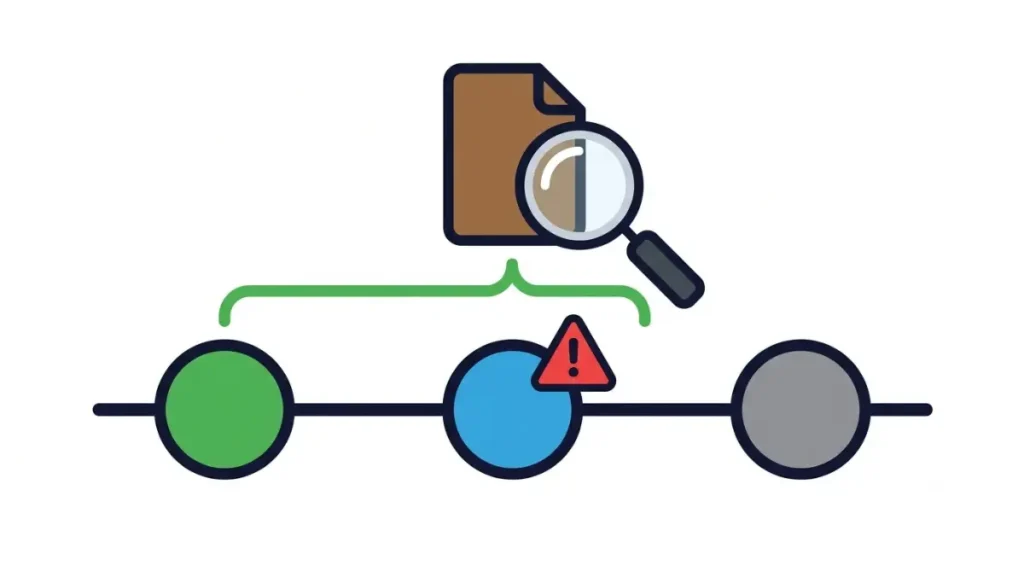
A 26.2 mod loads on 26.3 only if its file lists 26.3 and avoids code that 26.3 removed.
The version range inside the mod
Fabric mods declare accepted Minecraft versions in the depends entry of fabric.mod.json, and Fabric’s docs say a range might be “too stringent”, so a refusal doesn’t prove the mod can’t run.
What 26.3 removed
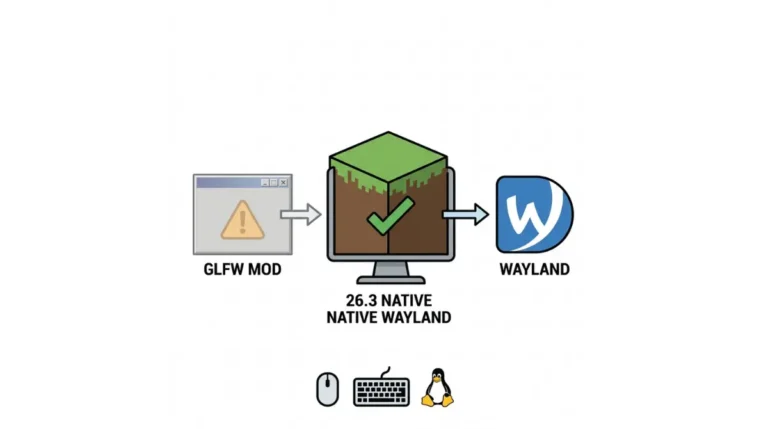
✅ Confirmed: Minecraft 26.3 replaced GLFW with SDL3 (Mojang’s 26.3 notes, 15 Sep 2026). Fabric’s 26.3 post says some input constants changed, mainly affecting mods that use GLFW directly.
🔍 Why it happens: a mod that calls removed code fails, or its author stops listing 26.3. Which 26.3 changes break older builds stays current on the main guide.
🔎 Unconfirmed — Reported: CrowBar’s 26.2 builds dropped 26.3 support over GLFW (Modrinth note, via our loader guide).
What we have not tested
We have not tested whether a 26.2 file runs if forced.
Fix it: new build, 26.2 profile, or drop the mod
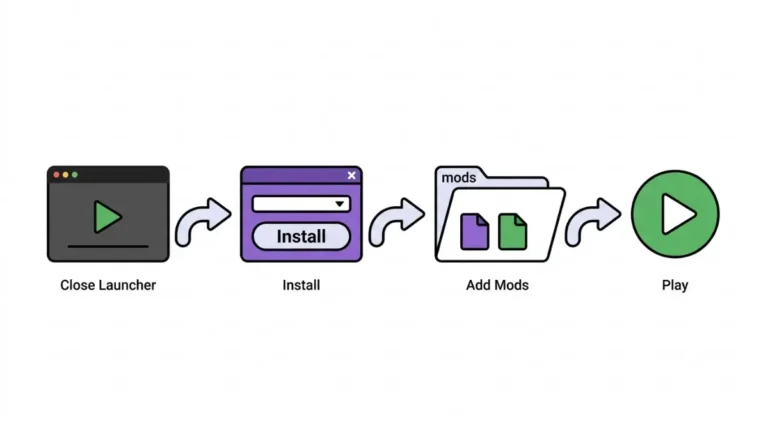
Find the mod’s name in the message, then install its build for your Minecraft version and loader.
- Copy the mod’s name from the first “Mod” line.
- Check for a 26.3 build for your loader with the five-step check for a 26.3 build.
- If one exists, replace the old .jar file in your mods folder and add any mod listed as missing.
- If none exists, keep that modpack on a 26.2 profile or remove the mod.
No 26.3 build? Go back to 26.2
A separate 26.2 profile with your old mods is our suggestion, not Fabric’s. A version mismatch doesn’t call for deleting your .minecraft folder.
Back up first
🔧 Try this: Back up your worlds first; Fabric’s 26.3 post asks players to, and to be patient with mod developers (15 Sep 2026).
Should you change the mod, the loader or Minecraft?
Read the line that starts with “Replace”, “requires” or “incompatible”; it tells you which side has to move.
The four causes
| Line you see | Cause | What changes |
|---|---|---|
| requires … of ‘Minecraft’ | A. The mod’s range excludes your Minecraft | The mod, or stay on 26.2 |
| A loader line (wording unchecked on 26.3) | B. Your loader is older than the mod needs | The loader |
| … which is missing! / Replace mod ‘X’ with version … | C. A needed mod is absent or the wrong version | That dependency mod |
| Both mods named, no version complaint | D. Two mods clash. Not a version problem. | One of the two mods |
Which one is yours?
Match your line to a row; only row D has nothing to do with versions.
🔎 Unconfirmed — Reported: Rows rest on FabricMC discussions 3435 and 4237, issue 3842 and Iris issue 3201 (1.20.1 to 26.2); no 26.3 sample.
Can you force a 26.2 mod to load on 26.3?
Fabric has a setting for it, but its docs say regular players shouldn’t use it.
What Fabric says about overrides
✅ Confirmed: Fabric’s note on dependency overrides says overrides are for modpack developers, not regular players, and that a mod’s range can be stricter than needed (page modified 15 Sep 2026).
We give no steps. Our inference: an override can’t help a mod that needs GLFW code 26.3 removed. We have not tested this.
Where “updated” mods are safe to get
⚠️ Watch out: A re-hosted or “patched” jar is a program on your PC. Use the mod’s own page or hosts Fabric lists on how Fabric advises finding mods safely; antivirus isn’t fully reliable.
What changes when 26.4 arrives
This advice is tied to the 26.2-to-26.3 pair.
Mixed modpacks
Each mod carries its own version range, so one file can load while another fails.
The next version
This 26.2-to-26.3 case stops being the live one when 26.4 ships; where the 26.4 snapshots stand is kept on its own page.
Mod incompatible with your Minecraft version: questions answered
1. What does “Incompatible mods found” mean?
“Incompatible mods found” is Fabric’s check-failed screen listing each mod it refuses to load and what each needs.
2. What does “only the wrong version is present” mean?
In logs we reviewed, the number after “only the wrong version is present” is your installed Minecraft version.
3. Can I use 26.2 mods on Minecraft 26.3?
You can use a 26.2 mod on Minecraft 26.3 only if its file lists 26.3 and avoids removed code.
4. How do I fix a mod incompatible with my Minecraft version?
To fix a mod incompatible with your Minecraft version, install its build for your version and loader.
5. Is it my mod, my loader or Minecraft?
Read the line starting “Replace”, “requires” or “incompatible”; the table shows whether the mod, loader or Minecraft side moves.
6. Can I force a mod to load on a different version?
Fabric has a setting to force a mod to load on a different version, but says regular players shouldn’t use it.
7. Is it safe to download an “updated” mod from any site?
Downloading an “updated” mod from any site isn’t safe: re-hosted or “patched” files can carry malware. Use the author’s page.
8. Can I just go back to 26.2?
A separate 26.2 profile with your old mods is our suggestion for going back to 26.2; back up worlds first.
9. Does NeoForge show the same message?
NeoForge may not show the same words: one user-posted 1.21.1 report opens with “Mod loading has failed”.
10. Where do I find the full error text?
Find the full error text in latest.log; Fabric’s guide on uploading logs shows where it is stored.
What to do next
The message names the mod and the version it needs. Install that mod’s 26.3 build, or keep the pack on 26.2 until its author ships one.
Want a heads-up when a loader update changes this? Join the Checkpoint Codex newsletter loader alert.