Where to Enter a Minecraft Seed on Console and What Blocks It

Minecraft seeds on PS4, PS5, Xbox and Switch go in at world creation only. Four things stop a seed working, and Switch 2 brings your Switch worlds across.
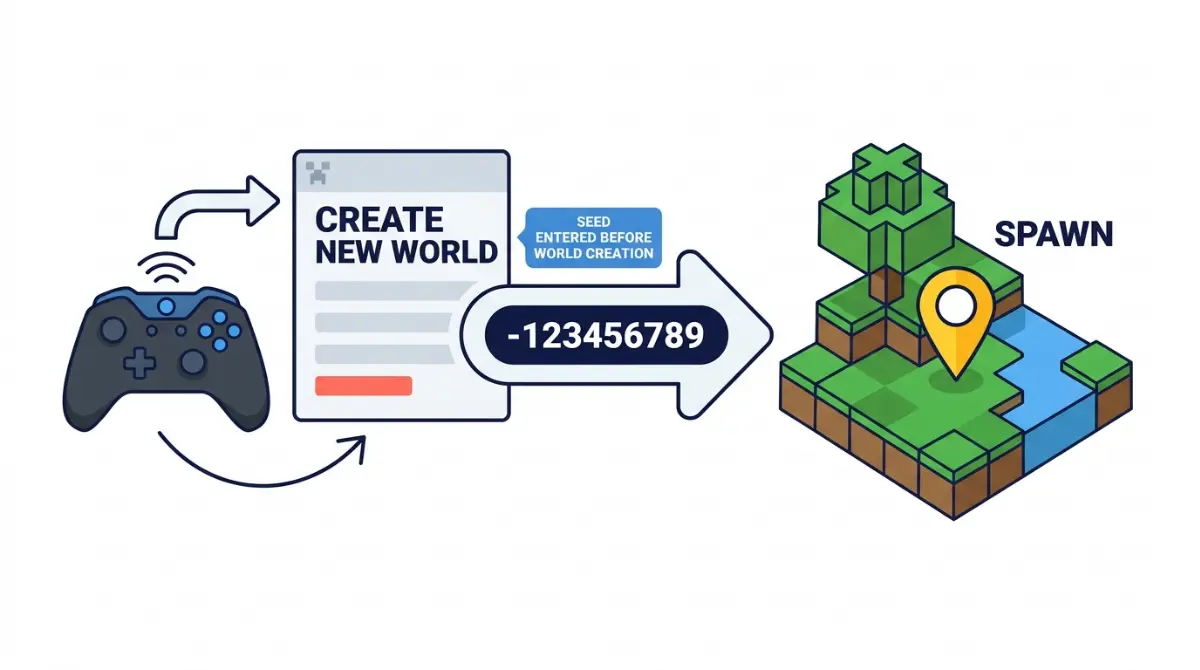
Table of Contents
Checked against Minecraft Bedrock Edition 26.52 on October 27, 2026.
On PS4, PS5, Xbox and Switch, the seed goes into the world seed field on the Advanced tab of Create New World, before the world exists. That field is part of world creation, so it only works when you start a new world.
PS5, Xbox and Switch: the menu path
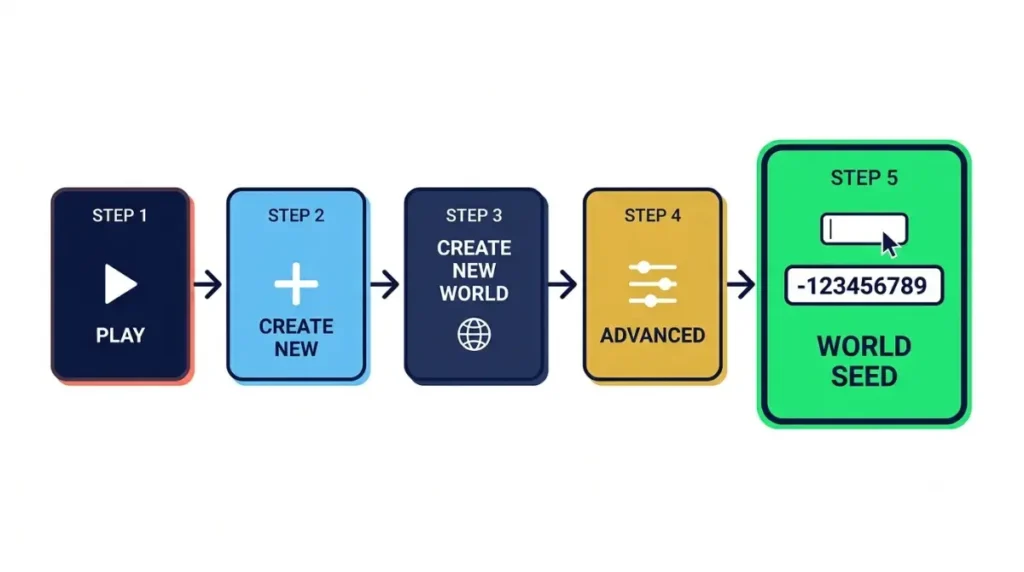
Start at the main menu and work through five steps:
- Select Play.
- Select Create New, then Create New World.
- Open Advanced.
- Type the seed into the world seed field.
- Set anything else you want, then create the world.
The first two steps follow Mojang’s guide to setting up a Bedrock Realm, which starts each new world from Play and Create New. The Advanced tab comes from the Bedrock 1.21.80 changelog, which puts the flat world presets on it. The same changelog also refers to the seed on that screen.
The same screen also has a button for seed templates, Mojang’s preset worlds. The 1.21.30 changelog fixed a bug that could make that button disappear. The presets themselves are collected in the list of Bedrock seed templates.
Did the world take your seed?
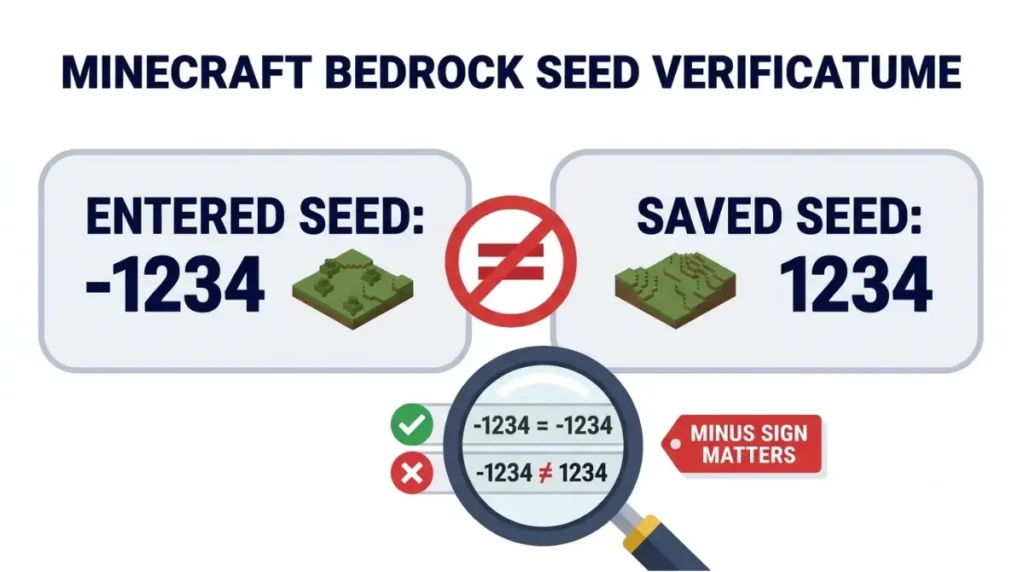
If the world looks nothing like the video, check the seed it saved against the one you copied before anything else. You can read it back from the finished world with the steps for finding a world’s seed, then compare the two digit by digit.
The minus sign matters. Bedrock accepts 64-bit seeds from -9223372036854775808 to 9223372036854775807 (Bedrock 1.18.30 changelog), so -1234 and 1234 are two different worlds. Words work too. The same changelog says non-numeric seeds produce the same seeds as Java Edition.
If you left the game partway through setup, look at the field again before you create the world. In older versions, suspending the game with Screen Animations turned off could reset the world seed on that screen. That bug was fixed in Bedrock 1.21.80.
When the seed box is missing or ignored
Four situations stop a seed from doing what you expect, and each has its own fix.
Back up first: Creating a world on a Realm replaces the world already loaded there, along with its saved progress (Mojang’s Realm setup guide). Download the Realm world before you create anything on it. Don’t count on Realm backups: Mojang’s page on changing Realm worlds says they aren’t kept indefinitely.
| Situation | What happens | What to do |
|---|---|---|
| A world you already made | There’s nowhere to type a new seed | Create a new world. Mojang documents seed entry only at world creation. |
| Create on Realms | The Realm’s loaded world is replaced | Download it first. The guide to Realms seeds covers seeds on a Realm. |
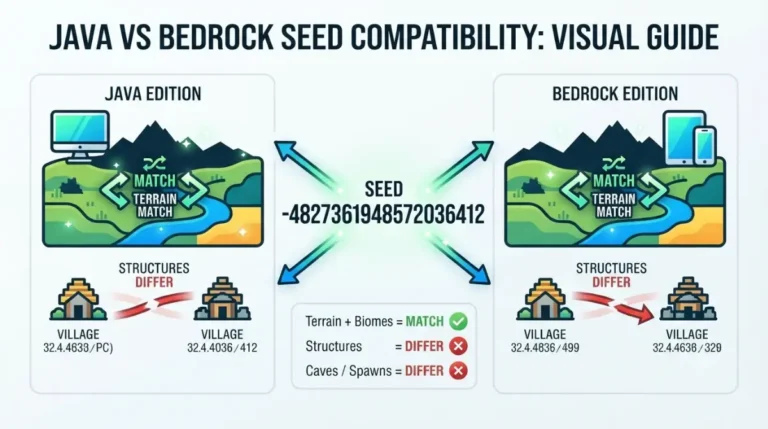
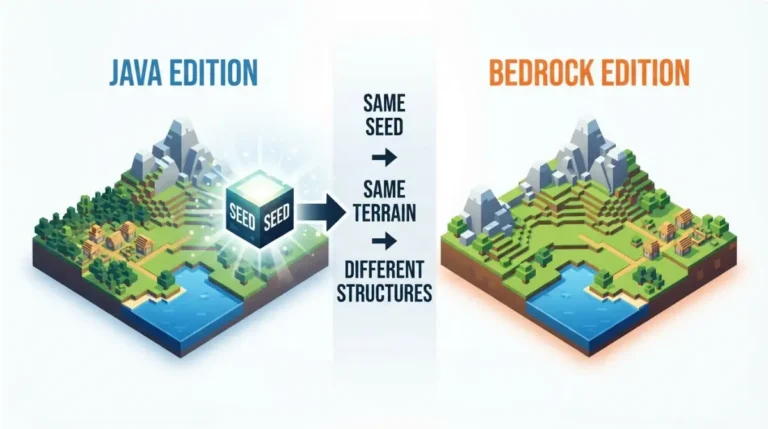
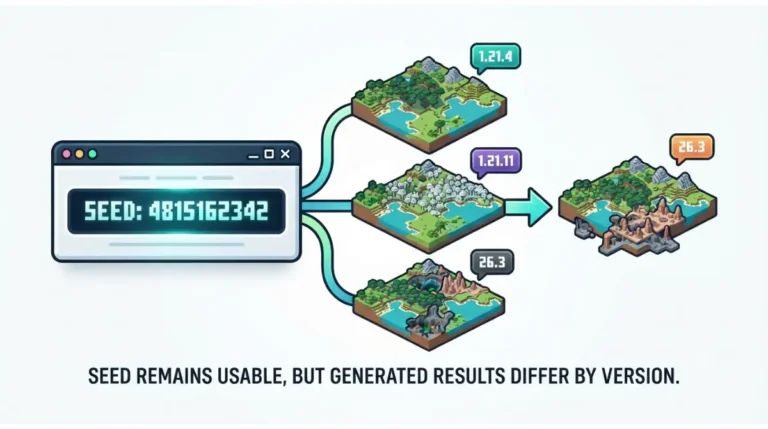
| A seed from a Java video or list | The world may not match the source | Use a Bedrock-labeled seed, or see where Java and Bedrock seeds differ. |
| A seed from an older version | New terrain can differ from older videos | Match the version using the Java and Bedrock version map. |
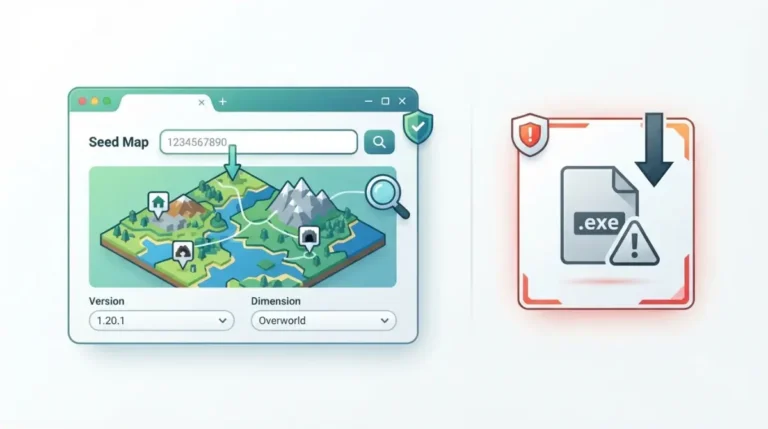
If none of the four fits, check the seed map you are comparing against before you blame the seed.
Switch 2, PS4 and the older console editions
Minecraft for Nintendo Switch 2 came out on October 27, 2026, and worlds from the original Switch version carry over to it (Nintendo store listing).
Note: Mojang hasn’t published separate world-creation steps for the Switch 2 version. Look for Advanced again when you create your first world there.
PS4, PS5, Xbox One and Xbox Series X|S all run Bedrock Edition. All four appear in the supported-device list for Vibrant Visuals, a Bedrock feature, in the 1.21.80 changelog. The original Switch version is Bedrock too. Switch was one of the platforms the 1.18.30 update moved to Bedrock’s new rendering engine.
Discs for Xbox 360, PS3, PS Vita and Wii U belong to the older console editions. Update Aquatic was the last big effort to keep those editions up to date (Mojang’s Update Aquatic post). None of the Bedrock changelogs cited above apply to them.
Check the spawn against a Bedrock seed map
Set the seed map to Bedrock and to the version your console runs before you compare it with your world. If spawn still sits somewhere other than where the map shows it, see how Minecraft picks a world’s spawn point for why maps and worlds disagree.
Console seed questions
Are Minecraft seeds the same on PS4 and PS5?
Both consoles run Bedrock Edition, so a Bedrock seed works on either one. For the closest match, use the same game version as wherever you found the seed.
Can I add a seed to a world I already made?
Mojang documents seed entry only when you create a world. Make another world and type the seed under Advanced.