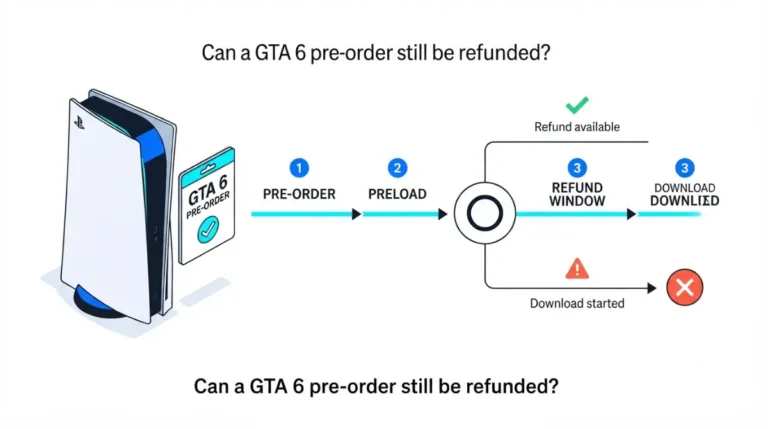
Cancel GTA+ from your GTA 6 pre-order using the official steps

Cancelling GTA+ from a GTA 6 pre-order forfeits nothing. Rockstar’s terms let the month run out in full, and the redeem-by date differs by store.
Table of Contents
📌 Quick answer: Cancel auto-renew the moment you redeem — you keep all 30 days either way. On PS5: Settings → Users and Accounts → Account → Payment and Subscriptions → Subscriptions → GTA+ → Cancel Subscription. On Xbox: Settings → Account → Subscriptions → GTA+ → Cancel Subscription. Rockstar charges the regular monthly price after the free month unless you cancel.
🕒 Verified against: GTA 6 offer and storefront terms as published, checked 18 September 2026 (game unreleased — no patch number applies) · Stability: Volatile.
Cancel it now, keep the whole free month
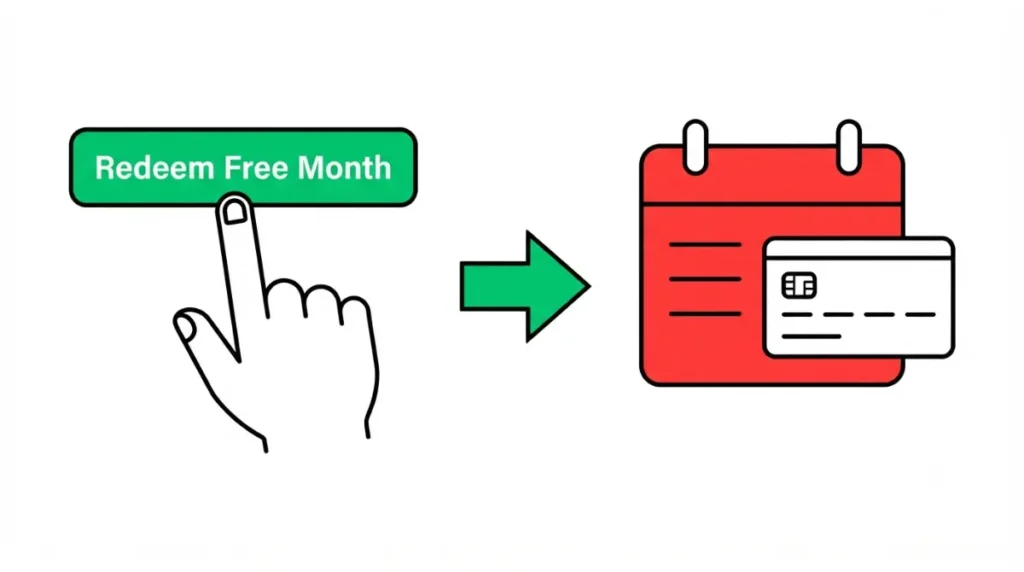
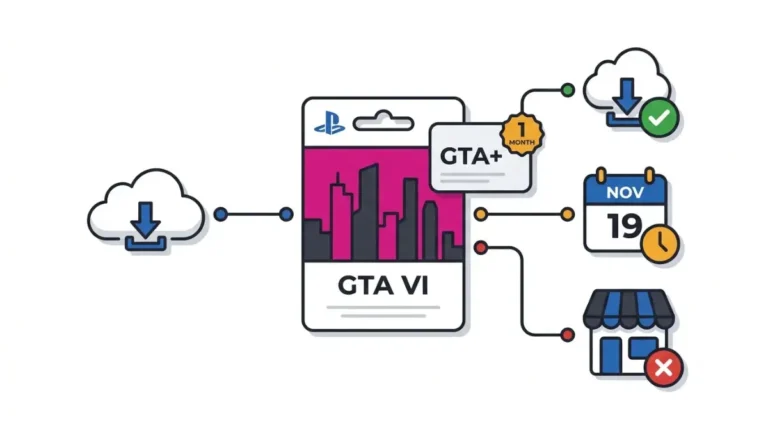
Redeeming the free month of GTA+ that comes with a digital GTA 6 pre-order does not hand you a code. It starts a subscription that renews on its own.
If you’ve already redeemed it
Go straight to the PlayStation steps or the Xbox steps below and switch off auto-renew now. You lose nothing by acting early: cancelling stops the next payment, and your membership still runs to the end of the current period.
If you haven’t redeemed it yet
You probably have longer than you think, and the deadline is not the same on both stores. Read the deadline table before you claim anything.
ℹ️ Before you continue: Redeeming the free month enrols an auto-renewing monthly subscription against the payment method on your platform account. Rockstar does not refund payments already made, so switch off auto-renew as soon as you redeem rather than planning to do it later.
What redeeming the free month actually signs you up for
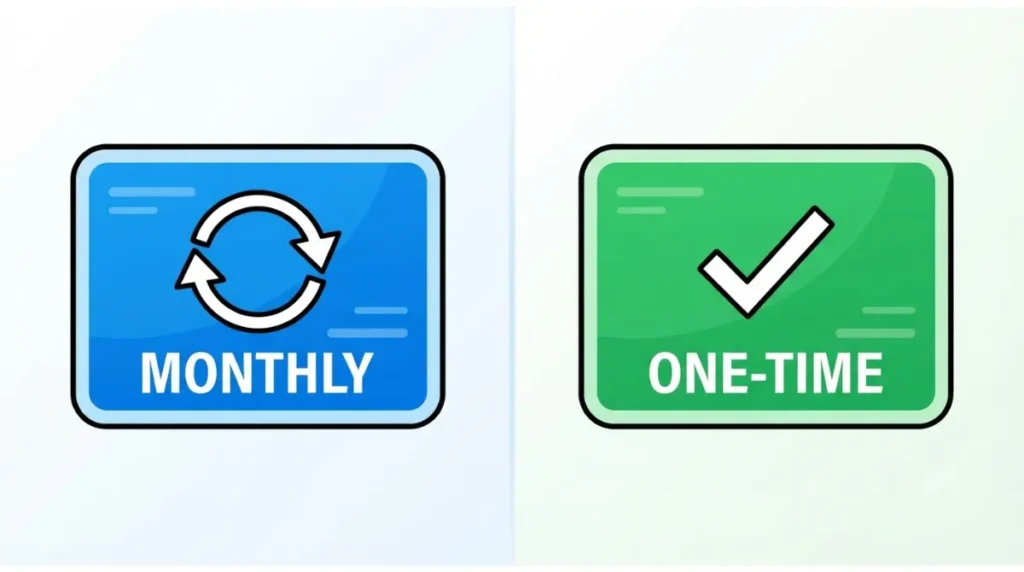
Redemption and enrolment are the same act on both stores.
It’s a subscription, not a code
Rockstar’s support page, updated 24 June 2026, states the month is redeemable immediately and that memberships auto-renew monthly at the regular monthly price until cancelled. Rockstar’s cancellation guidance confirms you cancel through whichever store you bought from.
What it costs once the month ends
The PlayStation Store lists GTA+ at $7.99 a month. Several guides currently put a month at $9.99; that figure does not match the store listing.
Physical copies don’t get it
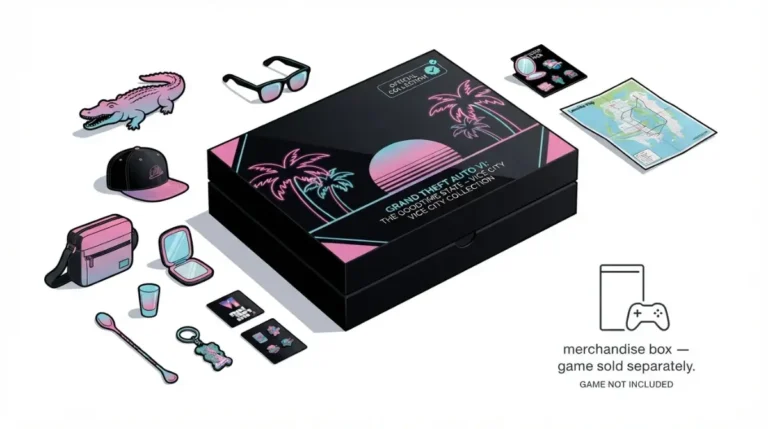
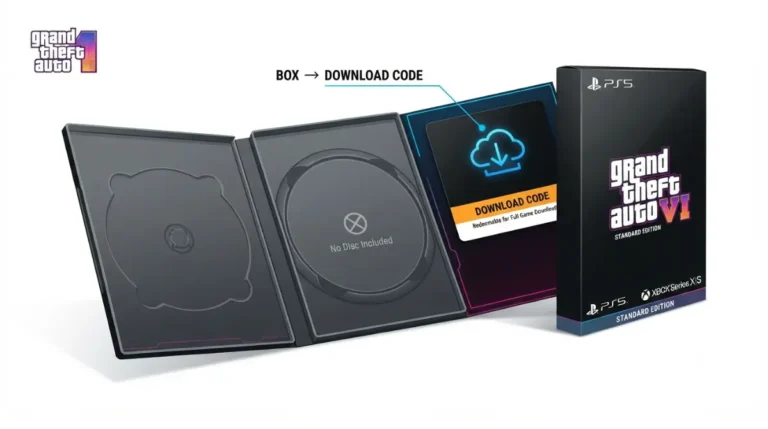
Only digital pre-orders include the month. A boxed copy holds a download code and the Vintage Vice City Pack, not the membership.
It works in GTA Online, not GTA 6
Rockstar’s store listings describe GTA 6 as a single-player experience, and PlayStation’s GTA+ listing states that access to GTA Online on PS5 is required to receive the GTA Online benefits. A month claimed today buys perks in the current GTA Online.
🔍 Why it happens: There is no trial flag waiting to expire. Redeeming places an active subscription on your account, so the store bills the following cycle unless you turn renewal off yourself.
Cancel GTA+ on PS5, the web store or the PS App
These are the routes PlayStation publishes on the PlayStation Store listing for GTA+ itself.
On the console
- Open Settings.
- Select Users and Accounts, then Account.
- Select Payment and Subscriptions, then Subscriptions.
- Select GTA+, then choose Cancel Subscription.
In a browser at playstation.com
Sign in to your PlayStation Network account, open Subscriptions Management, select GTA+ and choose Cancel.
In the PS App
Open PS Store, tap the options menu, then Subscription Management. Open Subscription Settings for GTA+ and select Cancel.
🔧 Try this: If the console route stalls, use the browser route. It reaches the same subscription record and does not depend on your console’s menu layout.
Sony’s listing also states plainly that cancelling stops future payments but does not refund payments already made.
Cancel GTA+ on Xbox Series X|S or your Microsoft account
Xbox handles the claim in a different place from PlayStation, which trips up readers following a PlayStation-written guide.
Where the offer lives before you redeem it
The Xbox Store listing’s offer terms state you get a console pop-up when the month is available. Open the Store, select your profile icon, then Offers & credits to redeem.
On the console
Open Settings → Account → Subscriptions, select GTA+, then Cancel Subscription.
In a browser at account.microsoft.com
Sign in, open Services & subscriptions, select Manage beside GTA+, then Cancel.
🔎 Unconfirmed — Reported: The exact Xbox menu wording above is community-reported, not published on the GTA 6 or GTA+ store listings. Rockstar’s support article (24 June 2026) names account.microsoft.com and Xbox subscription help as the destinations, which confirms where to go but not the submenu labels. If the labels differ on your dashboard, the destination is still correct.
The redeem-by deadline is different on each store
| Store you bought from | Redeem by | Key detail |
|---|---|---|
| PlayStation Store | 31 March 2027 | A fixed date — the same for every buyer |
| Microsoft Store | 180 days after your purchase | Rolling — depends on the day you paid |
Version note: terms as published and checked 18 September 2026. Offer applies to digital purchases made before 20 November 2026.
✅ Confirmed: Rockstar’s support article, updated 24 June 2026, gives PlayStation Store buyers until 31 March 2027 and Microsoft Store buyers 180 days from purchase. Both dates also appear on the respective store listings. See Rockstar’s own redemption terms.
Work out your own date
Several current guides tell everyone they have until 31 March 2027. On Microsoft Store purchases that is wrong — count 180 days forward from the day you paid.
By our arithmetic from Rockstar’s stated term, a day-one Xbox pre-order on 25 June 2026 expires around 22 December 2026, earlier than the PlayStation date. A late one on 19 November 2026 runs to roughly 18 May 2027, later than it.
What you keep, what you lose, and whether to keep paying
No, you do not forfeit anything by cancelling early.
Cancelling now still gives you the full period
Sony’s listing and Rockstar’s support page both state the membership stays active until the current billing period ends, then stops automatically.
What stops when the membership ends
The GTA$500,000 monthly deposit, the Vinewood Club, member-only Shark Cards and the GTA+ Games Library all end with the period. Items you claimed while subscribed stay on your account.
If you’re outside the US or UK
We have not verified a rupee figure for GTA+ itself, so read the price on your own store listing before deciding. For what the game costs locally, see our GTA 6 price in India breakdown, or run the numbers with our subscription value calculator.
We have not played GTA Online, so we state what the membership contains and leave the verdict to you.
When the steps above don’t match what you’re seeing
Four situations break the standard path.
You already subscribe to GTA+
Rockstar states the free month is added to your existing subscription and your next billing date moves forward by one month.
GTA+ isn’t in your subscriptions list
🔎 Unconfirmed — Reported: Some PS5 owners report GTA+ appearing under Payment and Subscriptions → Game and App Services rather than under Subscriptions. Sony’s own GTA+ listing documents the Subscriptions path. Check both before assuming the subscription is missing.
The account is a child account
The Xbox listing states subscription redemption is unavailable to child accounts with restrictions on age-restricted content. An adult on the family account handles it.
You cancelled the pre-order itself
⚠️ Watch out: Redemption is limited to one per platform account, and refunding then re-ordering grants no second free month. Cancelling a pre-order to chase one also risks your Vintage Vice City Pack eligibility. Our guide to cancelling or refunding a GTA 6 pre-order covers that separately, and the FTC’s guidance on auto-renewing subscriptions explains what to do if a charge appears after you cancel.
Common questions about cancelling GTA+
1. Do I lose the free month if I cancel straight away?
No. Cancelling stops the next payment, and your GTA+ membership runs to the end of the current period.
2. How do I cancel GTA+ on PS5?
Settings, Users and Accounts, Account, Payment and Subscriptions, Subscriptions, then select GTA+ and choose Cancel Subscription.
3. How do I cancel GTA+ on Xbox?
Open Settings, Account, Subscriptions, select GTA+ and cancel. You can also cancel from Services & subscriptions at account.microsoft.com.
4. How long do I have to redeem the free month?
PlayStation Store buyers have until 31 March 2027. Microsoft Store buyers get 180 days from their own purchase date.
5. How much does GTA+ cost after the free month?
The PlayStation Store lists GTA+ at $7.99 a month. Your local price shows on your own store listing.
6. Does the free GTA+ month work in GTA 6?
No. Rockstar’s listings describe GTA 6 as single-player, and GTA+ benefits require access to the current GTA Online.
7. I already pay for GTA+ — what happens if I redeem?
Rockstar states the month is added to your existing subscription and your next billing date moves forward by one month.
8. Can I cancel and re-pre-order for another free GTA+ month?
No. Redemption is limited to one per platform account, and re-ordering after a refund grants no second month. Check your bonus eligibility before cancelling anything.
9. Why can’t I find GTA+ in my subscriptions list?
Check Payment and Subscriptions, then Game and App Services as well — players report GTA+ appearing there on some PS5 accounts.
10. Do boxed GTA 6 copies include the free month?
No. Only digital pre-orders include GTA+. Boxed copies contain a download code and the Vintage Vice City Pack.