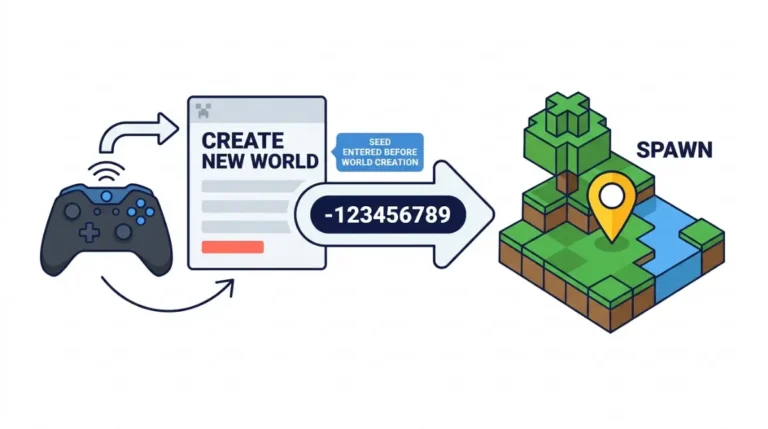
Current Java vs Bedrock Seeds Rules, Sorted by Source Tier

Java vs Bedrock seeds: a Mojang tracker report on Nether differences was closed as Invalid. That is not proof the worlds match. See what is unconfirmed.
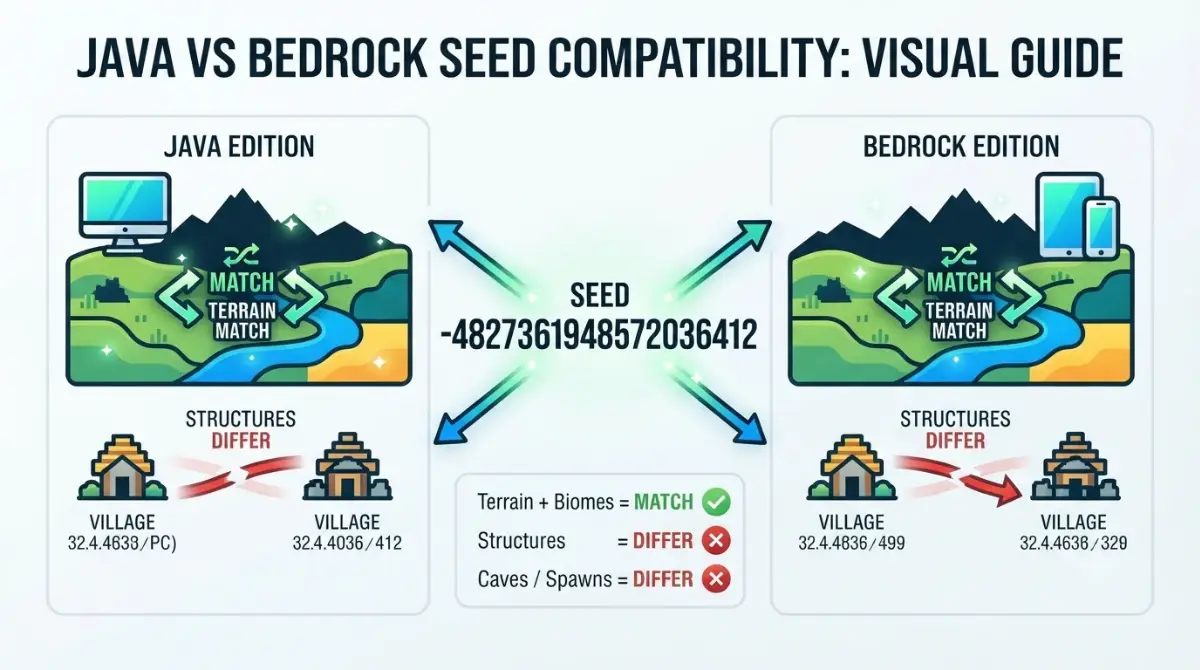
Table of Contents
📌 Quick answer: Mostly, yes. Per the Minecraft Wiki, one numeric seed gives matching terrain and biomes on Java and Bedrock, but structure placement, caves and mob spawns differ. Bedrock has accepted 64-bit seeds since 1.18.30. Typed text is hashed into a 32-bit number first.
🕒 Verified against: Minecraft Java Edition 26.3 and Bedrock Edition 26.50, checked 7 October 2026 · Stability: Semi-stable.
Will your Java seed work on Bedrock?
Yes, you can type the same seed number into Minecraft Java and Bedrock, and per the Minecraft Wiki the terrain and biomes will match. Structure placement will not.
If your world just looks different
That can be an update problem rather than an edition one. The main guide covers it: whether old seeds survive an update.
If you run a Realm or server
Jump to finding your seed. Bedrock Realms hide it.
✅ Confirmed: Mojang’s official 26.3 release-candidate post, dated 10 September 2026, names 26.3 as the Wilderness Bound game drop for Java Edition.
What stays the same on both editions
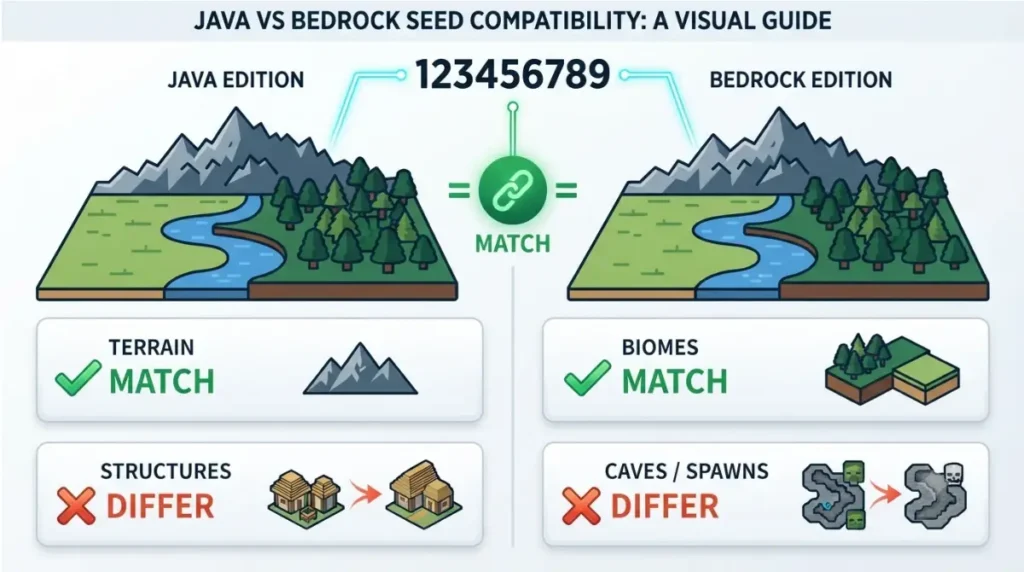
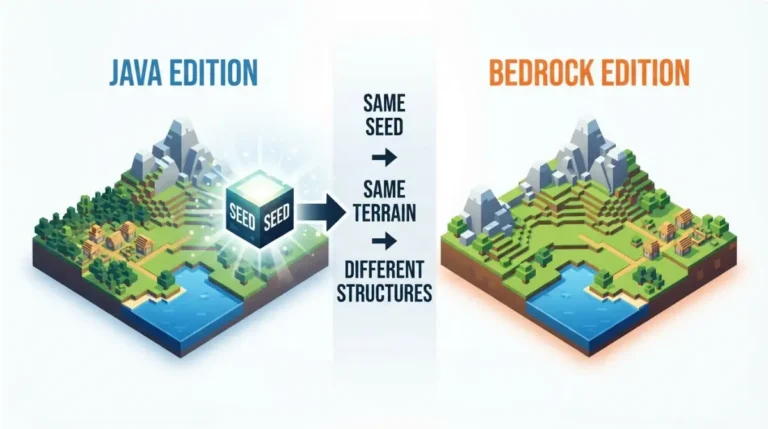
According to the Minecraft Wiki, seeds in the 64-bit range generate the same terrain and biomes on both editions. Structures, features, carver caves and mob spawns generate differently. One seed-list site, xgamingserver, claims the same code gives different worlds; for terrain and biomes, the wiki says otherwise.
| Element | Java vs Bedrock | Tier |
|---|---|---|
| Terrain | Matches | Reported |
| Biomes | Matches | Reported |
| Structures | Differs | Reported |
| Features (decorations) | Differs | Reported |
| Carver caves | Differs | Reported |
| Mob spawns | Differs | Reported |
Checked 7 October 2026 against Java 26.3 and Bedrock 26.50. Source: Minecraft Wiki, World seed page.
🔎 Unconfirmed — Reported: Every row comes from the wiki’s World seed page. The wiki tags its numeric range “verify” and says part of the page needs updating for Bedrock experimental changes. We found no Mojang statement confirming the rows, so treat the table as structure-only if the terrain row fails on your version.
Why structures land in different places
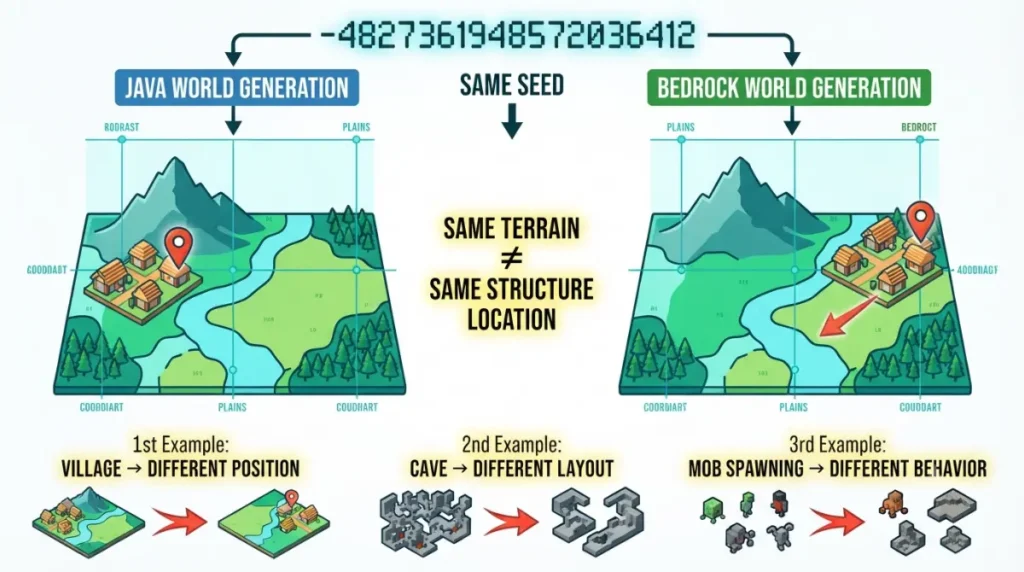
The wiki lists structures, features, carver caves and mob spawns as the parts that differ, even on one seed. A village near spawn on Java is not guaranteed on Bedrock, because placement is not shared.
Cave carving and mob spawns also differ, so do not expect cave layouts or spawns to match. The wiki says what differs, not why, so we state no mechanism beyond that. For this situation, see why a seed looks different on Bedrock.
Seed numbers: 64-bit, 32-bit and text seeds
Yes, Bedrock can use a 64-bit Java seed. Per the Minecraft Wiki, Bedrock worlds have accepted 64-bit seeds since version 1.18.30 (beta 1.18.20.21).
✅ Confirmed: Mojang’s bug tracker lists MCPE-148168, the report that random-seed parity worked in only one direction, as Fixed in Bedrock 1.18.20.21 beta and 1.18.30.
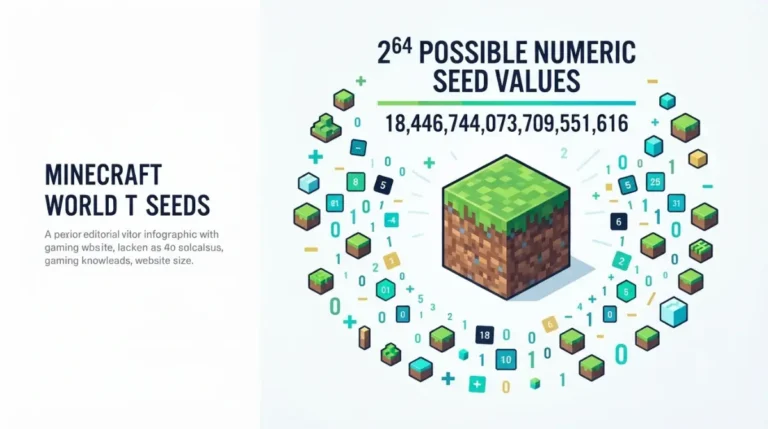
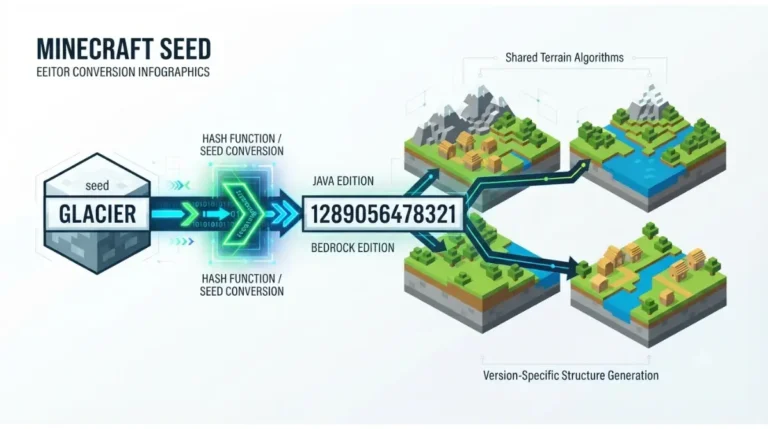
Some seed guides, such as ChunkScan’s, still call Bedrock 32-bit only; that was true before 1.18.30. Typed words are converted to a 32-bit number with Java’s hash method, per the wiki, so text reaches 2^32 worlds while a numeric seed reaches 2^64.
🔍 Why it happens: A hash is a formula that turns any text into one number. Change the spelling and you will normally get a different number.
We found no Mojang statement on Bedrock’s exact text method; see how text seeds behave on Bedrock.
How to find your seed in Java and Bedrock
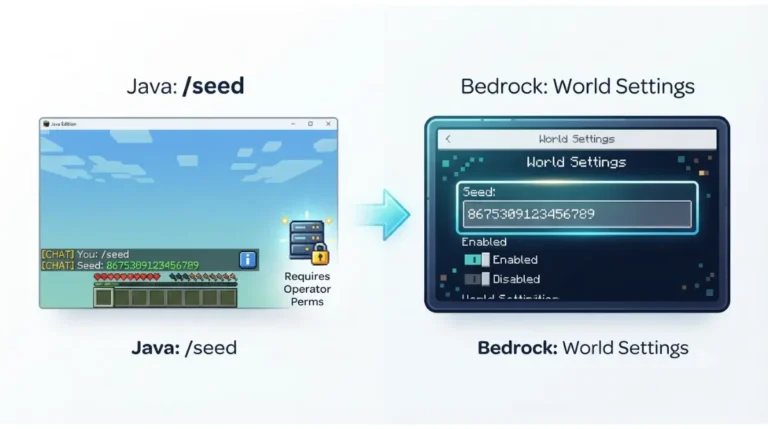
Use the command on Java and the Edit world screen on Bedrock.
🔧 Try this (Java):
- Open your world.
- Type
/seedin chat and press Enter.- Copy the number shown.
Per the wiki, this works in singleplayer even with cheats off. If it fails, see why the /seed command isn’t working.
On Bedrock, open Edit world and copy the seed there, per the wiki. These steps are documented, not tested by us. Per the wiki, the seed is not visible while you play on a Bedrock Realm.
🔎 Unconfirmed — Reported: CurseForge’s Realm guide says Java Realm members need operator level 2 to run
/seed, and Bedrock Realm owners can read the seed from a downloaded copy. We have not confirmed this.
To read a seed from a saved world, see how to find a seed in the world file.
Sharing a seed with a friend on the other edition
Send three things: the seed number, the edition it came from, and the game version. The number carries terrain and biomes across; the rest is generated differently, per the wiki.
Do not send structure coordinates, because placement differs. Share text seeds with exact spelling. Per the wiki, Java trims spaces before and after a seed since 22w03a; we did not confirm Bedrock does the same.
Edge cases: the Nether and when parity breaks
🔎 Unconfirmed — Reported: A Mojang tracker report, MC-244149, said Nether biomes and terrain differ between editions on one seed. It was filed against 1.18 and 1.18.1 and closed as Invalid, and we have not rechecked it on 26.x. If it holds, the table applies to the Overworld only.
Fixed means Mojang changed something and lists the version. Invalid generally means Mojang did not treat the report as a defect, which is not the same as confirming the worlds match.
Java vs Bedrock seeds: quick answers
1. Are Java and Bedrock seeds the same?
Terrain and biomes match, per the Minecraft Wiki. Structures, features, caves and mob spawns differ.
2. Can I use a Java seed on Bedrock?
Yes. Bedrock has accepted 64-bit seeds since 1.18.30, but structures will sit in different places.
3. Why are structures in different places on the same seed?
The wiki says structure placement is not shared between editions, even when terrain matches.
4. Does Bedrock support 64-bit seeds?
Yes, since 1.18.30. Mojang’s tracker lists the related parity fix in that release.
5. How do I find my seed in Java and Bedrock?
On Java, type /seed in chat. On Bedrock, open the Edit world screen.
6. Can I see the seed on a Bedrock Realm?
Not while connected, per the wiki. CurseForge reports owners can read it from a downloaded copy.
7. Do text seeds work the same in Java and Bedrock?
The wiki says text becomes a 32-bit number. We found no Mojang statement confirming Bedrock’s method matches Java’s.
8. Why isn’t my Java seed’s village on Bedrock?
Structure placement is not shared, so the village can sit elsewhere or be absent.
9. Are Nether worlds the same on Java and Bedrock seeds?
Not confirmed. A tracker report filed against 1.18 said they differ; we have not checked 26.x.
What to remember
Java and Bedrock seeds share terrain and biomes, per the Minecraft Wiki, while structures, features, caves and mob spawns differ. Bedrock takes 64-bit seeds from 1.18.30. Share the number, the edition and the version, and leave structure coordinates out.