How to Cancel Your GTA 6 Pre-Order for a Refund

Canceling a GTA 6 pre-order on Xbox works from Microsoft order history until you’re billed, which can happen up to 10 days before release.
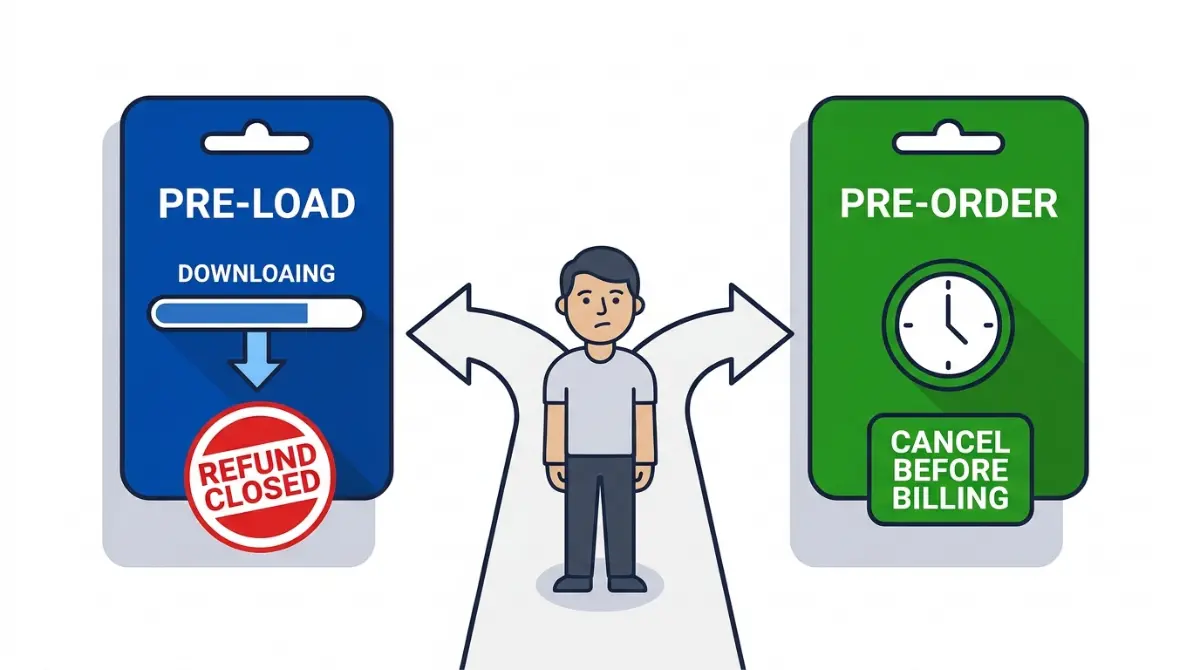
Table of Contents
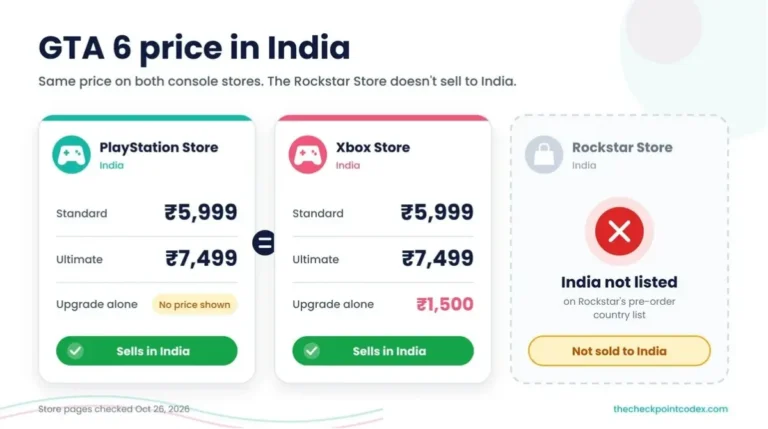
Store pages checked on October 26, 2026.
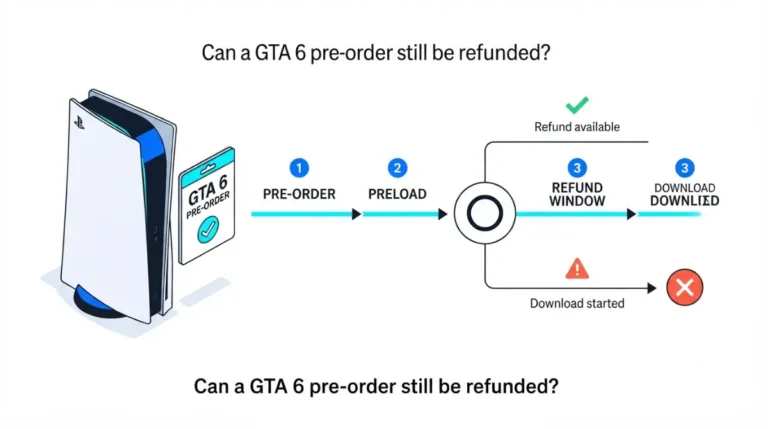
You can cancel a digital Grand Theft Auto VI pre-order on both consoles, but the PlayStation Store ends your refund as soon as the game begins downloading, pre-load included, while the Microsoft Store lets you cancel yourself only until it charges you. A boxed pre-order is canceled by the store that sold it, never by Rockstar.
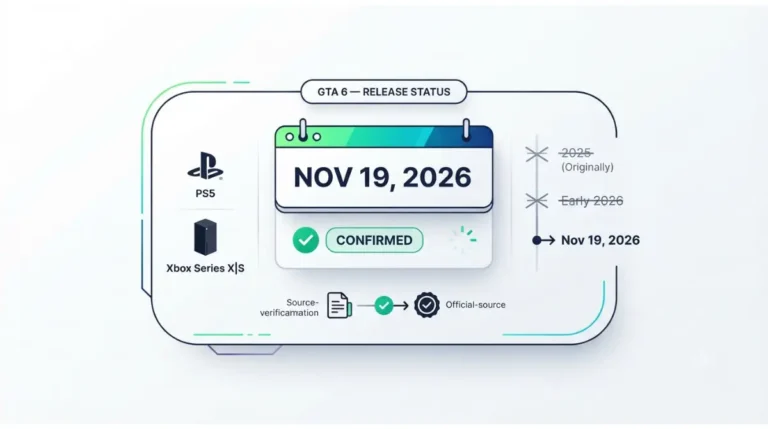
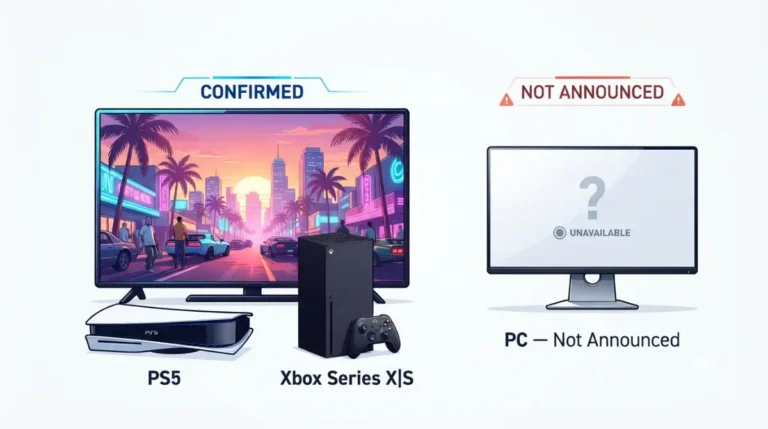
Rockstar’s pre-order purchase support page routes PlayStation and Xbox orders to those platforms’ own support teams and every other purchase to the retailer. The game launches November 19 (PlayStation’s GTA VI page) on PS5 and Xbox Series X|S (Rockstar Support’s editions page), and the GTA 6 release date tracker follows any change to it.
Who refunds you depends on where you paid
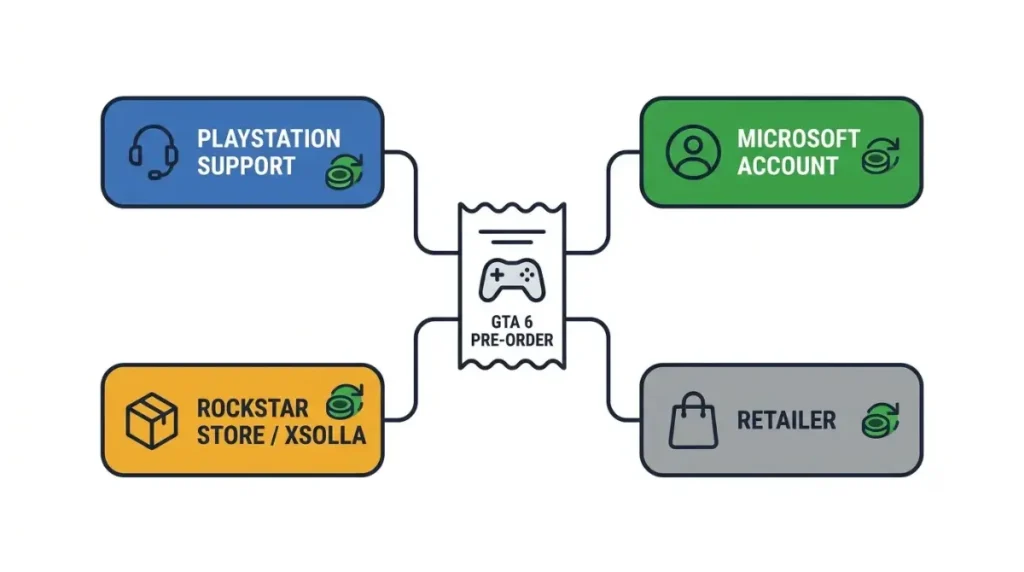
PlayStation Store, Microsoft Store, Rockstar Store or a retailer: only the seller that charged you can cancel the order.
| Where you bought (store terms checked Oct 26, 2026) | How to cancel | The window closes when | What happens to the money |
|---|---|---|---|
| PlayStation Store, digital | Contact PlayStation Support; there is no cancel button | Release day if you paid more than 14 days before it, or 14 days after payment if you paid later (Sony’s pre-order terms); either way, as soon as the main game starts downloading | Back to the original payment method where possible; mobile operator billing and money vouchers go to your PlayStation Store wallet |
| Microsoft Store on Xbox, digital | Cancel item in your Microsoft account order history | When Microsoft charges you or the order ships | Canceled before billing, you’re never charged; after billing, you file a refund request |
| Rockstar Store, boxed code | Xsolla’s pre-order cancellation steps, linked from Rockstar’s physical pre-order article | Set by those steps | Handled by Xsolla support |
| Any other retailer, boxed or digital code | The retailer’s order page or customer service | Set by that retailer | Handled by that retailer |
Each route ends at a different point: a download on PlayStation, a charge on Xbox, and the retailer’s own terms for a box.
Rockstar’s support page puts that last case in one line: purchase, refund and delivery questions “should be directed to the retailer where you purchased Grand Theft Auto VI.” It publishes no retailer windows, so the receipt or order page from the store that sold the box is the only place yours is written down.
PlayStation Store pre-orders end at the pre-load
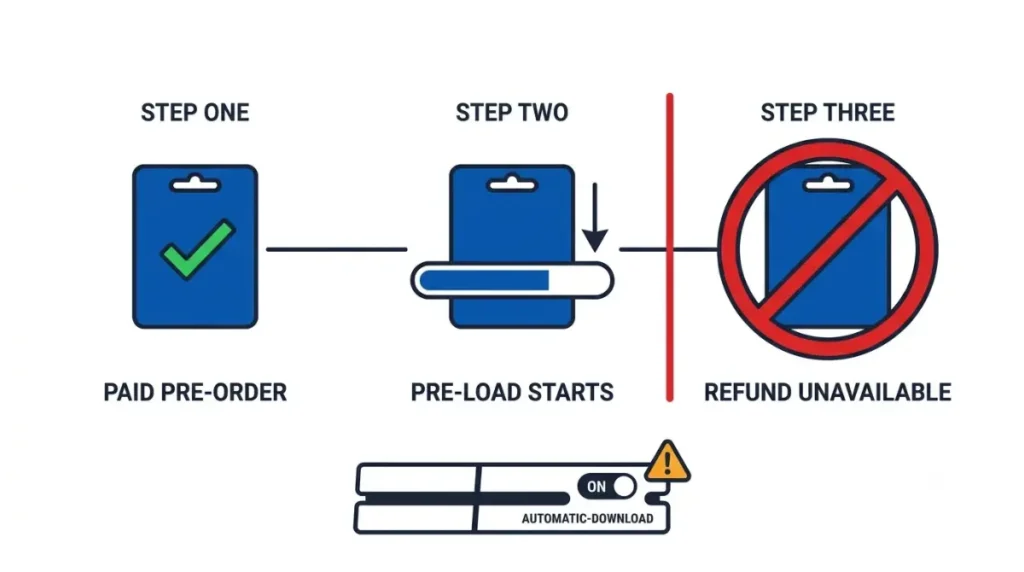
Sony allows a pre-order refund only while “the content has not started to download or stream.” The same page adds that this includes pre-loading before release, and pre-loading counts whether you start it or the console does.
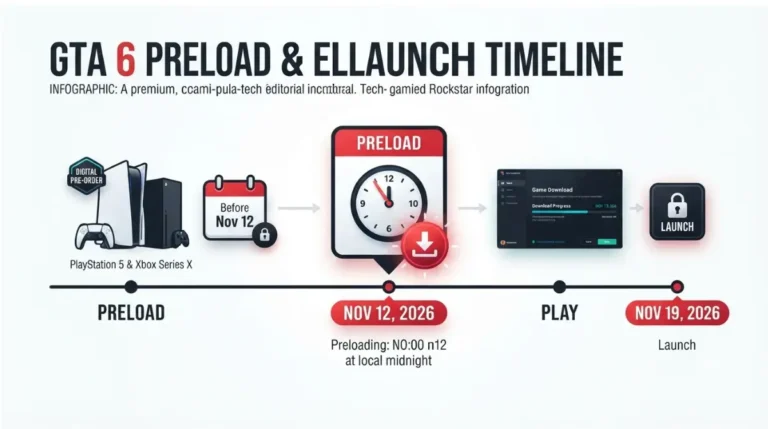
Digital pre-orders can start pre-loading at local midnight on November 12, on Rockstar’s editions page. For a PS5 with automatic downloads on, that date can become the deadline in practice, a week before launch.
Note: Sony’s page warns that downloads happen automatically if auto-downloads are enabled. The PS5 pre-load refund guide gives a deadline for each payment date and the steps to stop an automatic pre-load.
Canceling itself is a support request. Sony’s page gives one instruction, to contact PlayStation Support, and names no cancel option on the console or in the PlayStation App. Some guides send PS5 owners to a purchase-history menu instead; that path isn’t on Sony’s page.
Have three details ready when you write in: the email address on your PlayStation account, the order number from the pre-order confirmation email, and a line saying the game hasn’t downloaded. That last point is the one Sony’s rule turns on.
How do I cancel my GTA 6 pre-order on Xbox?
Microsoft lets you cancel any pre-order online, from the order history on your Microsoft account:
- Go to your Order history at account.microsoft.com/billing/orders, signed in with the Microsoft account that placed the pre-order.
- Find Grand Theft Auto VI and select Cancel item next to it.
- Tick the box next to the game, then select the Cancel item button.
- Check your inbox for the email confirming the cancellation.
That button has a time limit. Depending on how you paid, Microsoft may charge a pre-order up to 10 days before release, which puts the first possible charge for this launch at November 9. Once you’re billed, or the order has shipped, Cancel item stops appearing.
After that, the route is a refund request on Microsoft’s refund page for games, where a request can take 72 hours to process. Nothing on that page promises approval.
Boxed copies from the Rockstar Store and other retailers
The box Rockstar sells holds a download code instead of a disc, and it reaches buyers from November 12 on the editions page linked above. The GTA 6 code-in-box guide covers what’s inside it.
For a boxed pre-order from the Rockstar Store, Rockstar’s physical pre-order article sends you to Xsolla’s pre-order cancellation steps. Xsolla also handles Rockstar Store purchase support for physical copies.
Any other retailer cancels its own orders, and Rockstar’s article directs those buyers to contact the site or store directly. Sony’s PlayStation Store cancellation policy also excludes vouchers bought from other retailers, so PlayStation Support can’t refund a boxed code even when it’s for PS5.
Note: keep the box sealed and the code unredeemed until you’ve decided. Codes redeemed before launch begin pre-loading when pre-load opens, and no Rockstar page sets a retailer’s return terms for an opened box.
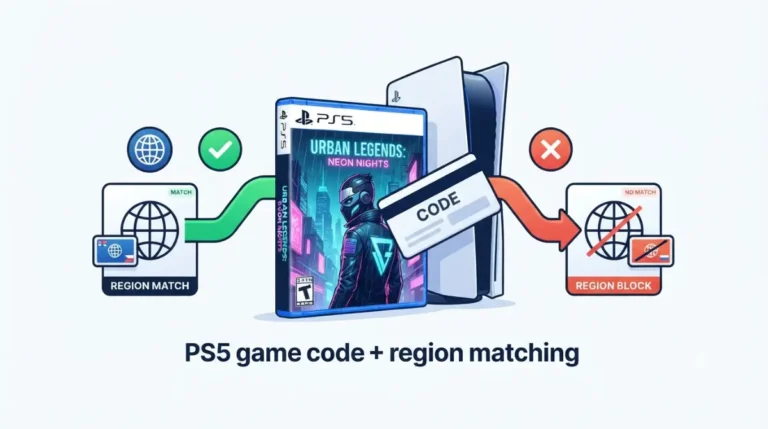
A PlayStation box sold for another region won’t redeem on your account. The PS5 region lock guide lists which country groups match, which helps before you choose between returning the box and keeping it.
Canceling takes the bonuses with it
Extra content that a PlayStation pre-order makes available before release stops being accessible once you cancel, under the same Sony pre-order terms.
The GTA+ month is stricter. Rockstar’s GTA+ redemption page limits it to one redemption per platform account: “If a player refunds their purchase of GTAVI and then pre-orders it again, they will not receive another free month of GTA+.” The page doesn’t say what happens to a month you’ve already redeemed when the game is refunded, and the membership renews monthly at the regular price until canceled. Turning off that renewal is a separate step, covered in how to cancel the GTA+ month.
The Vintage Vice City Pack is tied to digital purchases made before the pre-order bonus cutoff. Rockstar hasn’t said how a canceled order that’s replaced by a new one is treated.
If the edition is the only problem, canceling isn’t needed. Standard owners can buy the Ultimate Edition Upgrade later as a separate add-on, and the Ultimate Edition rewards list shows what it adds.
Refunds after launch and after any new delay
Once the game is out, a PlayStation Store purchase can be canceled within 14 days if it hasn’t started downloading or streaming. A started download is refundable only “unless the item is faulty,” in the wording of Sony’s cancellation policy, and Sony doesn’t define faulty.
Xbox purchases made after launch go through the same Microsoft refund page as a billed pre-order.
Rockstar has published no refund terms tied to a delay. Both stores measure from the release date: Sony’s pre-order window runs to it, and Microsoft’s charge date is counted back from it. If Rockstar moves the date, both points move with it.
Why is the cancel button missing?
The answer depends on the store and on what has already happened to the order.
- PS5 or the PlayStation App shows no cancel option: Sony’s page routes pre-order cancellations through PlayStation Support.
- Cancel item has gone from your Microsoft order history: the order has been billed or shipped, so request a refund instead.
- The PS5 has already pre-loaded: once any part of the main game has downloaded, only content Sony accepts as faulty stays refundable.
- The refund went to your PlayStation Store wallet: orders paid with mobile operator billing or money vouchers are refunded there instead of to the original method.
Past these four cases, the decision sits with PlayStation Support or Microsoft, and only they can reverse a charge.
Switch off auto-download, then decide
If you’re still unsure on PS5, turn off automatic downloads before pre-load opens, so the console can’t close the refund window for you. On Xbox, decide before Microsoft bills you. If you keep the order, the guide to a stalled GTA 6 pre-load covers what to check when the download doesn’t start.