Why Your Minecraft Seed Looks Different, and the Exact Checks

Minecraft seed looks different? Java and Bedrock use separate version numbers, and that’s only the first of seven places to look.
Table of Contents
📌 Quick answer: Your seed looks different because a seed only reproduces the same world on the same edition, game version, and world settings. Check three things: Java or Bedrock, your exact version (26.3 added a new biome), and whether you’re in chunks explored before the update, which keep their old terrain. Then re-enter the seed, minus sign included.
🕒 Verified against: Minecraft Java Edition 26.3 and Bedrock Edition 26.50 (26.51 hotfix noted), checked October 1, 2026 · Stability: Semi-stable.
Same seed, different world: find your cause
Start here: a Minecraft seed rebuilds the same world only when the same generator runs with the same settings. Change the edition, version, or a setting and the result changes. Java seed list or video: checks 1, 2, 6. Bedrock or console: checks 2, 4, 5. Old world after an update: check 3. Server or Realm: check 7.
Find your symptom
| # | Check | What you see | Key detail / fix |
|---|---|---|---|
| 1 | Version | Differs from a video or list | Match the seed’s version |
| 2 | Edition | Terrain matches, structures don’t | Use the posted edition |
| 3 | Explored chunks | No new biome in an old world | Travel to unexplored land |
| 4 | Seed entry | Unrelated world | Re-enter it, minus sign included |
| 5 | World settings | Odd terrain, no structures | Reset world type, structures on |
| 6 | Seed source | List or map disagrees | Check its version label |
| 7 | Setup | Mods, servers, Realms | See edge cases |
What “same seed” means
The Minecraft Wiki, a community-maintained reference, says Bedrock 1.18.0 replaced its random number generator, so the same seed produced different terrain. For what the current drop changed, see what 26.3 changed for seeds.
Check your exact game version first
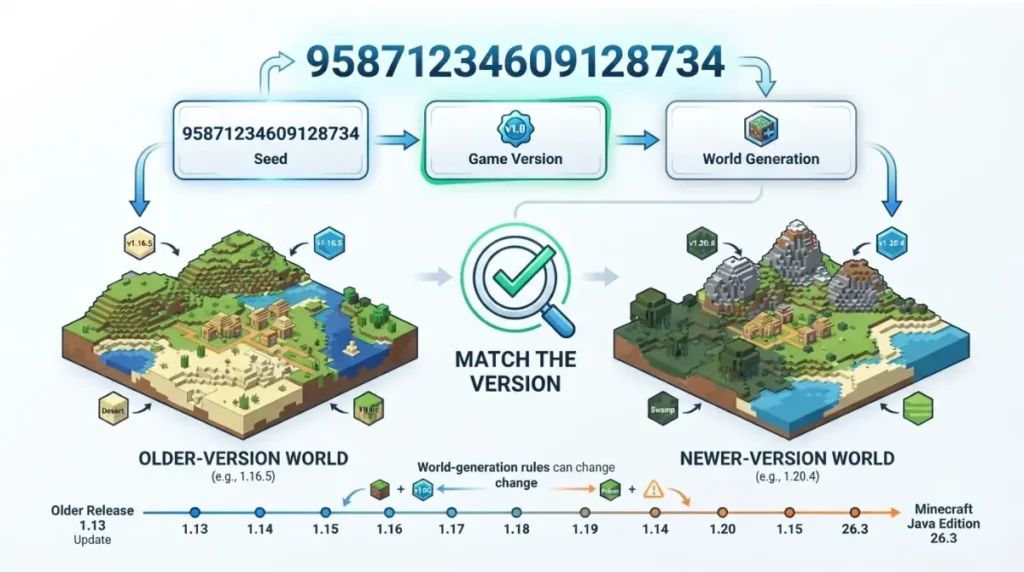
A seed only matches the version it was found on, so settle the version before anything else.
🔧 Try this:
- Read the version number on the title screen; the wiki says it sits at the bottom of the screen.
- Find the version your seed list or video used. If none is stated, treat the seed as unverified.
- On Java Edition, minecrafthub.io says the launcher’s Installations tab lets you choose an older version.
🔍 Why it happens: A seed is only a starting number. The generator that reads it changes between versions, so the same number can build a different world. Mojang lists generation changes in each release’s notes, such as the official Java 26.3 notes and the Bedrock 26.50 changelog.
We keep the current version for each edition in our main seeds guide.
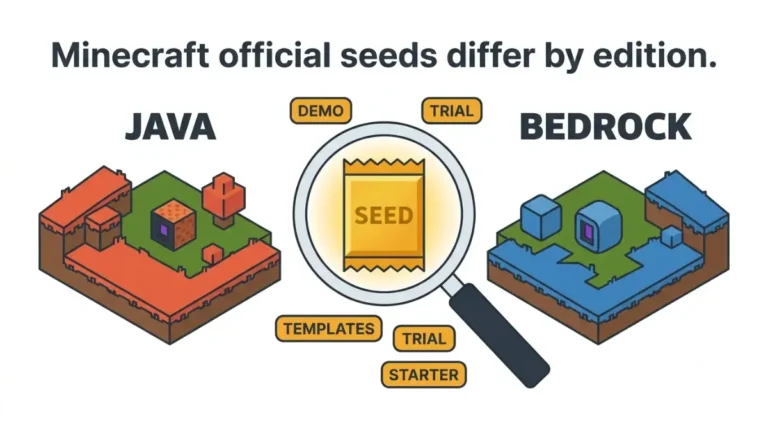
Java and Bedrock aren’t identical worlds
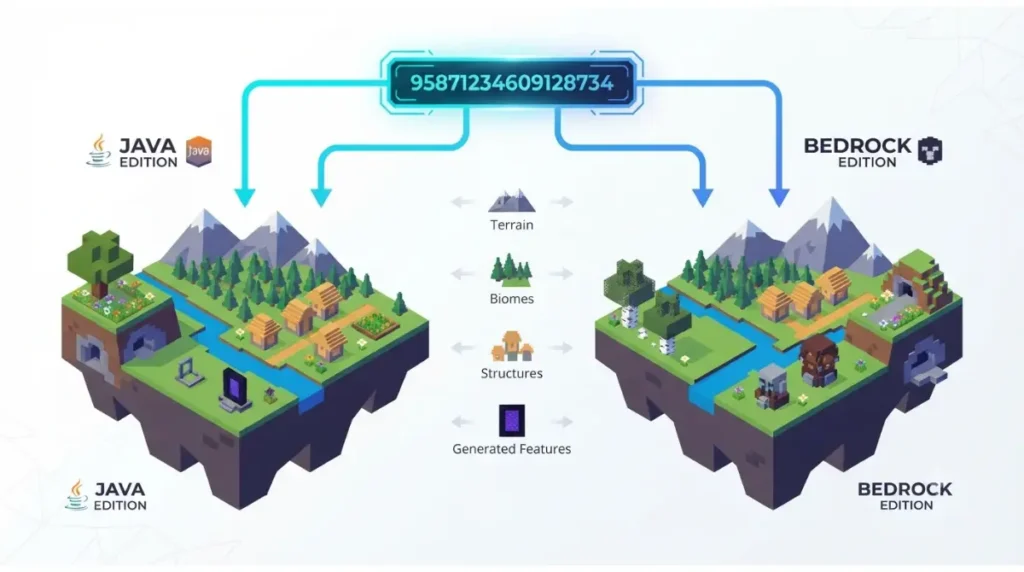
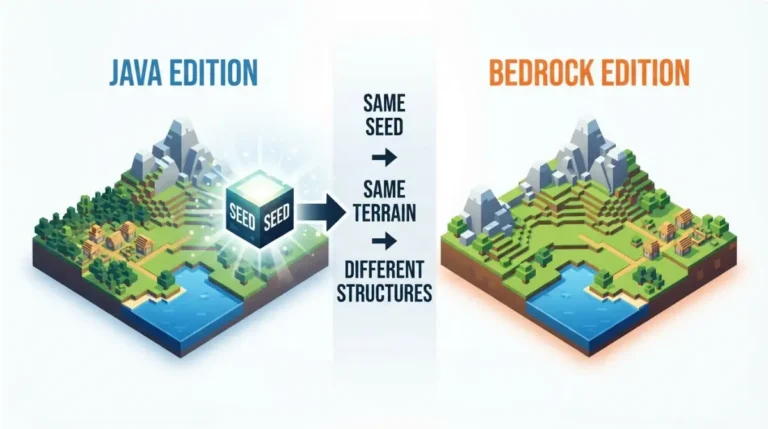
Matching a seed across editions gets you matching terrain at best, not matching worlds.
What matches and what doesn’t
| Part of the world | Same seed, Java vs Bedrock | Key detail |
|---|---|---|
| Terrain and biomes | Match | Per the Minecraft Wiki, community-maintained |
| Structures such as villages | Differ | Locations differ between editions |
| Caves, decoration, mob spawns | Differ | Also edition-specific |
Both common claims are wrong: that the editions make identical worlds, and that they make entirely different ones. generate-random.org takes the second view, while the wiki says terrain and biomes match.
🔎 Unconfirmed — Reported: The match is community-sourced. We haven’t confirmed it for the new biome added in 26.3. If it fails there, biome edges could differ between editions.
Why your village moved
Structure placement differs by edition, so a village from a Java list may sit elsewhere in Bedrock. That is expected, not a typo.
Your old world won’t redraw itself
A world is built chunk by chunk as you explore, so updates reach only land you haven’t generated yet.
Explored vs unexplored chunks
Chunks you’ve already generated keep the terrain they were created with. A new biome therefore shows up only in newly generated areas.
🔎 Unconfirmed — Reported: Sportskeeda reports Mojang said in 2021 that already-loaded chunks don’t receive new features, and that every update since has followed this. We found no 26.3-specific statement; release notes would flag any change.
✅ Confirmed: Mojang’s 26.3 release notes (September 15, 2026) list the Dappled Forest as a new biome found near cold biomes, and the Abandoned Camp as a new structure.
What a fresh world shows
🔧 Try this: Travel beyond your explored area, or create a new world with the seed to see current generation.
Re-check how you entered the seed
One wrong character gives a different world, so verify the entry before blaming the game.
Exact number and minus sign
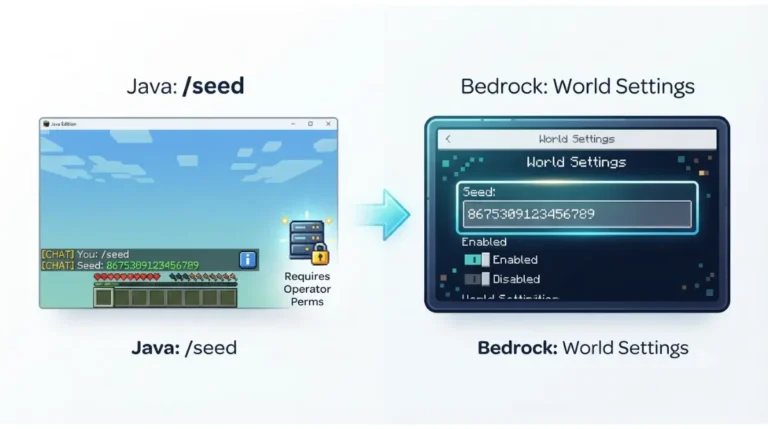
Seeds can be negative, and the minus sign is part of the number. Copy yours with /seed in Java chat or from the Edit World screen in Bedrock, per the Minecraft Wiki.
Text seeds
Java’s New World screen accepts any string of characters as a seed. minecrafthub.io reports the editions may convert the same typed text to different numbers, so share the number instead.
World settings
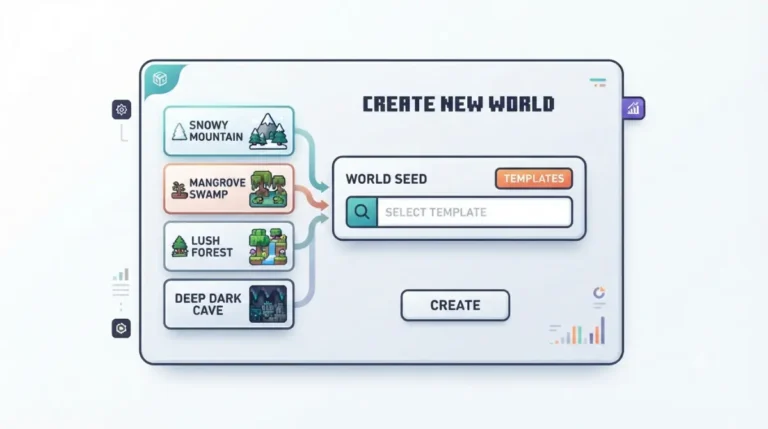
🔧 Try this: On Java, the New World screen offers Default, Superflat, Large Biomes, Amplified, and Single Biome, plus a Generate Structures toggle. Reset to Default with structures on. The wiki says Large Biomes terrain has not matched Default for the same seed since 1.18.
Seed lists and maps can be out of date
A list is only as current as the version it was tested on.
Read the version label
Before trusting a seed, check three things: the version named, the edition named, and a date after that version’s release. If any is missing, treat the seed as unverified.
When pages lag a release
Java 26.3 released September 15, 2026. As of October 1, mcpeuday still described its seeds as working in snapshot and preview versions, and ChunkSeeds described its 26.3 list as found on a snapshot.
🔎 Unconfirmed — Reported: mcseedmap.net’s own changelog says it fixed Abandoned Camp positions for Java 26.3 and Bedrock 26.50 on September 21, so map tools can need fixes after a release.
When none of these explain it
If checks 1 to 6 pass, the cause is usually your setup.
Data packs and mods
WinterNode’s server guide lists terrain mods and data packs among sources of new generation, so a modded world may not match a vanilla seed list.
Servers and Realms
The Minecraft Wiki says a Bedrock seed isn’t visible on Realms, and xgamingserver reports a Bedrock server’s seed setting doesn’t change an existing world.
What to do next
Make a fresh world on the verified version and edition, then compare. A game drop that changes generation can move seeds again, so re-check your version after each update.
FAQ
1. Why does my Minecraft seed look different?
A seed only reproduces the same world on the same edition, version, and settings, so a mismatch in any of those changes the result.
2. Are Java and Bedrock seeds the same?
Not fully. For the same seed, the Minecraft Wiki says terrain and biomes match, but structures, caves, decorations, and mob spawns differ by edition.
3. Which version should I use for an older seed?
Use the version the seed was found on. Java’s launcher lets you select older versions; check the list or video for its stated version.
4. Does an update change my existing world?
Reportedly not for chunks already generated. Sportskeeda says new generation only applies to unexplored chunks, so your seed’s old areas look unchanged.
5. How do I find my seed?
To find your seed, run /seed in Java chat or open the Edit World screen in Bedrock, per the Minecraft Wiki.
6. Does the minus sign matter in a Minecraft seed?
Yes. Seeds can be negative, and the minus sign is part of the number, so leaving it off enters a different seed.
7. Why is my village in a different spot?
Structure locations differ between Java and Bedrock for the same seed, per the Minecraft Wiki, so a Java village location may not hold in Bedrock.
8. Do text seeds match across editions?
Not always. minecrafthub.io reports Java and Bedrock may convert the same typed text to different numbers, so share the numeric seed instead.
9. Why doesn’t a seed from a video match?
The video’s version, edition, or settings likely differ. Check its stated version first, since a seed matches only the version it was found on.
10. Do mods or data packs change seed terrain?
They can. WinterNode’s server guide lists terrain mods and data packs as sources of new generation, so modded worlds may not match vanilla seed lists.
Work the ladder in order: version, edition, explored chunks, seed entry, world settings, seed source, then setup. Whichever check you fail, the fix sits in that row of the table above. For a heads-up when a drop affects seeds.